On this page
Two questions decide whether this comparison is for you. Open your Front inbox and look at last week. Were most of the conversations website chats? And did more than a couple of email threads need a teammate to leave a comment or share a draft before anyone replied? If the first answer is yes and the second is no, you may be paying for a collaborative email client to run a chat widget, and this talvo vs front comparison is written for you. If the second answer is a loud yes, Front is probably the right tool, and most of what follows is about what you would lose by leaving.
Talvo makes a competing product, so here is how we kept this fair. Every Front number comes from Front's pricing page and its Autopilot help article, checked on October 21, 2026, with the arithmetic shown. Every Talvo claim comes from our own product and pricing. If you are still deciding between several tools rather than two, our Front alternatives roundup sorts them by what you want to keep, and Front pricing explained covers Front's plans on their own.
Who should stay on Front
Stay if email is where your team lives. Front's strength is people working on the same thread: internal comments a customer never sees, shared drafts, assignments, calendar, individual and shared inboxes. Stay if you need Salesforce, HubSpot or Dynamics sync, SMS, social or WhatsApp in the same inbox, a customer portal, or SAML single sign-on and SCIM. Talvo has none of those, and no amount of price difference makes up for a missing requirement.
Look at Talvo if your center of gravity has moved to the chat widget and to AI answers drawn from your own help articles, and the bill that grows with every seat has started to sting. That is a narrower group than everyone who uses Front. We would rather say so now.
Talvo vs Front, priced: the same team on both billing modes
Front charges per seat. Starter is $25 a seat a month on annual billing ($35 monthly), for up to 10 seats and a single channel type: email, or Front Chat, or SMS, not all three. Professional is $65 ($85 monthly), for up to 50 seats, and is the plan with every channel, SLAs, webhooks and CRM sync. Enterprise is $105 and annual only. There is no free plan, though the 14-day trial runs on Professional features and needs no card.
Talvo charges per workspace. Starter is $49 a month for 5 teammates and 100 AI resolutions, the Growth plan is $149 for 15 and 500, and Scale is $299 for 25 and 2,000, with extras at $0.49 each. Annual billing makes those $39, $119 and $249. Adding a teammate up to the limit never changes the bill.
A team that wants email and chat has to be on Front Professional, because Starter allows one channel type. So that is the Front plan priced below. The teams are 3, 5 and 10 people, and the AI resolves 180, 600 and 1,800 conversations a month. Those are the same assumptions as in our Front alternatives post: Front's AI is billed per conversation, and we assumed 60% of 300, 1,000 and 3,000 AI-touched conversations end up resolved. That 60% is our assumption, not a vendor figure.
| Team | Front Professional, annual | Front Professional, monthly | Talvo, annual | Talvo, monthly |
|---|---|---|---|---|
| 3 people, 180 resolutions | 3 × $65 + 180 × $0.89 = $355.20 | 3 × $85 + $160.20 = $415.20 | Starter: $39 + 80 × $0.49 = $78.20 | Starter: $49 + $39.20 = $88.20 |
| 5 people, 600 resolutions | 5 × $65 + 600 × $0.89 = $859 | 5 × $85 + $534 = $959 | Growth: $119 + 100 × $0.49 = $168 | Growth: $149 + $49 = $198 |
| 10 people, 1,800 resolutions | 10 × $65 + 1,800 × $0.89 = $2,252 | 10 × $85 + $1,602 = $2,452 | Scale: $249 (2,000 included) | Scale: $299 |
How to read it. The Front side is a floor. Autopilot charges once per conversation at the highest level reached, so every conversation it triages ($0.05) or hands off after gathering context ($0.39) adds to the bill, and those are not in the table. Copilot, Front's AI assistant for your agents, is $20 per seat on top. Add it and the three Front rows become $415.20, $959 and $2,452 on annual billing, and $475.20, $1,059 and $2,652 monthly. On Talvo, the drafted replies, summaries and one-click translation are part of the Starter plan and up.
The Talvo plan is the cheapest one that fits, and it changes with billing. The 10-person team can't use Starter (5 teammates), and on annual billing Growth would cost $119 + 1,300 × $0.49 = $756, so Scale at $249 is cheaper. The 5-person team on monthly billing could use Starter, but $49 + 500 × $0.49 = $294 is more than Growth's $198.
Two honest caveats. First, if you only need one channel, the comparison shifts: 3 seats on Front Starter are $75 a month annual or $105 monthly, with no AI, which is close to Talvo's Starter plan at $39 or $49. Second, Front's cliffs are real but different from ours. The 11th seat pushes you from Starter to Professional, and Talvo's cliffs are the 6th teammate (Starter to Growth) and the 16th (Growth to Scale). We wrote more about why seat counts bite in per-seat vs flat pricing.
What counts as an AI resolution on each side
Front's Autopilot has three price points. Triage is $0.05 ("automate tagging and routing"), handoff is $0.39 (it gathers context or drafts a reply before handing off) and resolution is $0.89 (it fully resolves the conversation without any replies from your team). Usage is pay as you go, invoiced monthly, and volume discounts need pre-paid commitments. Front's help center mentions a 30-day trial with up to 1,000 resolutions.
Talvo has one price point. A resolution is a conversation the AI answered end to end from your published articles without a teammate stepping in, counted once per conversation. A hand-off to a person is never billed.
| Front Autopilot | Talvo | |
|---|---|---|
| Triage or tagging | $0.05 per conversation | Not billed |
| Hand-off to your team | $0.39 per conversation | Never billed |
| Full resolution | $0.89 | $0.49 past the plan's allowance |
| Included allowance | None (a 30-day trial exists) | 100, 500 or 2,000 a month by plan; 25 on Free during the beta |
| Spending control | Pay as you go, invoiced monthly; volume discounts need a pre-paid commitment | No spending cap. The control is turning AI off for the workspace |
Front's model has a fairness to it: you pay for outcomes, and a team with very low AI volume may pay little. The catch is that the cheap rungs are not where a busy team ends up. Our broader AI resolution pricing comparison lines up every vendor's meter.
A Front chat alternative: the widget and the AI
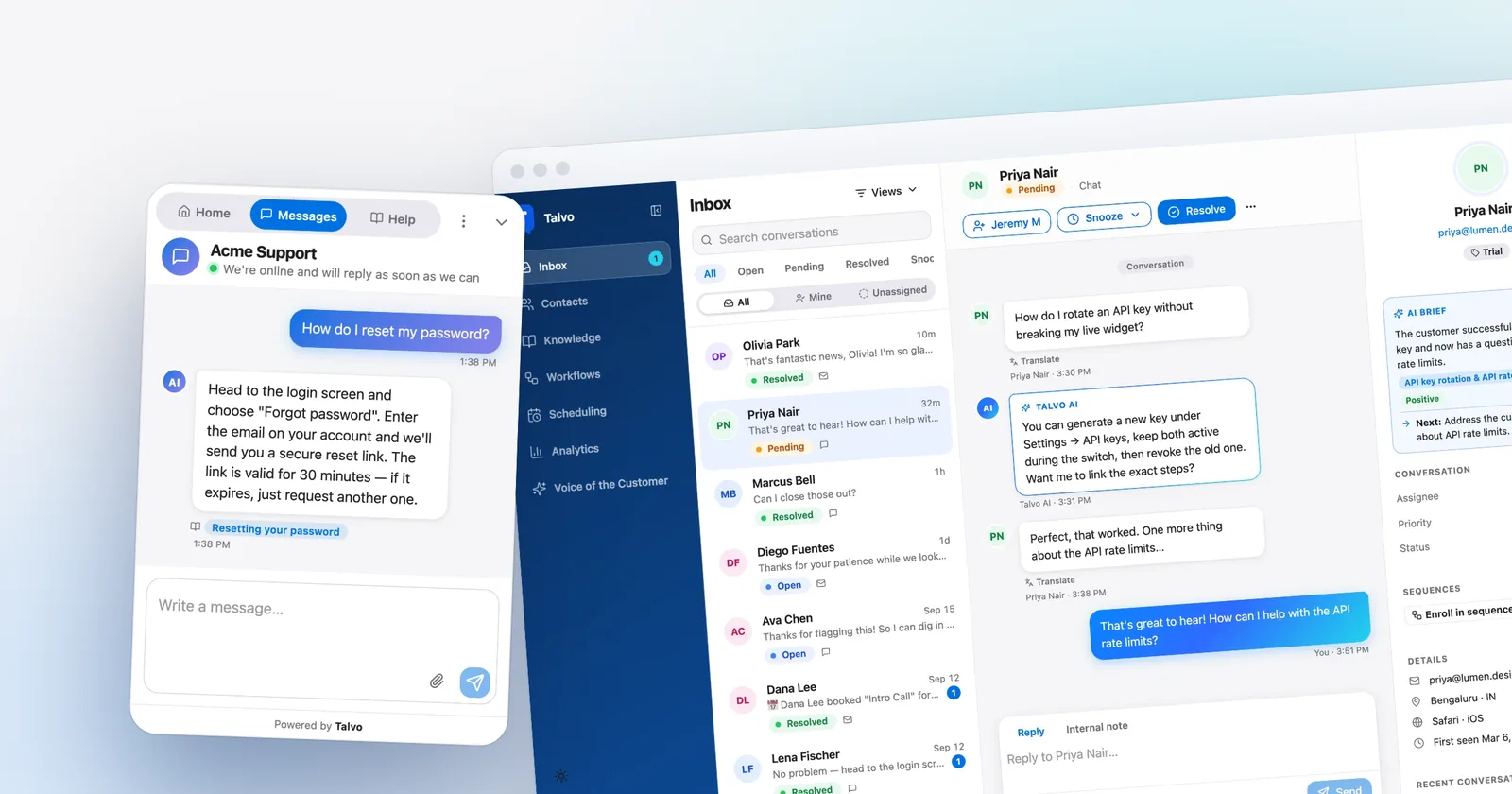
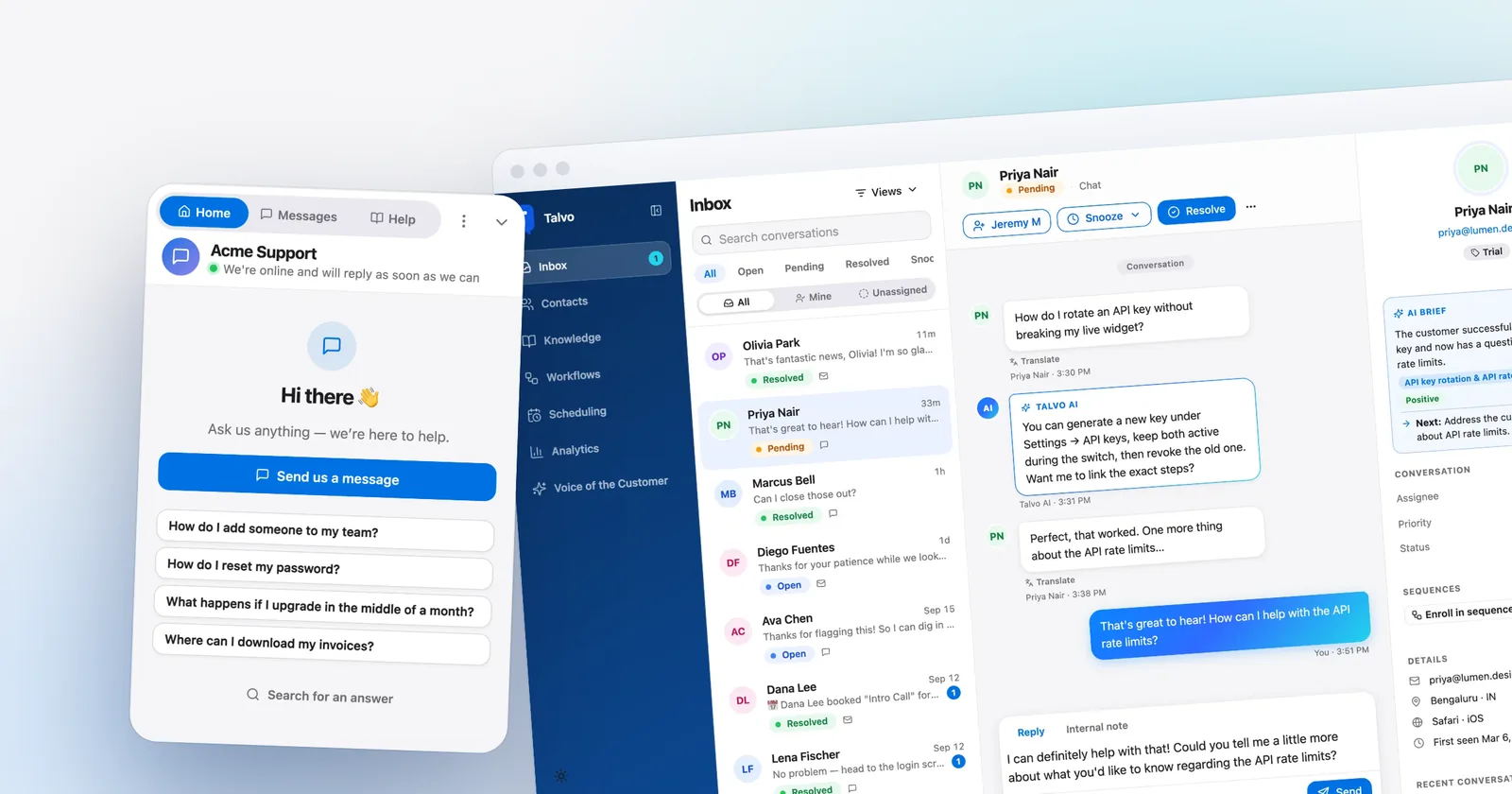
If what you really use is Front Chat, the widget with its chatbots, offline hours, pre-chat form and proactive messages, then the question is what a chat-first tool does with the same traffic. Talvo's widget is a script tag you paste before the closing body tag, and works on any site where you can add one (install guide).
The AI agent answers only from your published help articles and shows which one it used. When it isn't confident, or has no article to answer from, it hands off with the conversation intact and your team gets a push and an email alert. It replies in the customer's language. There is no "talk to a person" button in the widget, but you can keep a list of topics, such as refund or cancel, that always go straight to a person (how hand-off works).

Business hours and an away message are on every plan, and so is the post-resolution star rating. On the Starter plan and up, proactive campaigns can pop a message on a page, with targeting limited to the URL containing some text, a delay in seconds and returning visitors. That is thinner than Front's chat toolkit, and we won't pretend it is not. What you get in exchange is that chat, email, the AI and a hosted help center are one product at one price.
Front's help center is more capable than ours as well. Its Professional plan allows a custom domain for the knowledge base, and Talvo's help center has no custom domain.
Email: where Front is far ahead
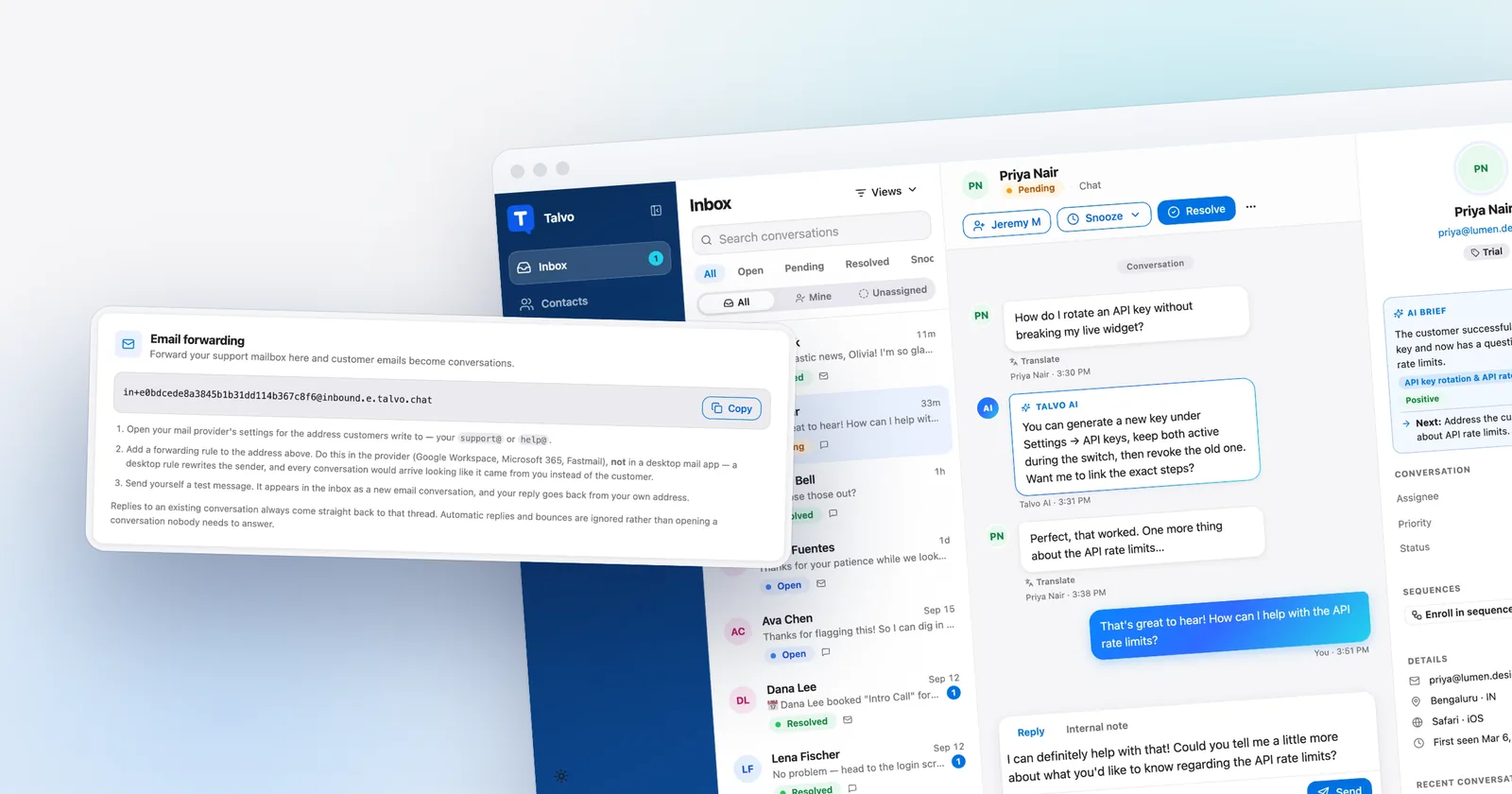
Front was built for email, and the gap here is the one to weigh most carefully. Talvo handles email as one channel among others. You forward your support address into Talvo (setup), and customer emails become conversations on the same contact as their chats. Replies go out as email and thread back into the same conversation.
Here is exactly what that means, because it is where a Front user will feel the difference. Replies are sent from Talvo's sending address, with your workspace's name as the display name, not from your own domain. There is no custom sending domain. Replies do not appear in your Gmail Sent folder, since nothing goes through your Google account. Past email history can't be imported, only contacts. Attachments do work in both directions: up to 10 files per email, 25 MB each coming in, and up to 10 files and 30 MB in total going out, with anything beyond that sent as download links. API replies are text only.
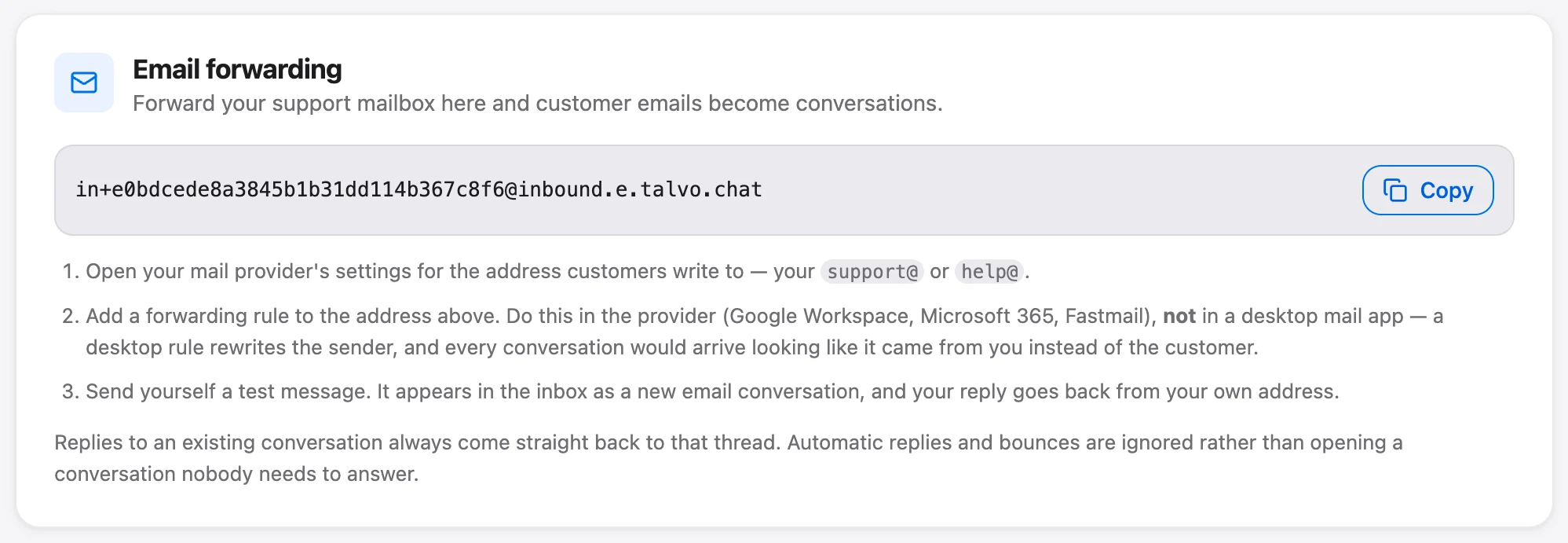
Teamwork on an email thread is where Talvo is plainer than Front. A conversation can be assigned, prioritized, tagged and snoozed. Teammates can leave internal notes and @mention each other, which sends a push and an email. Collision detection shows "Sam is replying…" and "Sam is also viewing this conversation" so two people don't answer the same email. We will not claim anything like Front's shared drafts or its calendar. For the longer version, our Front alternatives post has a section on what Talvo's email does and doesn't do next to Front, and shared inbox for small teams covers what a small team actually needs from one.

If email is a light load, a few forwarded messages a day alongside chat, that is a reasonable trade. If your mailbox is the job, it isn't.
Where Front wins
- The deepest email collaboration here: internal comments, shared drafts, assignments, calendar
- CRM sync with Salesforce, HubSpot and Dynamics on Professional, plus a large integration catalog
- SMS, social, WhatsApp (as an add-on) and a customer portal with ticket forms on Professional
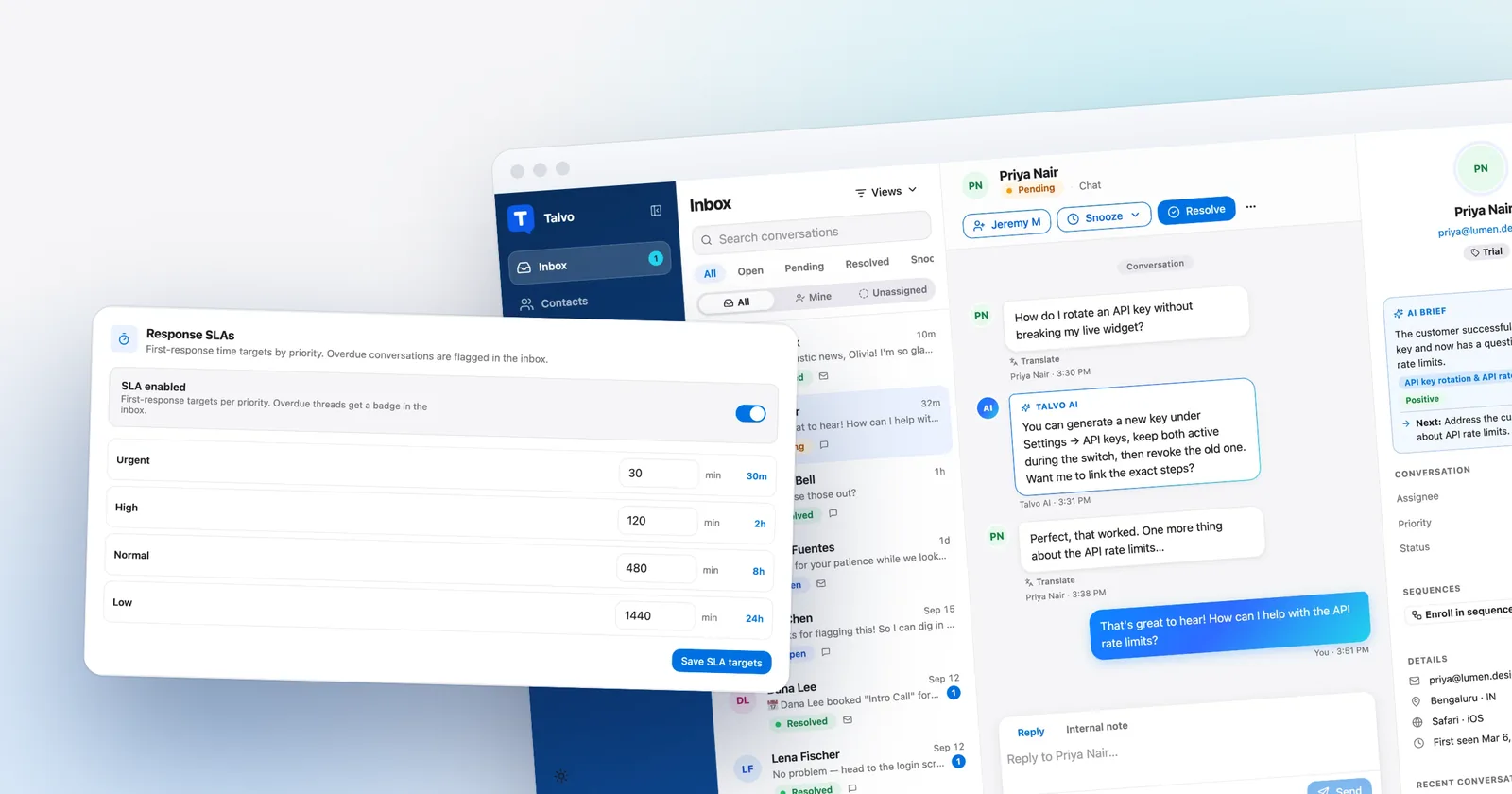
- Ticket SLAs, webhooks and load balancing on Professional, with up to 5 workspaces
- SAML SSO and SCIM on Professional, custom roles on Enterprise
- A mature product with a knowledge base that supports a custom domain on Professional
- Per seat: 5 seats on Professional are $425 a month ($325 annual) before any AI
- Starter allows one channel type only, and has no ticket SLAs or webhooks
- Copilot is $20 a seat and Autopilot is $0.89 a resolution, both on top of seats
- No free plan, and Enterprise is annual only
The compliance row deserves a plain sentence. If a security review asks for SAML single sign-on, SCIM or custom roles, Front has them on its upper plans, and Talvo has no SAML single sign-on, no SOC 2 report, no HIPAA support and no data-region choice. What Talvo does do is basic and checkable: HTTPS, tenant isolation, hashed API keys, signed webhooks and a public subprocessor list on our security page. That isn't an audit. Front's own security page is the place to check its certifications.
The rest of Talvo's gap list, so nothing surprises you: no WhatsApp, SMS, Instagram, Messenger or phone channels (the first four are on the roadmap, not shipped). No Salesforce, HubSpot or Dynamics sync. Integrations today are a REST API, signed webhooks and Slack, so no Zapier either. No customer portal. Mobile means a browser rather than an App Store app. And Talvo is new, in beta and has no reviews on G2 or Capterra.
Talvo's edge, stated once: a flat price, AI answers at $0.49 with an allowance included, and chat, email and a help center in one place. The Free plan covers 2 teammates, and during the beta it includes 25 AI resolutions a month.
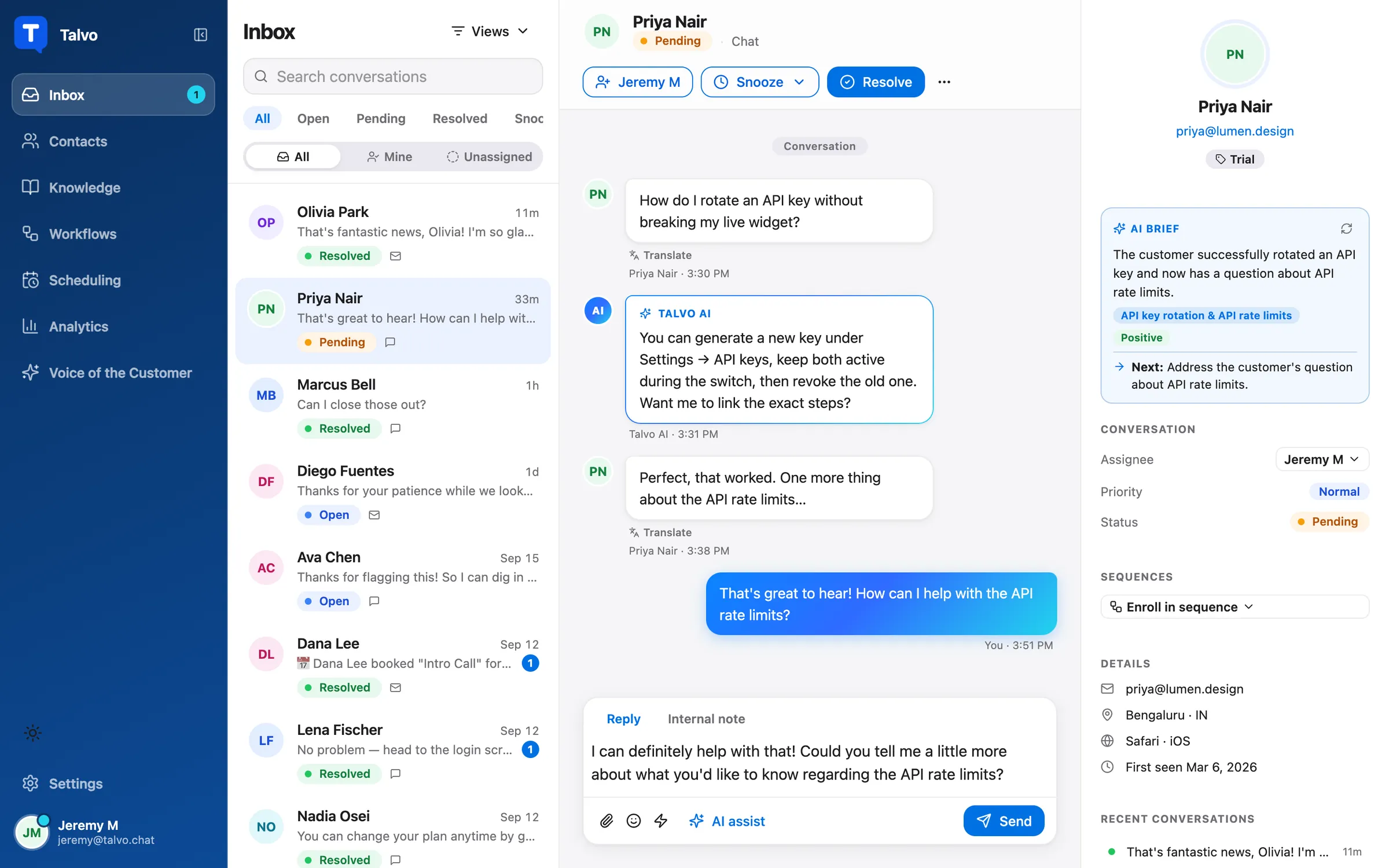
Moving a chat-heavy Front setup to Talvo
Most of a chat-first switch is an afternoon. The email side takes longer, because the habits do.
- Import your help contentIn Talvo, open Knowledge, then Import, and paste the public address of your help center (how it works). Imported articles arrive as drafts, and the AI only answers from published ones, so review before you publish.
- Export your contactsUpload a CSV with name, email, company and phone on the Contacts page, up to 2,000 rows. People are matched by email, so nothing duplicates.
- Swap the widgetPaste Talvo's script tag before the closing body tag and remove Front Chat once you are happy.
- Point your support emailForward your support address to the one in Settings, then Inbox, then Email forwarding. Send yourself a test with an attachment.
- Rebuild your shortcutsRecreate the macros you use as shared canned responses, and the rules you rely on as routing rules (Growth plan).
- Run both for two weeksKeep Front on email while Talvo covers the website, and watch which questions the AI hands off.
Conversation history does not move. Talvo imports contacts, not past conversations or email, so export anything you need to keep from Front first.
- Check your billing mode and renewal date, especially if you are on annual
- Count which of your current rules and macros you actually use
- List anything you rely on that Talvo lacks: shared drafts, CRM sync, SMS, WhatsApp, SSO
- Export contacts and any conversations you need to keep
- Decide which channel moves first (usually the website widget)
- Tell your team that replies will come from Talvo's address, not the support mailbox
Front's 14-day trial, which needs no card, makes the reverse trip easy if you move and miss it. For the wider field, best live chat software for small business lists the chat-first tools, and if you are weighing Front against a classic help desk, Talvo vs Help Scout covers an email-first alternative with the same kind of arithmetic.
Which should you choose?
- most of your conversations are website chats and your email load is light
- you want AI resolutions at $0.49 with an allowance included, instead of $0.89 from the first one plus triage and hand-off charges
- you don't want a bill that grows with every seat, or a Starter plan that allows one channel type only
- you want chat, email and a hosted help center in one product at a flat price
- you can accept being early on a beta product with no reviews yet
- your team works in email threads and uses comments, shared drafts and assignments every day
- you need Salesforce, HubSpot or Dynamics sync, or a large integration catalog
- you need SMS, social or WhatsApp in the same inbox, or a customer portal
- a security review requires SAML single sign-on, SCIM or custom roles
- you want a mature product with a long track record
Frequently asked questions
Is Talvo a good alternative to Front?
For a team whose Front use is mostly website chat plus a light email load, yes, and it costs far less: 5 people with 600 AI resolutions are $168 a month on Talvo's Growth plan (annual billing) against $859 on Front Professional. For a team that lives in email threads, uses shared drafts and comments, or needs CRM sync, Front is the better tool.
What is a good Front chat alternative?
It depends on what you use Front Chat for. Talvo is a chat-first option with an AI agent that answers from your published articles and hands off to a person when unsure, priced per workspace. Crisp and Tidio are other chat-first tools. On Front Starter, chat can only be your single channel type, so teams wanting chat and email on Front pay for Professional.
How much does Front cost compared with Talvo for 5 people?
Front Professional is 5 × $65 = $325 a month on annual billing, or 5 × $85 = $425 monthly, before AI. With 600 AI resolutions at $0.89, that is $859 or $959. Talvo's Growth plan is $119 annual or $149 monthly for up to 15 teammates and 500 resolutions, plus 100 extra at $0.49, so $168 or $198.
Does Front's Starter plan include live chat and email?
Not both. Front Starter allows a single channel type, which is email, Front Chat or SMS, for up to 10 seats. Email plus chat needs Professional, which is $65 a seat on annual billing or $85 monthly. Starter also has no ticket SLAs or webhooks.
How does Front's Autopilot pricing work?
Autopilot, Front's AI agent, is billed per conversation by outcome: $0.05 for triage, $0.39 for hand-off and $0.89 for a full resolution. A conversation is charged once, at the highest level reached. It is pay as you go, invoiced monthly, and Copilot for your agents is a separate $20 per seat.
Can I use Talvo for email instead of Front?
Yes for a light email load. You forward your support address into Talvo, customers' emails become conversations, and replies thread back. Replies are sent from Talvo's address under your workspace name, they don't appear in your Gmail Sent folder, and attachments work in both directions. Talvo has no shared drafts and no CRM sync.
What do I lose by leaving Front for Talvo?
The email collaboration depth (comments, shared drafts, calendar), Salesforce, HubSpot and Dynamics sync, SMS, social and WhatsApp channels, a customer portal, SAML SSO and SCIM, and a mature product with reviews. Talvo is in beta. Past conversations also don't transfer, only contacts and public help articles.
Sources
Other products' prices and features change. We checked these pages on October 21, 2026; if something is out of date, tell us and we'll fix it.