
Grounded in your knowledge base with semantic search, Talvo's AI finds the right article — even across languages — replies in the customer's own language with cited sources, and hands off to your team when your articles don't answer the question. Its answers follow your brand voice. On paid plans, it's priced per resolution past the included allowance.

The real Talvo app, shown with our demo workspace.
Resolution you can trust, ROI you can see
No scripted chatbot dead-ends — a real agent that reads your knowledge, cites its sources, and knows when to step aside.
Answers grounded in your knowledge base
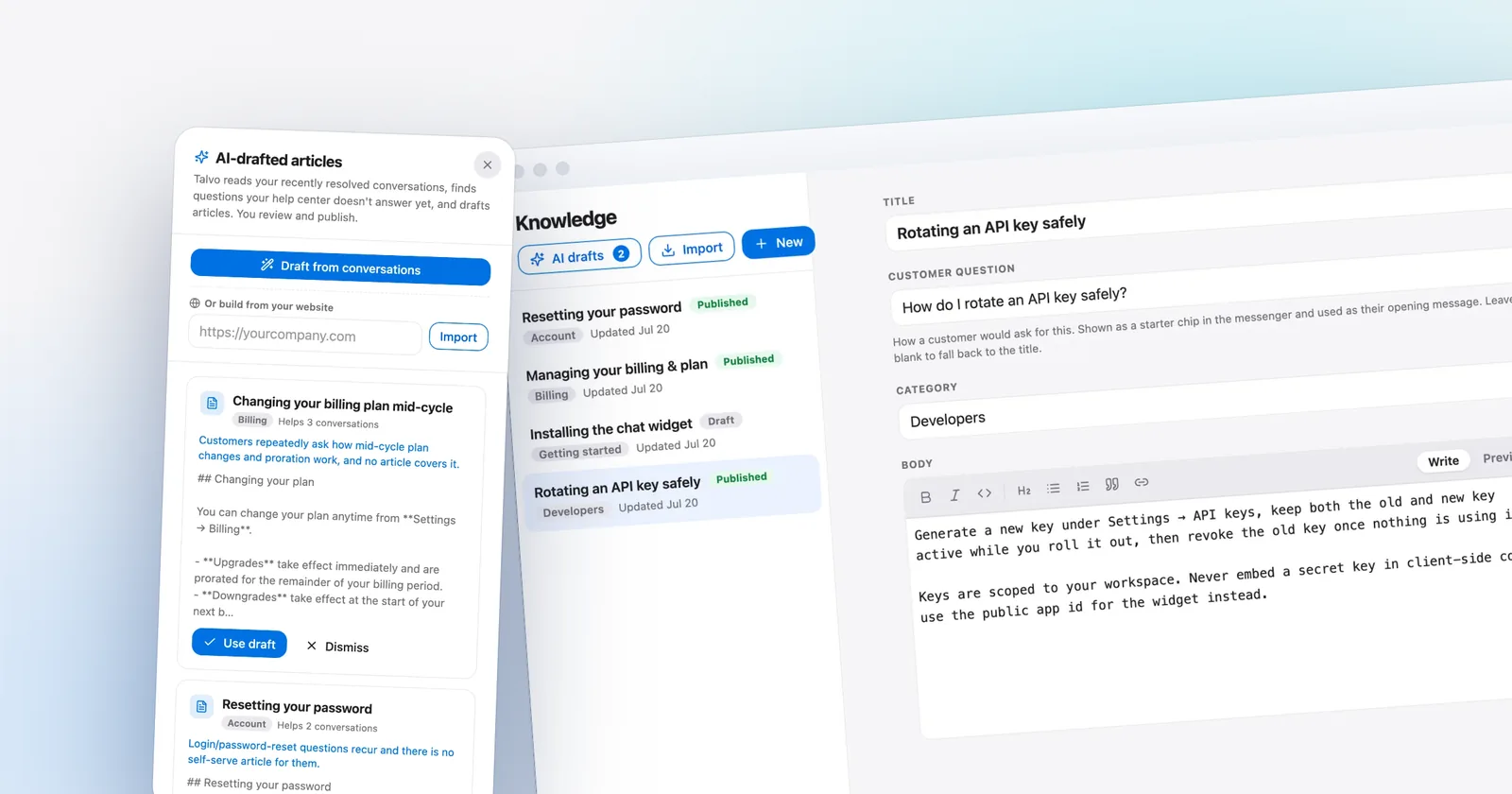
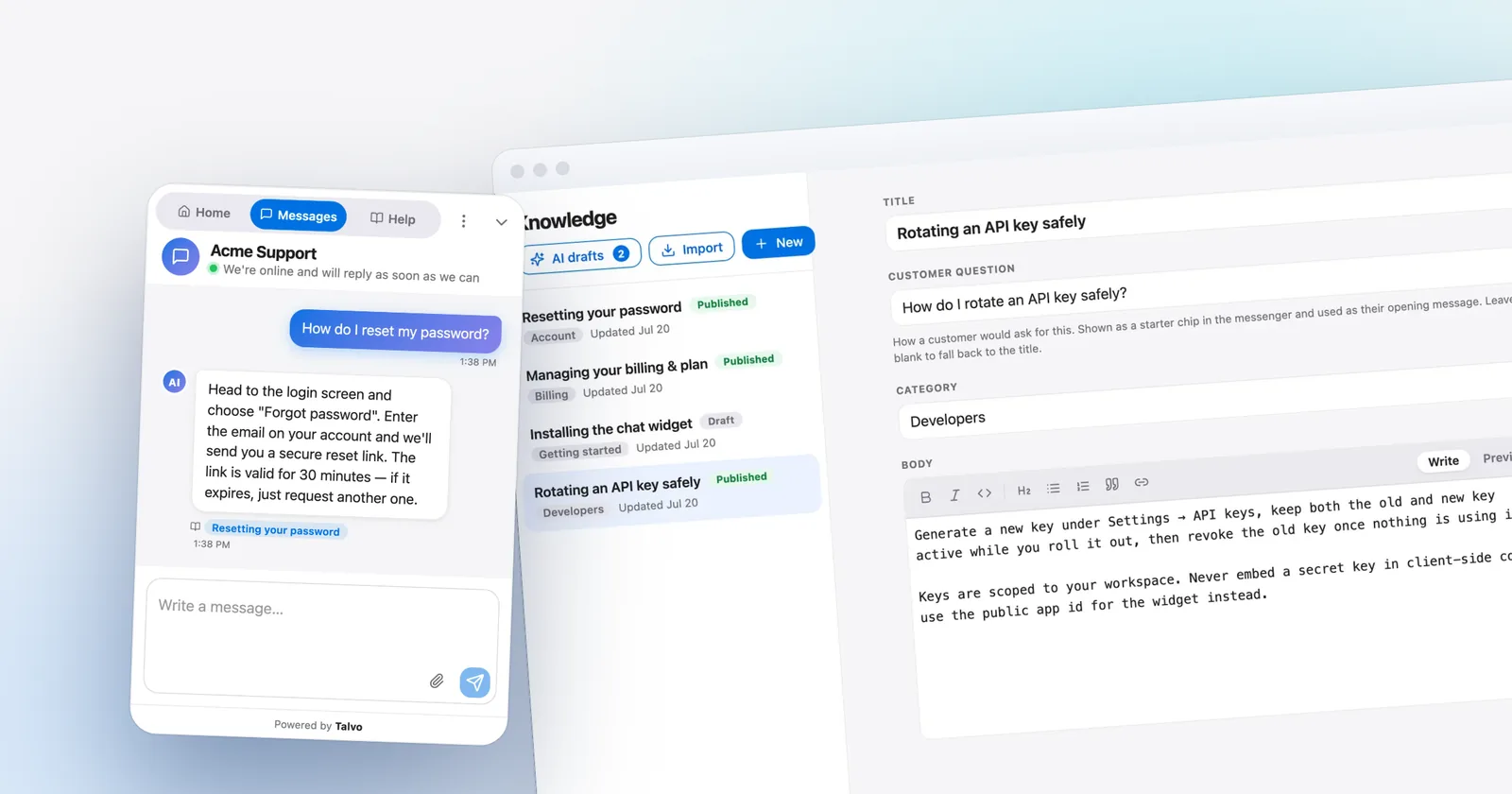
The agent understands what a customer means, not just the keywords they type — it searches your knowledge base by meaning, so “my card got billed twice” still finds your billing article. It answers from your published articles plus the knowledge files and snippets you add for it, and cites the help articles it used. If nothing is genuinely relevant, it hands off instead of guessing.
- Semantic (meaning-based) search, not keyword matching
- Cites the help articles it used
- Hands off instead of answering without a source
Escalates to a human the moment it should
When the agent can't answer from your knowledge base, it hands the conversation to your team with the full thread and a note on why it handed off, so the customer doesn't have to repeat themselves.
- Hand-off when your articles don't cover it
- A note on why it handed off
- Lands in your shared inbox instantly
Every resolution, given an estimated dollar value
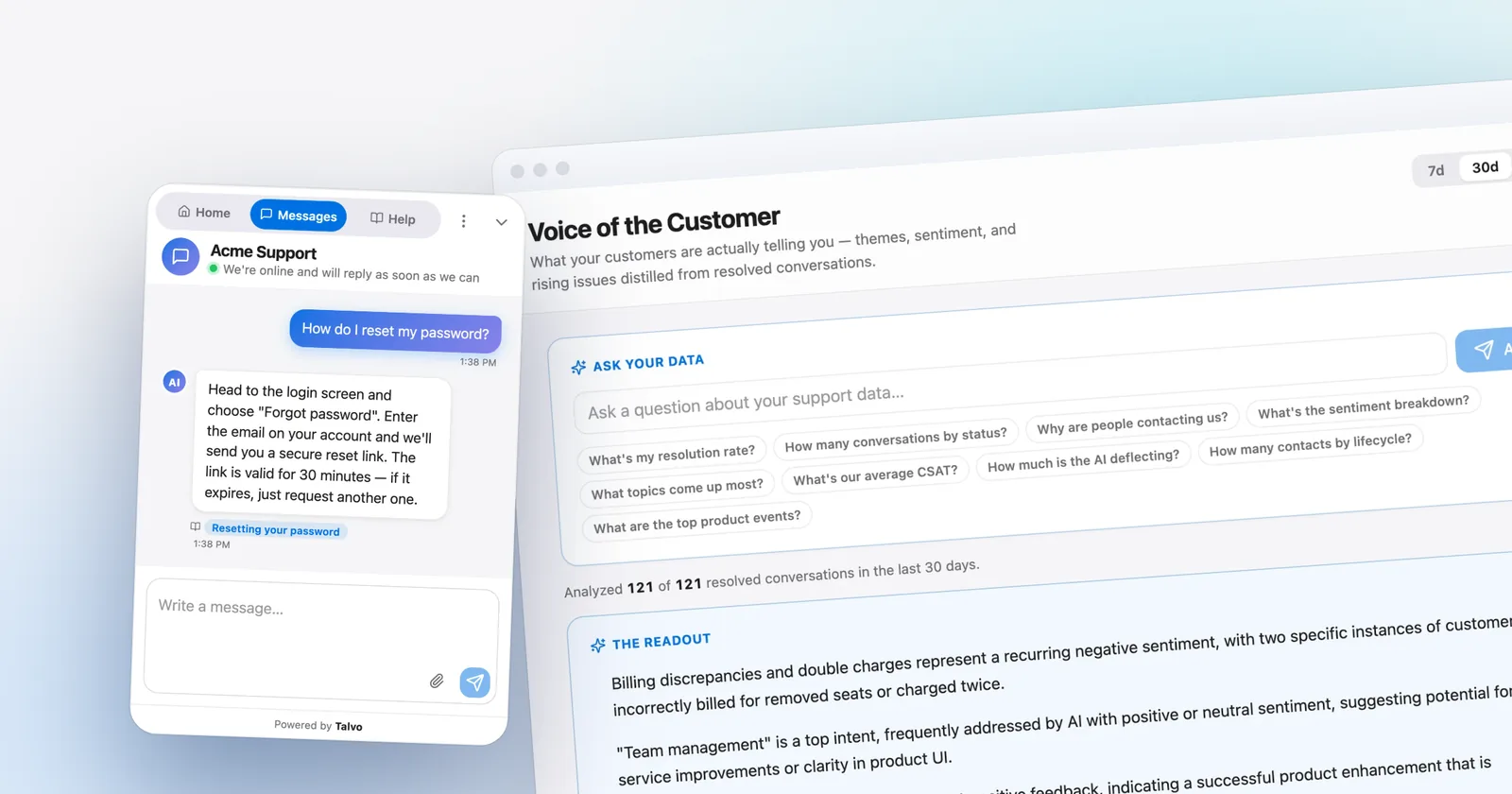
See what the agent deflects: resolution rate, CSAT on conversations the AI handled alone, and an estimate of the dollars deflected at an assumed cost per ticket. On Starter, Growth and Scale, each resolution past the plan's allowance is $0.49 — not per seat — so the cost is always in the open.
- Resolution rate & CSAT on AI-only conversations
- CSAT on conversations the AI handled alone
- Estimated dollars deflected
Answers every customer in their own language
A customer writes in Spanish, French or Japanese — Talvo detects it and replies in that same language, pulling the answer from your knowledge base no matter what language the articles are written in. Your agents can one-click translate any incoming message into English.
- Auto-detects and replies in the customer's language
- Retrieves across languages — a Japanese question finds an English article
- One-click translate for agents in the shared inbox
A model per task, your voice
Talvo runs on OpenRouter and picks a model for each task. You can pin a model in Settings for the copilot and knowledge-base drafting; customer-facing answers use Talvo's default model for that task. Model costs are included in your plan. Set a brand voice once and the AI's answers follow it: your tone, your do's and don'ts, your sign-off.
- Pin a model for copilot and KB drafting
- No API keys to manage
- A brand-voice profile applied to AI answers and copilot drafts
Which plans include it
- Free$0included
- Starterfrom $39/moincluded
- Growthfrom $119/moincluded
- Scalefrom $249/moincluded
Free includes 25 AI resolutions a month during beta. Starter, Growth and Scale include 100, 500 and 2,000, then $0.49 each.
Compare every planQuestions, answered
From the blog
Go deeper: how this compares with other tools, what it costs, and how to set it up.
 GuidesKnowledge base chatbot: how to get answers from your docs, with sources and a real handoff
 GuidesChatbot human handoff: the rules that keep customers from getting stuck
 PricingHow much does an AI chatbot cost for your website? Priced at 1,000 and 3,000 chats a month
Let the agent take the first shift.
Three steps, and the agent is answering.
- Add the messengerOne script tag, just before
</body>.Install the chat widget - Import your help centerCrawl your own site, or bring your articles over from your old help desk.Import by crawling your site
- Invite your teamOne flat price for the workspace, up to your plan's teammate cap.Invite your team
<!-- Settings → Chat widget → copy your snippet -->
<script async src="https://talvo.chat/_api/widget/loader?app=your-app-id"></script>
</body>