
What will support software actually cost your team?
Set your team size and how many conversations your AI agent resolves each month. The calculator prices the same team on five tools at their published list prices, AI included, and shows the math behind every number.
- Crisp Essentials~$120–$170/mo$95 per workspace + AI at Crisp's estimate of $0.05–$0.10 per conversation, less $25 of included credits · Estimate: top-up rate and annual prices aren't published
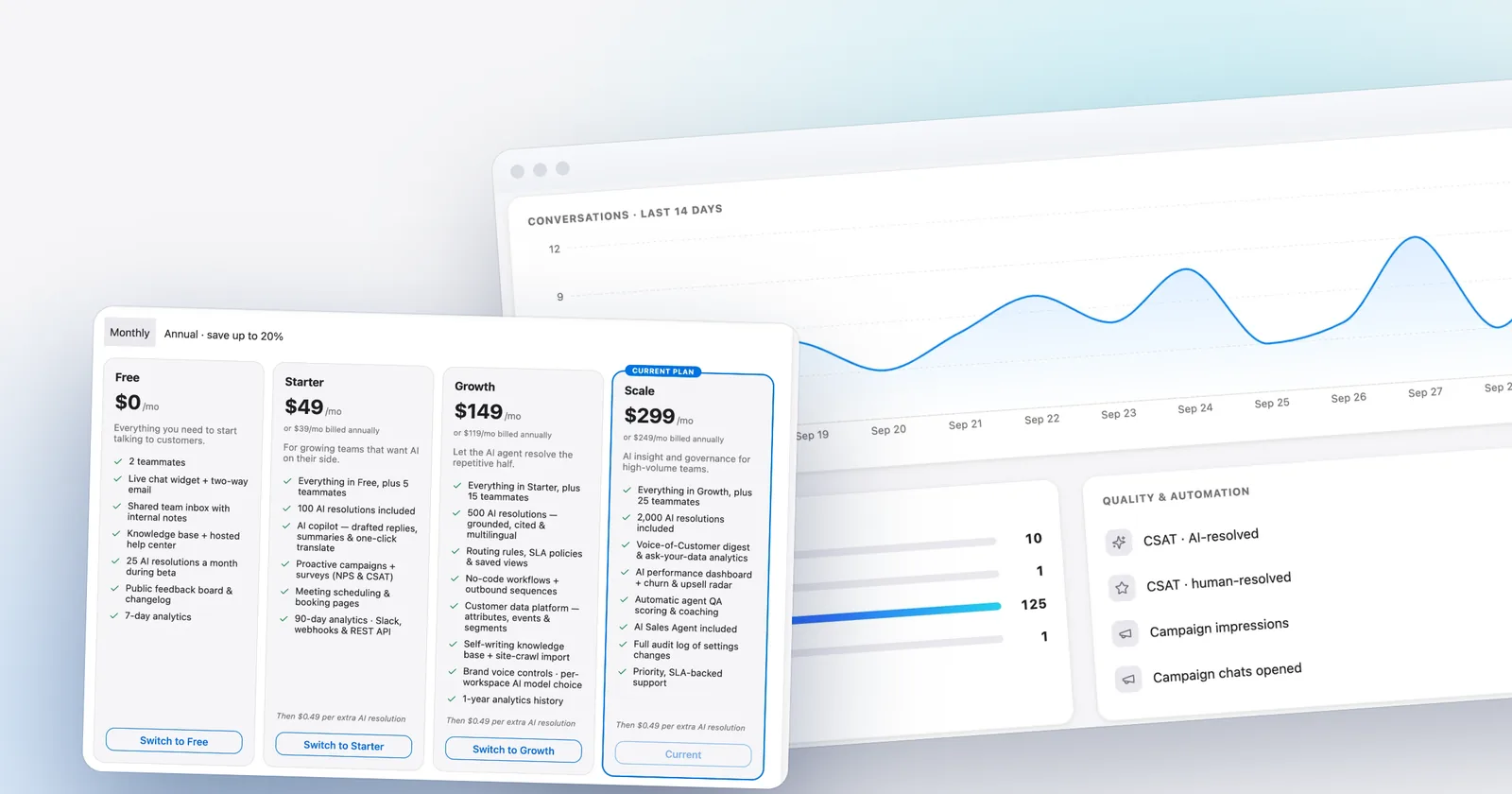
- Talvo Scale$299/mo$299 per workspace, 2,000 AI resolutions included
- Help Scout Standard$900/mo5 users × $30 + 1,000 AI resolutions × $0.75
- Intercom (Fin) Essential$1,185/mo5 seats × $39 + 1,000 Fin outcomes × $0.99 · Workflow automation needs Advanced ($85–$99 per seat)
- Zendesk Suite Team$2,295/mo5 agents × $69 + 975 AI resolutions × $2.00 (25 included) · $1.50 each with a committed 100+ purchase
Estimates from each vendor's published list prices, checked October 21, 2026. Assumes the cheapest plan that includes live chat and an AI agent, and that every AI-resolved conversation is billable. Excludes taxes, promotions, add-ons (such as agent copilots) and per-use channels like SMS or WhatsApp. Talvo's annual price includes extra resolutions at the same $0.49, billed once a year.
How to read the result
Two numbers drive almost every support bill: how many people answer customers, and how many conversations the AI resolves on its own. Per-seat tools grow with the first. Tools that bill per AI resolution grow with the second. Most bills grow with both.
The ordering usually flips as AI volume rises. A small team with little AI use can find per-seat tools competitive; once the AI handles hundreds of conversations a month, the per-resolution rate starts to dominate. Slide the AI volume up to watch where that happens for your team.
What isn't included
- Taxes and promotional discounts.
- Add-ons such as agent copilots, quality assurance and workforce tools.
- Per-use channels like SMS, WhatsApp and phone minutes.
- Implementation or onboarding fees some vendors require on higher plans.
For the full breakdown behind each vendor, read AI resolution pricing compared and per-seat vs flat pricing.
Frequently asked questions
Where do these prices come from?
Each vendor's published list price, checked on the date shown under the calculator. Promotions, taxes, add-ons such as agent copilots, and per-use channels like SMS or WhatsApp are left out, so treat the totals as the floor of what a team would pay.
Which plan does the calculator use for each tool?
The cheapest plan that includes live chat and an AI agent: Intercom Essential, Zendesk Suite Team, Help Scout Standard, and the cheapest Crisp tier for your team size. For Talvo it picks whichever of Starter, Growth or Scale costs least for your team size and AI volume.
What counts as an AI resolution?
Roughly, a conversation the AI agent handled without a person stepping in, billed once per conversation. Each vendor words it differently: Intercom bills Fin outcomes, Zendesk bills automated resolutions, Help Scout bills resolutions, and Crisp draws down AI credits per conversation instead.
Why is Crisp shown as a range?
Crisp bills AI as dollar credits rather than per resolution, estimates $0.05 to $0.10 per AI-handled conversation, and doesn't publish its pay-as-you-go rate once included credits run out. The range assumes extra credits cost face value.
Is annual billing always cheaper?
For seat prices, yes on every tool here that offers it. On Talvo, annual billing can also change which plan is cheapest for your team, because the included AI resolutions differ by plan. Switch the toggle to compare.
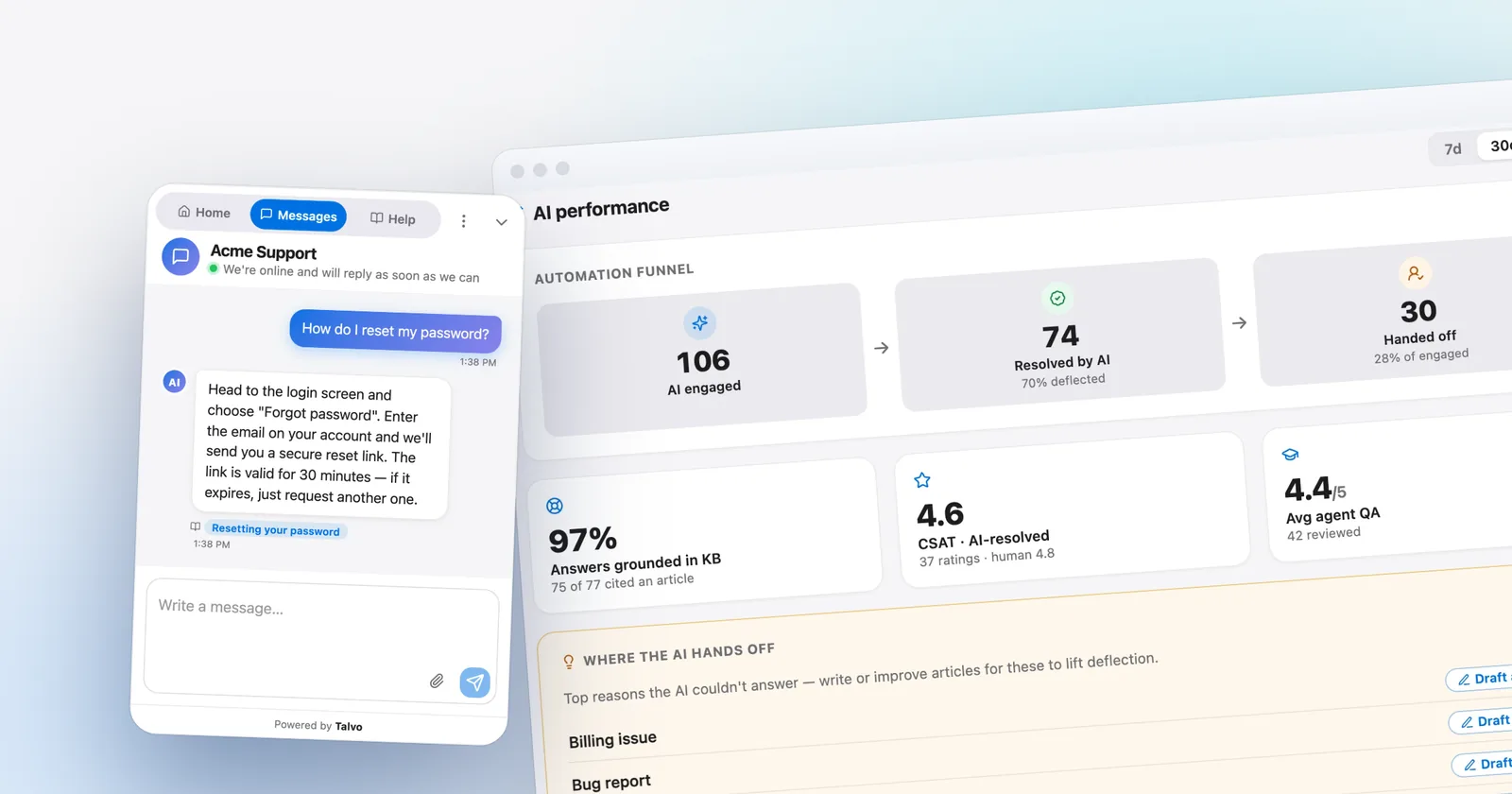
Let the agent take the first shift.
Three steps, and the agent is answering.
- Add the messengerOne script tag, just before
</body>.Install the chat widget - Import your help centerCrawl your own site, or bring your articles over from your old help desk.Import by crawling your site
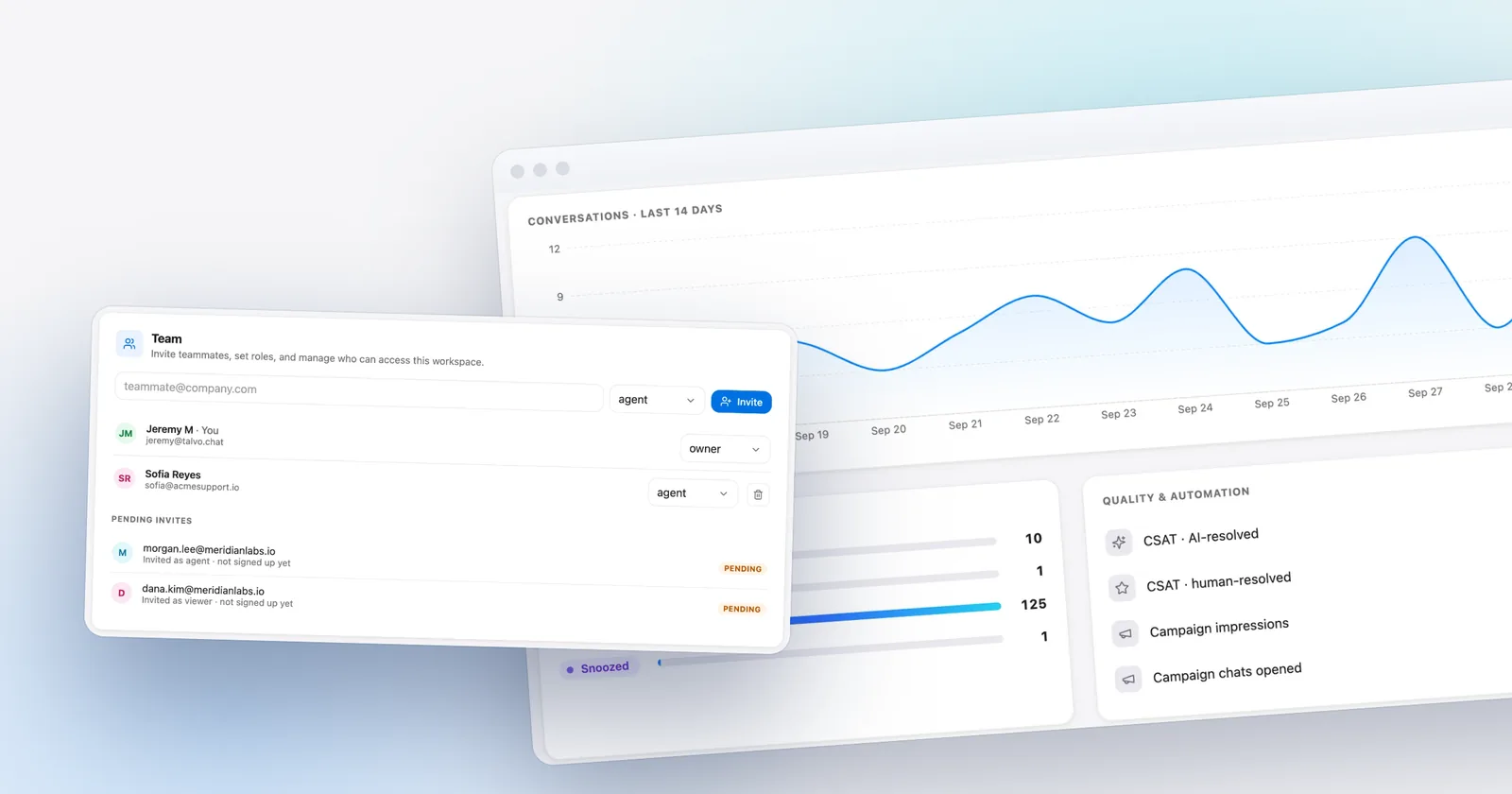
- Invite your teamOne flat price for the workspace, up to your plan's teammate cap.Invite your team
<!-- Settings → Chat widget → copy your snippet -->
<script async src="https://talvo.chat/_api/widget/loader?app=your-app-id"></script>
</body>