
Live chat and two-way email land in a single collaborative inbox. Assignment, statuses and internal notes keep the team in sync — while the AI copilot drafts replies and summarizes long threads in a click.
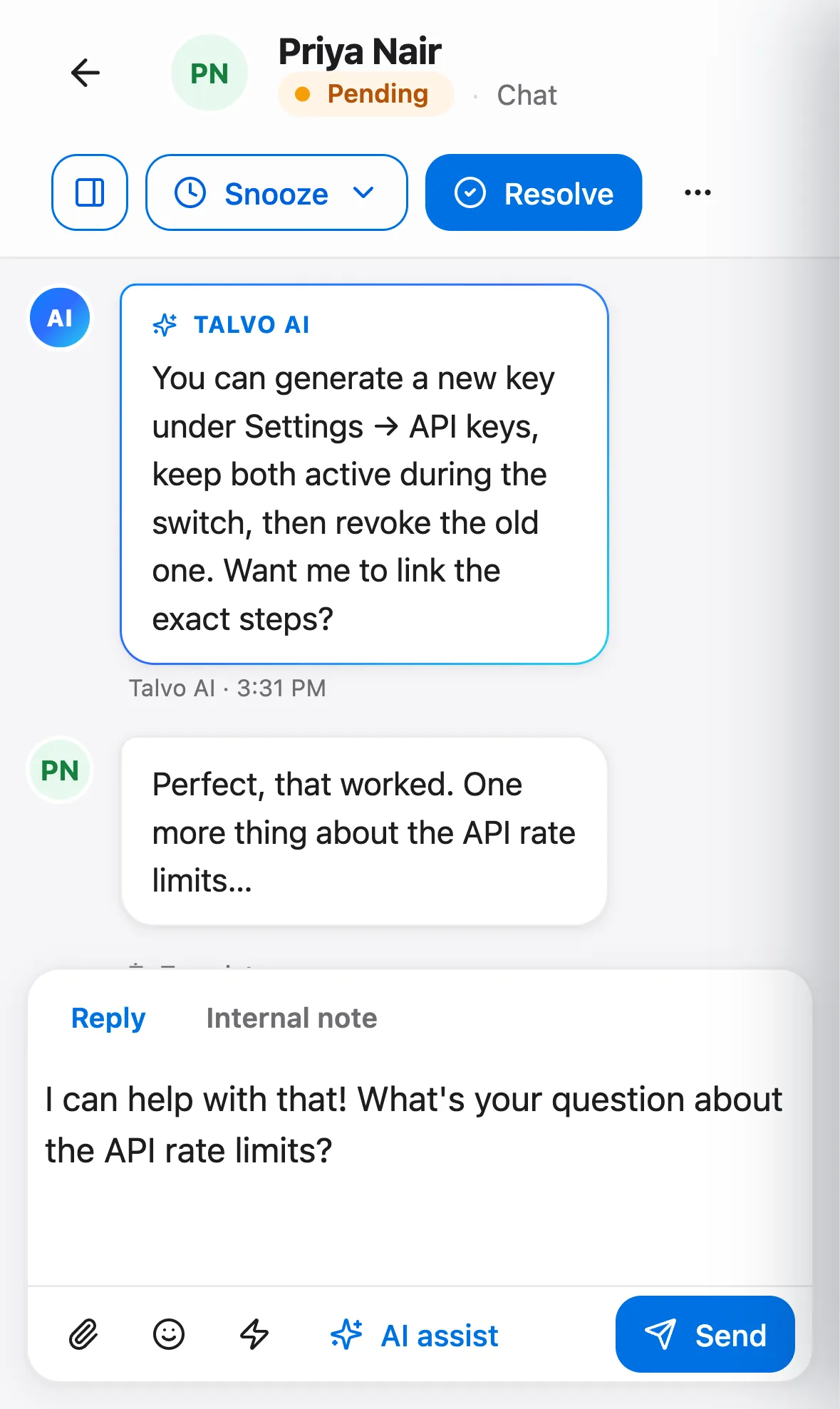
The real Talvo app, shown with our demo workspace.
A calm, collaborative queue — with AI in the seat next to you
The whole team works one inbox, sees the whole customer, and gets an AI copilot on every reply.
An AI copilot in every thread
Draft a reply grounded in your knowledge base — with the sources it used cited right there — summarize a long back-and-forth, or change the tone, all in one click beside the conversation. When a customer writes in another language, one click translates their message so you can read and reply in your own.
- One-click drafted replies with cited sources
- Instant thread summaries
- One-click translate on any message
Know the situation before you read a word
Open any conversation and Talvo has already read it — a one-line summary, the customer's intent and sentiment, and a suggested next step wait in the context panel. Your agents pick up mid-thread without scrolling to the top.
- Auto summary, intent and sentiment
- A suggested next step to act on
- Ready the moment you open the thread
Full customer context, always in view
Every conversation is tied to who you're talking to — their company, lifecycle stage, tags, custom attributes and past chats — pulled from the built-in CRM. No tab-switching, no guessing who this is.
- Company, lifecycle, tags & attributes beside the thread
- Past conversations & bookings linked
- Internal notes for the team
Chat and email in one place
Live chat and two-way email land in the same collaborative inbox with assignment, statuses and routing — so nothing slips and everyone knows who owns what. WhatsApp and social channels are on our public roadmap.
- Chat & email in one queue
- Assignment, statuses & routing rules
- SLA-aware so nothing slips
Which plans include it
- Free$0included
- Starterfrom $39/moincluded
- Growthfrom $119/moincluded
- Scalefrom $249/moincluded
The AI copilot (drafted replies, summaries and translate) is on Starter and up.
Compare every planQuestions, answered
Let the agent take the first shift.
Three steps, and the agent is answering.
- Add the messengerOne script tag, just before
</body>.Install the chat widget - Import your help centerCrawl your own site, or bring your articles over from your old help desk.Import by crawling your site
- Invite your teamOne flat price for the workspace, up to your plan's teammate cap.Invite your team
<!-- Settings → Chat widget → copy your snippet -->
<script async src="https://talvo.chat/_api/widget/loader?app=your-app-id"></script>
</body>