
Plug Talvo into your whole stack.
Fire signed webhooks when a conversation is created or resolved and when a message is created, build on a documented REST API, and push conversations to Slack — with more native connectors on the way. Talvo fits your workflow instead of replacing it.
Open by default — connect anything
A documented REST API, signed webhooks, and a native Slack connector — with more on the way. Talvo slots into the tools you already run.
One call opens a conversation
Authenticate with a workspace API key and POST a message: Talvo creates the contact, opens the conversation, applies your routing rules and workflows, fires your webhooks and lets the AI agent answer. Read endpoints cover contacts, conversations and published articles, so you can pull support data into your own tools.
- Bearer auth with per-workspace keys you can revoke
- Create conversations, identify contacts, track events
- Read back contacts, conversations and help articles
A REST API and signed webhooks
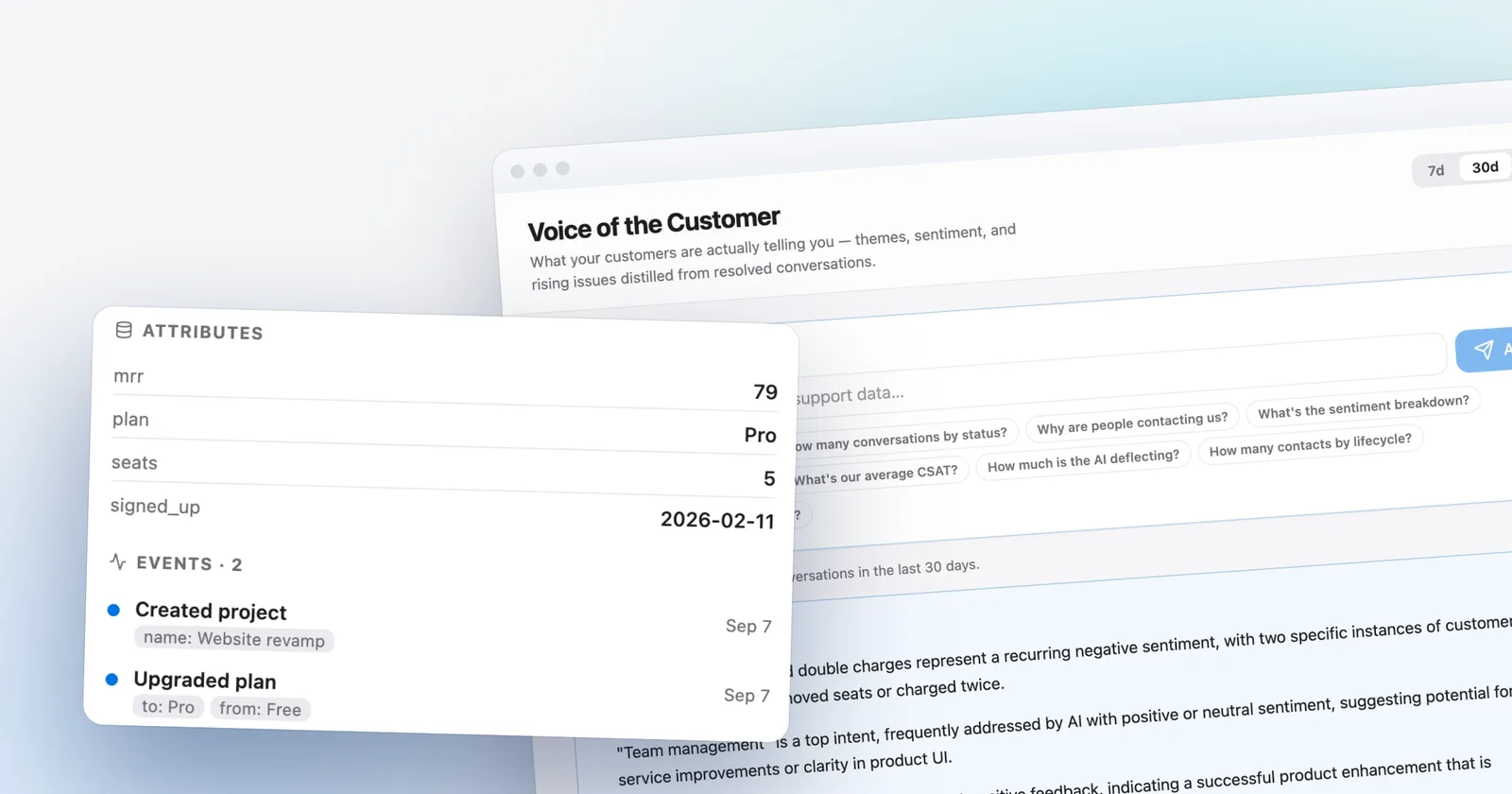
Subscribe to three events — a conversation created, a conversation resolved, a message created — and Talvo posts each to your endpoint in real time. A documented REST API, authenticated with workspace API keys, creates conversations and lists contacts, conversations and articles — including /v1/identify and /v1/track to stream your own customer attributes and product events in.
- Real-time webhooks on 3 core events
- REST API incl. /v1/identify & /v1/track (CDP)
- Signed & retried, with a delivery log
Slack today, more on the roadmap
Push conversations straight to a Slack channel out of the box, and wire up anything else through webhooks and the API today. A Zapier integration is planned on our public roadmap.
- Native Slack connector, live now
- Anything else via webhooks & API
- More native connectors planned
Which plans include it
- Free$0not included
- Starterfrom $39/moincluded
- Growthfrom $119/moincluded
- Scalefrom $249/moincluded
Questions, answered
From the blog
Go deeper: how this compares with other tools, what it costs, and how to set it up.
 Use casesLive chat for SaaS: signed-in users, onboarding and what 5 seats really cost
 ComparisonsTalvo vs Intercom (Fin): the same team priced both ways, and what you give up
 GuidesHow to migrate from Intercom (now Fin) without losing your help center: a complete checklist
Let the agent take the first shift.
Three steps, and the agent is answering.
- Add the messengerOne script tag, just before
</body>.Install the chat widget - Import your help centerCrawl your own site, or bring your articles over from your old help desk.Import by crawling your site
- Invite your teamOne flat price for the workspace, up to your plan's teammate cap.Invite your team
<!-- Settings → Chat widget → copy your snippet -->
<script async src="https://talvo.chat/_api/widget/loader?app=your-app-id"></script>
</body>