On this page
- Three jobs, three owners
- Signed-in users: why identity verification is the SaaS-specific part
- Pre-sales chat on the pricing page
- Onboarding: what chat can do, and what it cannot
- Customer data: give your team the context before they ask
- Let the AI answer from your docs
- Close the loop with product feedback
- What Talvo will not do for SaaS teams yet
- The same 5-person team, priced four ways
- A 30-day rollout that fits a SaaS team
- Frequently asked questions
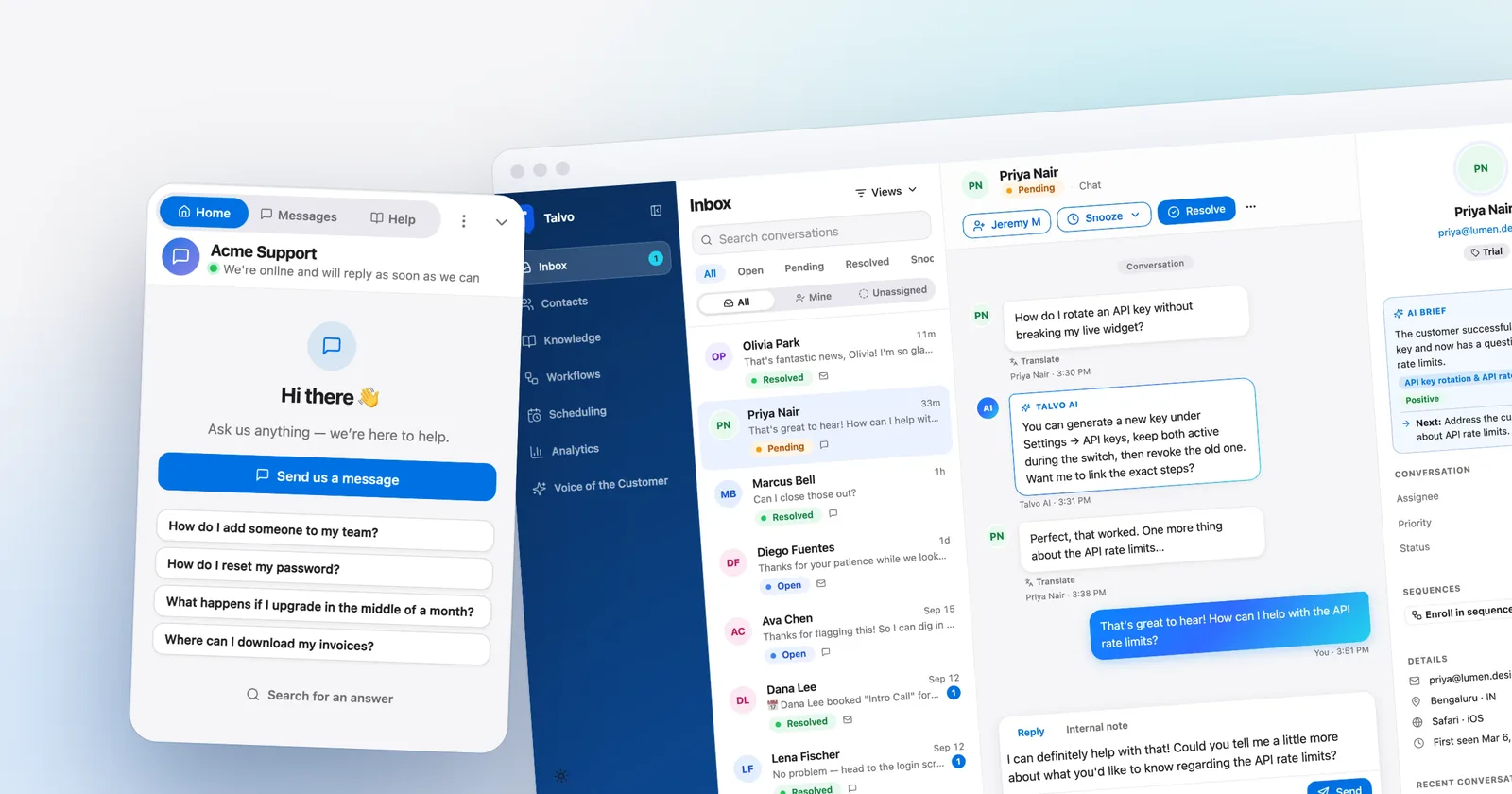
Live chat for SaaS is really three jobs wearing one widget. A stranger on your pricing page wants to know if you integrate with their stack. A paying customer inside the app wants to know why an export failed. A person on day two of a trial wants someone to notice they are stuck. Each job has a different owner, a different success metric, and a different way of going wrong.
Most "live chat for SaaS" advice covers the first job and waves at the other two. This guide goes the other way. It starts with the part that is genuinely different about SaaS, which is that your chatters have accounts, and then covers onboarding, product feedback, customer data and AI answers from your docs. It prices a 5-person team on four tools, and it says plainly what Talvo (our product) does not do for SaaS yet.
Three jobs, three owners
Pre-sales chat lives on the marketing site and pricing page. The person typing is anonymous, the question is usually "does it do X" or "what does it cost at my size", and the metric is whether they book a demo or start a trial. Marketing or founders tend to own it.
In-app help lives behind the login. The person typing is a customer you already know, the question is specific to their data, and the metric is whether they got unstuck without churning. Support owns it.
Onboarding sits between the two. It is about the first week, and it is the job chat is worst at if you expect it to behave like a product tour. More on that below.
You can run all three from one inbox. You should not run them with one script placement and one set of rules. Put the widget on the marketing site and in the app, treat the conversations differently, and give each a clear owner.
Signed-in users: why identity verification is the SaaS-specific part
On a brochure site, a chat widget can get away with asking for an email address. Inside your product it cannot, for two reasons. Your team wants to see who is talking, with their name and plan, without asking. And, less obviously, anything that lets a browser claim "I am user 42" without proof lets a stranger read user 42's chat history.
The fix is a small piece of server code. You and Talvo share a secret. When a signed-in user loads a page, your server uses the secret to produce a hash of their user ID, and your page hands the ID and the hash to the widget. Talvo computes the same hash. If they match, the visitor really is that user. Without your secret, nobody can produce the right hash, so nobody can pretend to be one of your customers.
- Create your secretIn Settings, General, Identity verification, click Create secret. Only owners and admins can see it. Store it as an environment variable on your server, never in page code.
- Hash the user ID on your serverProduce an HMAC of the user's ID with that secret, hex-encoded. Talvo's help article has copy-paste examples for several server languages.
- Pass it to the widgetSet
window.TalvoSettingswithuserId,userHashand optionally name and email before the Talvo script tag. Single-page apps callTalvo("identify", ...)after sign-in andTalvo("logout")after sign-out. - Test it before you shipPaste a real user ID and hash into the built-in checker. It tells you whether the hash is right and what to fix if it is not.
The identity verification guide walks through all four steps with code. Three details matter for SaaS in particular:
- It is available on every plan, Free included.
- If someone signs in partway through a chat, Talvo moves that chat onto their contact. After logout, or when a different user signs in, the chat starts fresh in that browser, so the next person on a shared laptop never sees the last person's messages.
- It covers the website chat widget. People who write in by email or through the REST API are matched by email address, as before.
There is one limit worth knowing before you plan the work. Identity verification needs somewhere to run server code, so it does not work on site builders that cannot (the help article names Webflow, Squarespace, Carrd and Wix without Velo). Chat still works on those sites; it just cannot be tied to a logged-in account. A real SaaS product has a backend, so this rarely bites.
On how other tools handle the same problem: Intercom's help center now marks its older identity verification method, a user_hash signed with a secret, as deprecated in favor of JWT. A JWT can carry an expiry, which is a real advantage, and Talvo does not offer that today. Talvo uses the signed-hash approach. For a startup, the difference is small. For a security review at a larger prospect, it is something to be ready to discuss.
Pre-sales chat on the pricing page
The best place for a proactive message is the page where somebody is deciding. Talvo's proactive campaigns (Starter and up) show a message when conditions are met: the page URL contains a phrase such as /pricing, the visitor has been there a number of seconds, or they have been before. A browser sees at most one campaign, once, which is the difference between a nudge and a pop-up people learn to close.
The honest limit: targeting is by page and behavior, not by account attributes. You cannot say "show this to trial users on day three". You can say "show this to anyone who has been on /pricing for 20 seconds".
The Live now tab in Contacts shows who is on your site at this moment, which page, and where they came from. A founder watching three people sit on the pricing page can start a conversation instead of waiting.

Onboarding: what chat can do, and what it cannot
Be careful here, because vendors blur three different things: a nudge message, an email sequence, and an in-product tour.
What Talvo has is follow-up sequences, a Growth feature. A sequence is an ordered list of messages, each with a delay in minutes. You enroll someone from a workflow, when a conversation matches your conditions, or by hand from the inbox. Each step is posted into the customer's existing conversation as a message from your team, so a reply lands in your inbox in context. It starts a conversation rather than broadcasting at someone.
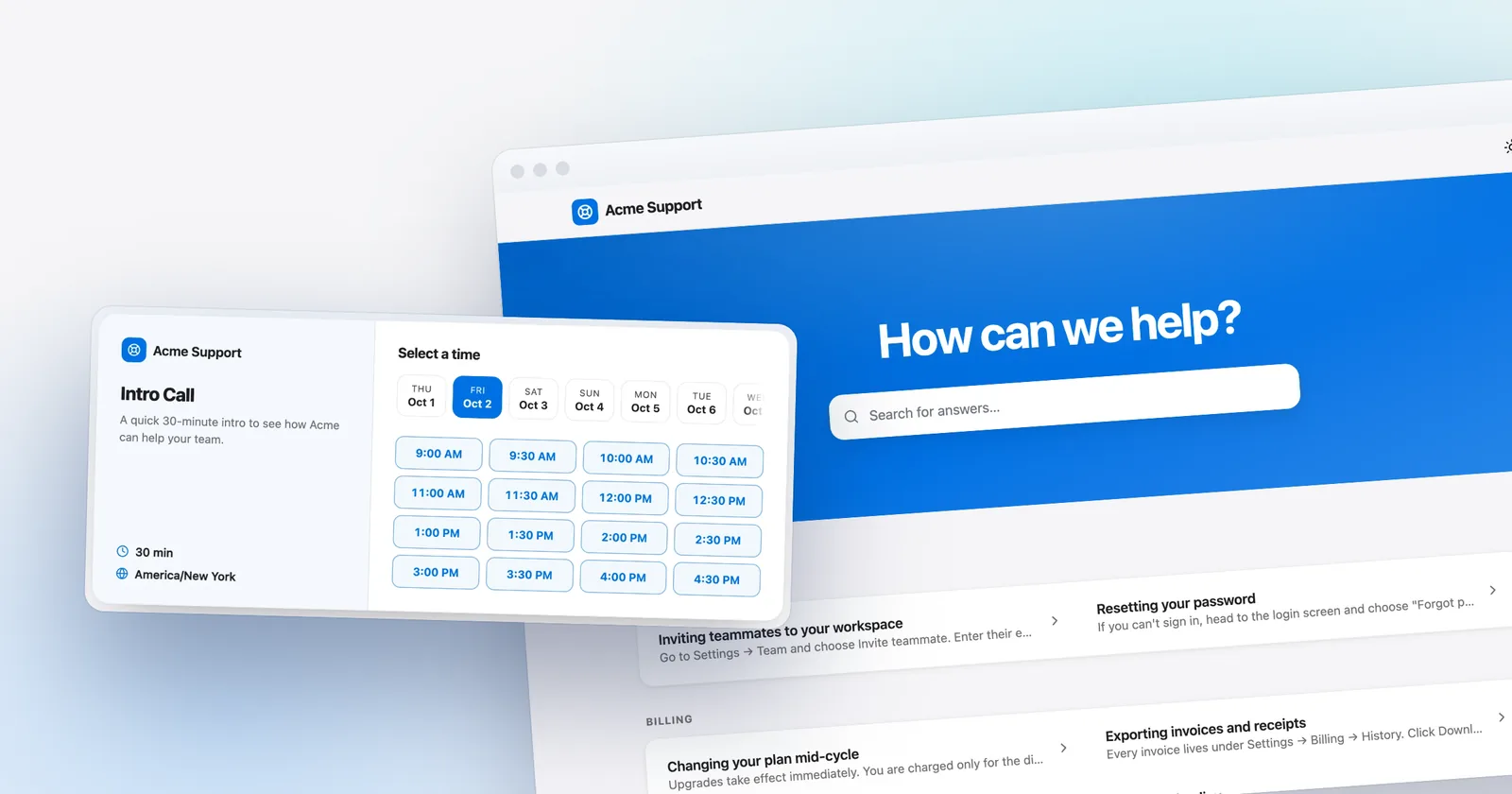
A sensible SaaS use: when a new user asks their first question, enroll them in a three-step check-in (day one, day three, day seven) that asks how it is going and offers a booking link. If they reply, you are talking to a person and the next step should not land on top of the conversation. Talvo can pause a sequence as a whole; the docs do not describe removing one person from it, so keep check-in sequences short and review replies before the next step is due.
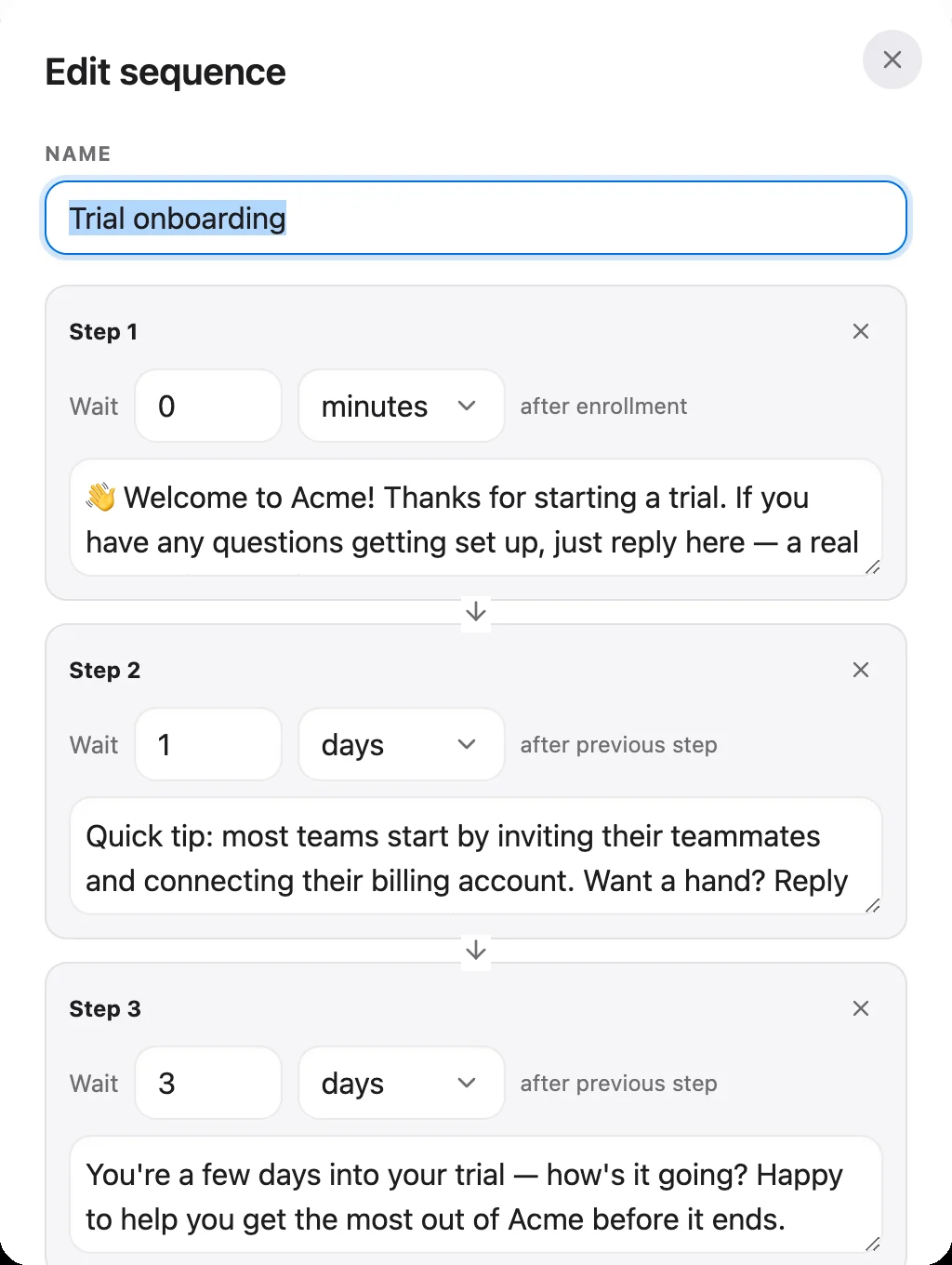
What it does not have is just as important:
That gap is real and we would rather you hear it now than in week three of a trial.
Customer data: give your team the context before they ask
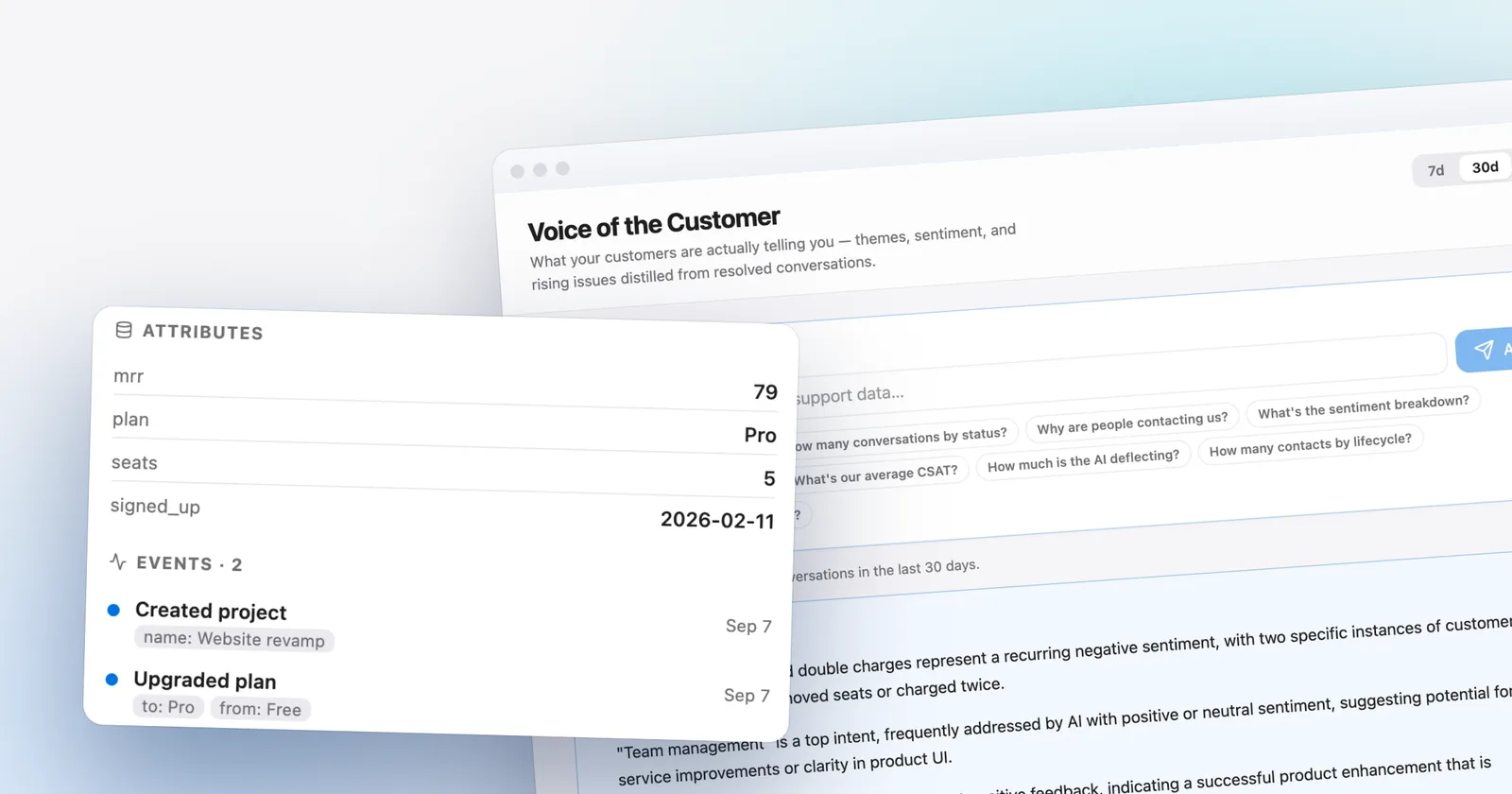
Support on a SaaS product is mostly "why is this happening to me", and the answer is almost always in your own data: plan, seats, signup date, the thing they did ten minutes ago. Talvo's customer data platform (Growth and up) takes two REST calls. POST /v1/identify sets traits such as plan, mrr and seats on a contact. POST /v1/track records events such as upgraded_plan, which build a timeline your agents see at a glance. The customer data page covers attributes and events in more detail.
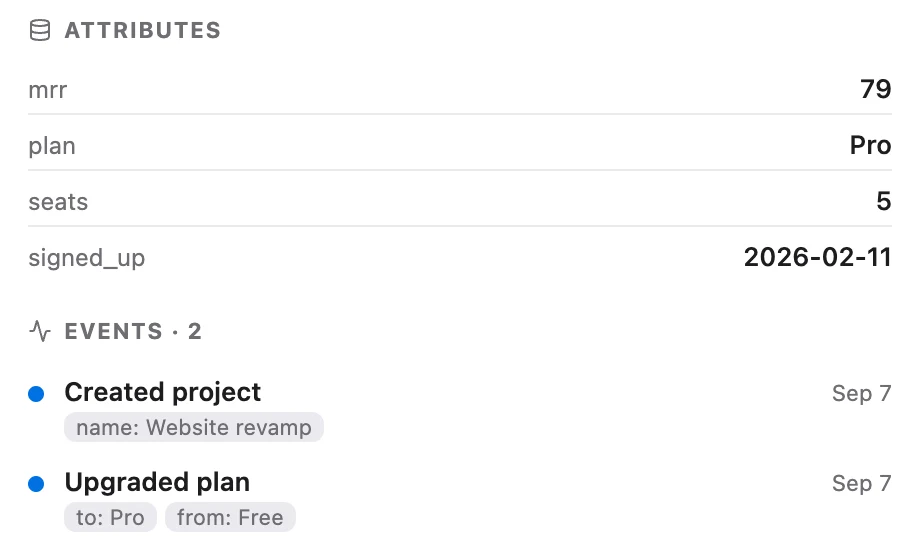
Two practical rules from the docs are worth repeating. Keys are stored exactly as you send them, so pick a small stable set of event names (upgraded_plan, Upgraded Plan and plan_upgraded are three different events). And send attributes whenever they change, not just at signup, because a plan that is six months stale is worse than no plan at all. Talvo does not infer a plan or a company from an email domain: if it is on a profile, a person or your systems put it there.
Let the AI answer from your docs
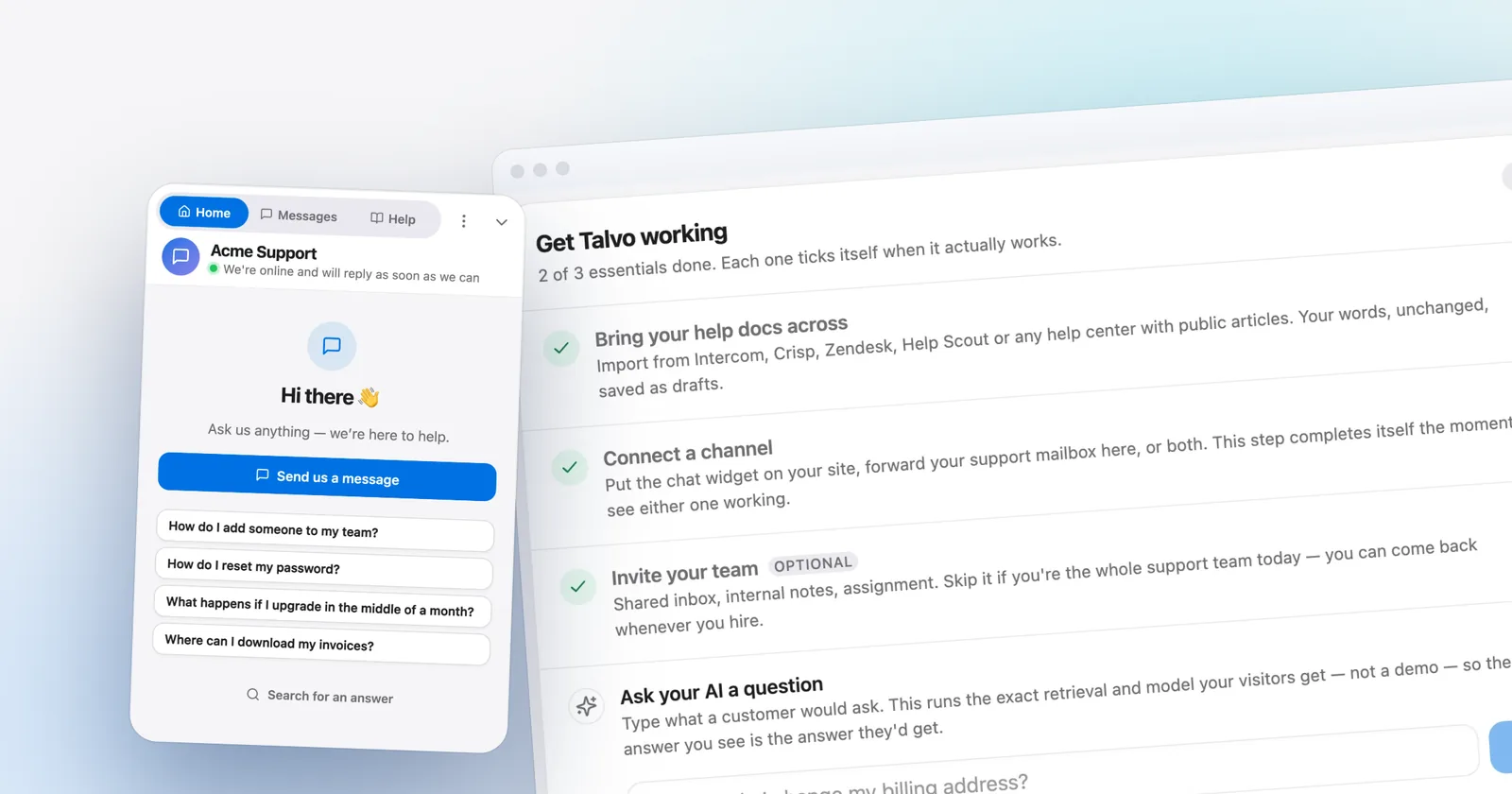
SaaS support is repetitive in a way that suits an AI agent. How do I reset my password, how do I add a teammate, where is the invoice. Talvo's agent answers only from your published knowledge base, cites the article it used, and hands off to a person with the conversation intact when it is not confident. You can crawl your docs site or import from another help center to get started; everything arrives as drafts until you publish it.
Two things for SaaS teams to know. First, depth beats article count: a two-line article gives the agent almost nothing to cite, and your writing list is the questions the AI could not answer. On Talvo's Growth plan the self-writing knowledge base drafts articles from those questions, and on the Scale plan the AI performance dashboard lists hand-off topics with no matching article. Second, an AI resolution on Talvo is a conversation the AI answered end to end with no teammate stepping in; a hand-off to a person costs nothing. The longer explanation is in our knowledge base chatbot guide, and the definitions side by side are in AI resolution pricing compared.
Close the loop with product feedback
SaaS customers use chat to ask for things. If those requests die in a thread, you lose your best product research. Talvo includes a public feedback board, roadmap and changelog on every plan, including Free. Customers can post requests and vote (votes are deduplicated per browser), your team can turn a chat into a feedback post, and staff move posts through under review, planned, in progress and shipped. Because the board shares the contact graph with your inbox, you can see who asked for what.
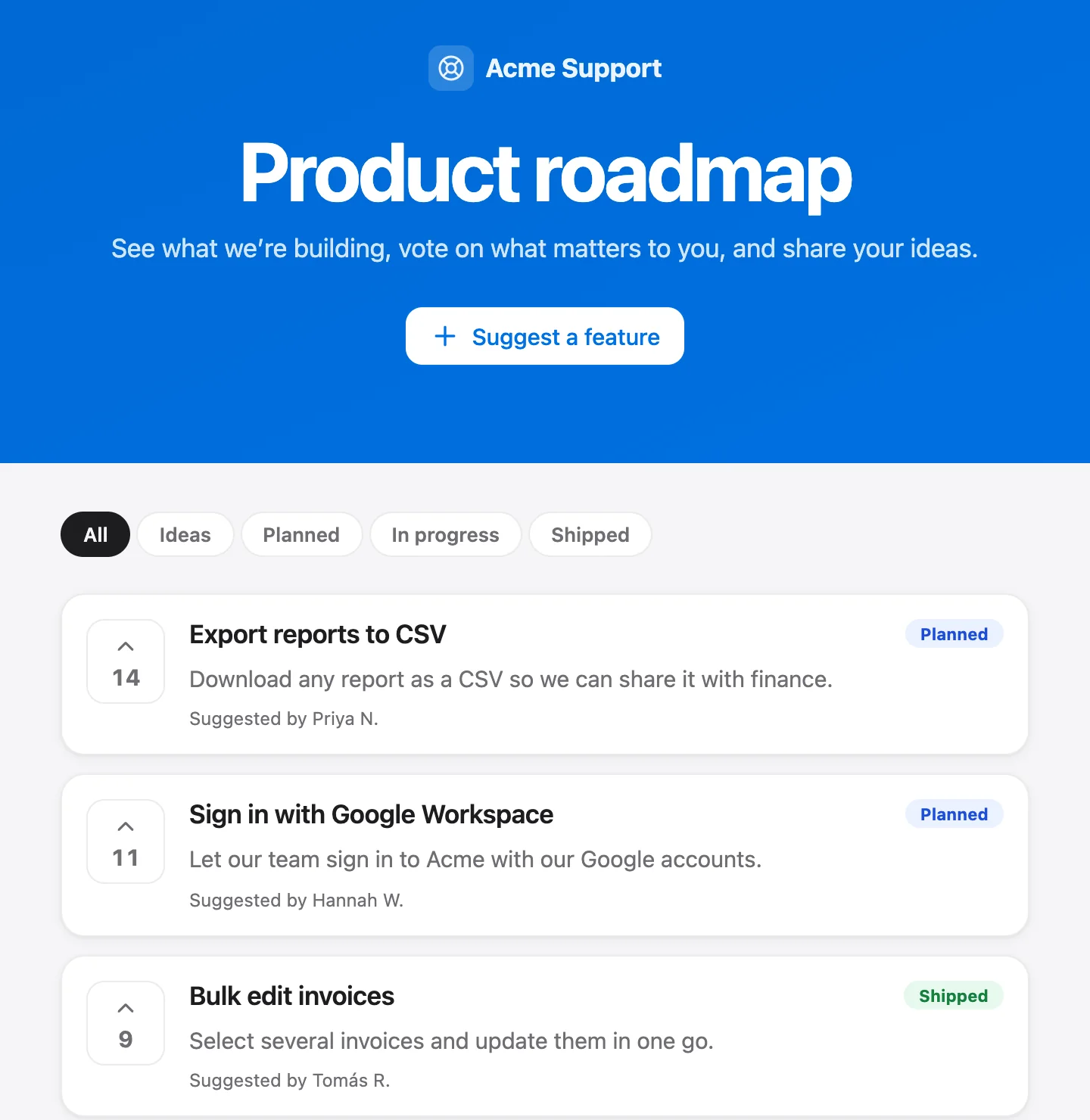
The changelog is the other half. The people who voted for something are the people most likely to read that it shipped, and a short "you asked, we built it" message to them is cheap.
What Talvo will not do for SaaS teams yet
- Identity verification on every plan, with a built-in checker
- AI answers cite your docs, and a hand-off to a person is free
- Public feedback board, roadmap and changelog included, even on Free
- Flat per-workspace pricing; teammates up to the plan limit do not change the bill
- No product tours, in-app checklists or event-triggered messages
- No native mobile SDK; the inbox is a mobile web app with push notifications
- No SOC 2 report, SAML single sign-on or data-region choice, which can stall mid-market deals
- No WhatsApp, SMS or Instagram channels yet, and no Salesforce or HubSpot integration
- Launched in 2026 and still in beta; no G2 or Capterra reviews yet
The SOC 2 and SAML line is the one that actually blocks deals. If your buyers send security questionnaires, check what Talvo publishes on the security page before you commit. For a head-to-head with the incumbent, Talvo vs Intercom is the place, and Talvo vs Crisp covers the closest pricing shape.
The same 5-person team, priced four ways
The scenario: 5 teammates answering customers, with 300 conversations a month resolved by AI. Monthly billing unless noted. All prices are list prices from each vendor's pricing page, checked October 21, 2026.
| Tool and plan | How it is computed | Monthly total |
|---|---|---|
| Talvo Starter | $49 + (300 − 100 included) × $0.49 = $49 + $98 | $147 (no sequences or workflows) |
| Talvo Growth | $149; 300 is inside the 500 included | $149 ($119 on annual billing) |
| Intercom Essential | 5 × $39 + 300 × $0.99 = $195 + $297 | $492 ($442 with annual seats) |
| Intercom Advanced (workflows) | 5 × $99 + $297 | $792 ($722 with annual seats) |
| Crisp Essentials | $95 flat; $25 of included AI credits | about $95 to $115 (estimate; pay-as-you-go rate unpublished) |
Crisp is cheaper than Talvo at this volume, and we would rather say so than let you find out. Crisp meters AI usage per conversation, including conversations the AI hands off, and its own estimate is $0.05 to $0.10 per AI-handled conversation, so its $25 of credits covers somewhere between 250 and 500 conversations. If the AI also handles 150 conversations it ends up handing off (our assumption), the bill lands between $95 and about $115, and Crisp does not publish the pay-as-you-go rate past the credits. Talvo bills only resolutions, so each one costs more on paper, but a hand-off is free.
Intercom's Fin counts an "outcome" at $0.99, and that includes a customer who simply stops replying after Fin answers. Intercom also has an Early Stage program advertised as 93% off for startups; our Intercom worth-it guide covers when that changes the answer. For the seat-versus-workspace math, see per-seat vs flat pricing.
Note the shape of Talvo's cliff too: Starter caps at 5 teammates, so a sixth hire moves you to Growth. Crisp has the same shape, with hard seat caps on its plans.
A 30-day rollout that fits a SaaS team
- Install the widget on the marketing site and inside the app (install guide)
- Set up identity verification and test it with the checker
- Publish five deep articles that answer your most common questions
- Turn the AI agent on and read every hand-off for two weeks
- Create one pricing-page campaign with a specific question, not your headline
- Build a three-step check-in sequence for new users who ask a question
- Send plan, seats and signup date to Talvo through the identify call
- Connect Slack so new conversations reach the channel your team already watches
If you are still deciding how to get the widget onto your pages, how to add live chat to your website covers the install step by platform. Pricing for every plan is on the pricing page, and the items marked planned are on the public roadmap.
Frequently asked questions
What is the best live chat for a SaaS company?
It depends on what you need. If you rely on in-app tours, checklists and event-triggered messages, Intercom is built for that but costs the most. If you want AI answers from your docs, identity verification and flat pricing, Talvo and Crisp both price per workspace. Talvo is new and in beta, so check its gaps before choosing.
Should SaaS support use live chat or email?
Most teams need both. Chat suits quick, in-the-moment questions from people using the product, while email suits longer investigations that can wait. Talvo puts chat and two-way email in one shared inbox, so both land on the same customer profile and neither channel becomes a silo.
How do I show chat only to logged-in users?
Place the Talvo script tag only on the pages behind your login, such as your app, and keep it off the marketing site, or install it in both and treat the conversations differently. Add identity verification on the signed-in pages so each chat attaches to that user's contact instead of showing up as an anonymous visitor.
What is identity verification in a chat widget, and do I need it?
It proves that the person chatting really is the signed-in user they claim to be. Your server hashes the user ID with a shared secret and the widget passes the hash along; Talvo checks it. You need it if people sign in to your product, because without it nobody should trust a claimed identity. Talvo offers it on every plan.
Can live chat help with SaaS onboarding?
Yes, for human check-ins, but not for product tours. Talvo's follow-up sequences (Growth plan) post a series of delayed messages into the customer's conversation, and replies come back to your inbox in context. It has no in-app tours, checklists or event-triggered messages, so pair it with a tour tool if you need those.
Is Intercom worth it for an early-stage SaaS?
Sometimes. Intercom's Essential plan is $29 per seat on annual billing and Fin adds $0.99 per outcome, so a 5-person team with 300 AI outcomes lands near $442 to $492 a month at list prices. Intercom advertises an Early Stage program at 93% off for qualifying startups, which can change the math if you qualify.
How much does live chat cost for a 5-person SaaS team?
At list prices with 300 AI-resolved conversations a month: Talvo Starter about $147, Talvo Growth $149, Crisp Essentials about $95 to $115, Intercom Essential $492 and Intercom Advanced $792 on monthly billing. Each vendor counts an AI answer differently, so compare the definitions as well as the totals.
Can an AI chatbot answer product questions from our docs?
Yes. Talvo's AI agent answers only from your published knowledge base articles, shows which article it used, and hands off to a person when it is not confident. You can import your docs by crawling your site, review the drafts, and publish the ones you trust. A hand-off to a person is not billed.
Sources
Other products' prices and features change. We checked these pages; if something is out of date, tell us and we'll fix it.