On this page
- The checklist agencies actually need
- How the multiple-workspace setup works
- Setting up a new client site
- One AI per client, answering from that client's own site
- Who answers: you or the client
- What you can report back to clients
- The short version for an agency portfolio
- What it costs for 5 and 10 clients
- If white-label is a hard requirement
- Frequently asked questions
Start with the part that will disqualify Talvo for some agencies, so nobody wastes an afternoon. Talvo is not white-label. The chat widget and the public pages show "Powered by Talvo", there is no setting to remove it, and the hosted help center cannot sit on a client's own domain. If your pitch to clients is "this is our proprietary chat system", look at the white-label options further down.
If your pitch is "we run support for your site and we set it up properly", the picture is different. Live chat for agencies comes down to one practical question: can one person manage several client sites without a mess of logins, shared passwords and one giant tangled inbox? Talvo handles that part well, and this guide explains exactly how, what it costs for 5 and 10 clients, and who does it better.
The checklist agencies actually need
Agency buyers tend to ask the same six things in the same order. Here is how Talvo answers each, plainly.
| What you need | Talvo today |
|---|---|
| One login for several client businesses | Yes. One login can own up to 5 workspaces and join others as a member |
| Separate data per client | Yes. Each workspace has its own widget app ID, inbox, contacts, knowledge base and help center |
| Widget matches the client's brand | Partly. Each workspace has a brand color the widget uses. No other theming controls |
| Remove "Powered by Talvo" | No. There is no option |
| Help center on the client's own domain | No. Help centers are hosted by Talvo |
| Bill clients through you, or reseller pricing | No. Each workspace has its own plan and its own billing |
| One combined inbox across all clients | No. You switch workspaces; unread badges show activity in the others |
Two of those are yeses, one is a partial, and four are plain noes. That is the honest shape of it.
How the multiple-workspace setup works
Every client business is one workspace. A workspace is Talvo's unit for everything: the plan, the bill, the teammates, the widget, the knowledge base. Because pricing is per workspace rather than per seat, a client with a small team does not generate seat math. You pay for the workspace, whichever plan it needs.
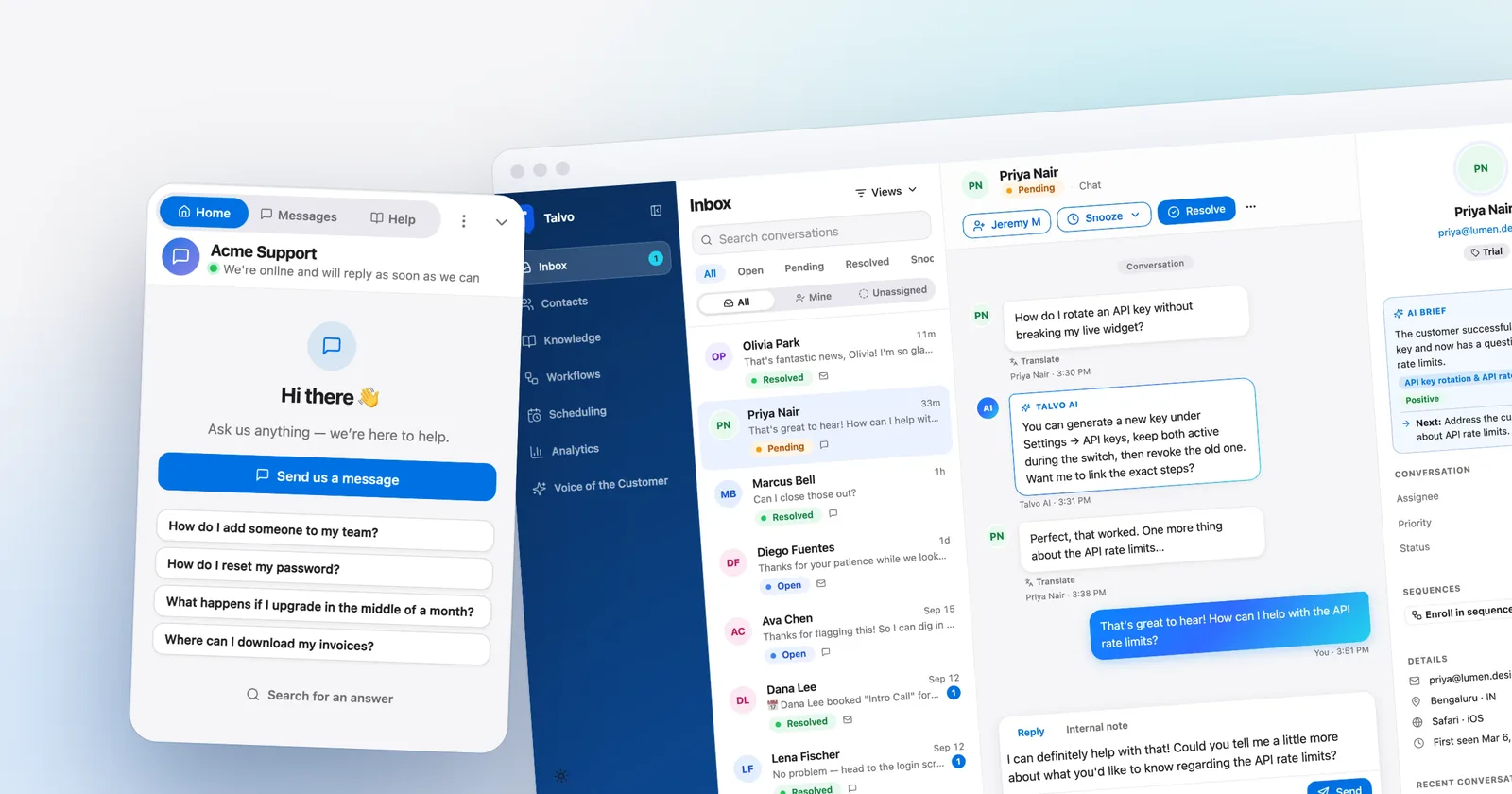
From the account menu you switch between workspaces, on desktop and on a phone. Unread badges show when a conversation is waiting in a workspace you are not currently looking at, which is the closest thing to an agency dashboard. It is a prompt to go and look, not a combined queue.

Data is scoped to the workspace on every query. Conversations, contacts, articles and settings all belong to one workspace, and API keys cannot reach another workspace's data. For an agency that matters in a concrete way: a client's customer conversations never appear next to another client's.
The limit is 5 workspaces that you own. If you manage more than five clients, the supported option is for a client to create their own workspace and invite you as an admin or agent. Membership in other people's workspaces is supported and not capped here, but the client is then the owner and the one who pays, so it is a different arrangement, not a way to run more than five under your own billing. Some agencies prefer it, because the client holds the keys; others do not.
Setting up a new client site
The repeatable part is the part that makes this workable at five clients. The setup checklist inside each new workspace walks through it, but the sequence looks like this.
- Create the workspaceOne workspace per client business, with the client's name and brand color in Settings, General. That color is what the widget uses.
- Install the widgetPaste the one script tag from Settings, Chat widget before
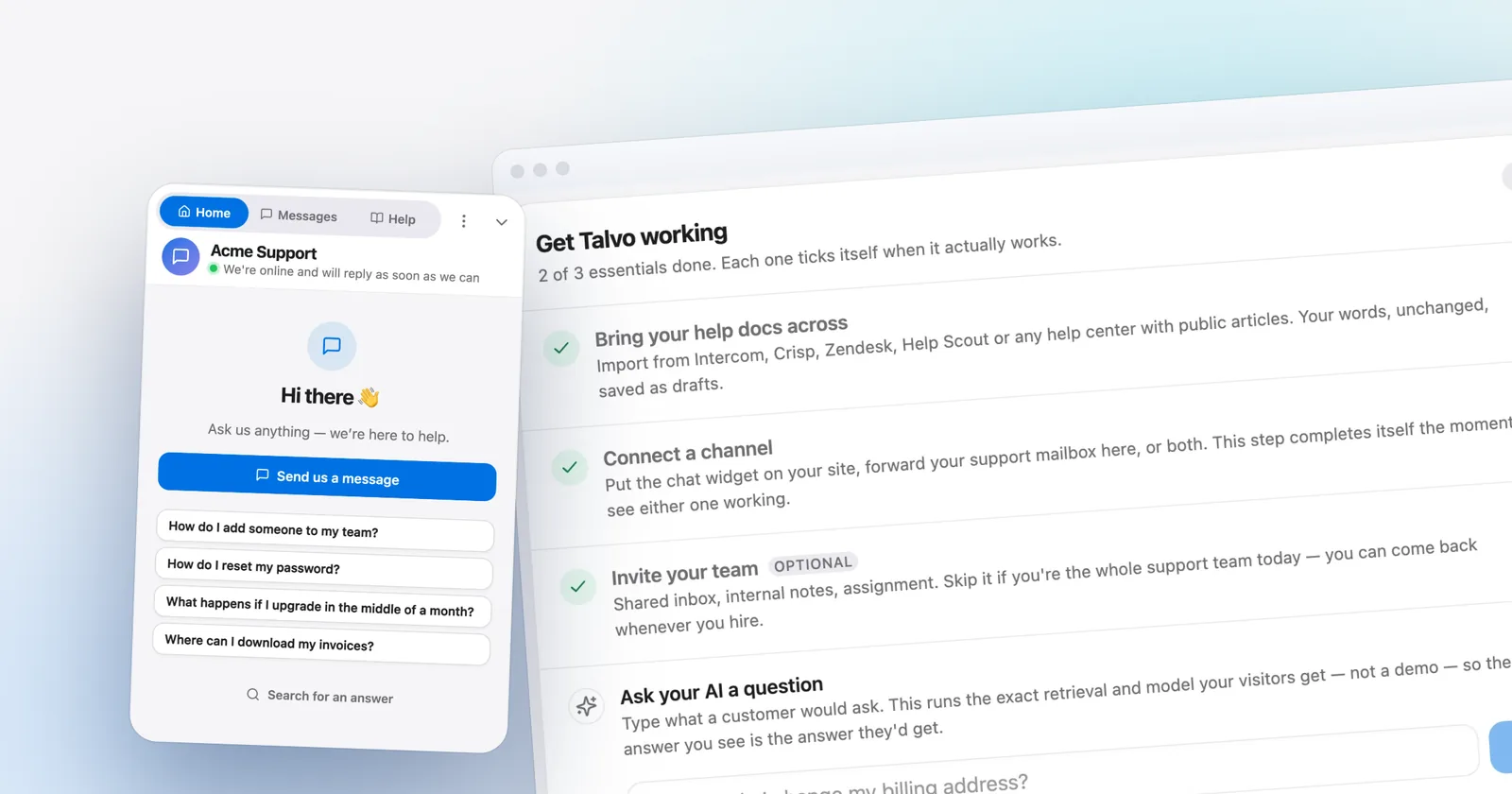
</body>. It carries that workspace's app ID, so copy it from the right workspace (install guide). - Crawl the client's sitePoint Talvo at the client's URL. It turns pages into draft articles; nothing is visible to customers or the AI until you publish it.
- Publish the ten best articlesTrim marketing language down to the answer. Delete anything out of date, because the AI will cite a stale article confidently.
- Turn on the AI agent and send a test questionIt answers only from published articles, cites the one it used, and hands off to a person when unsure.
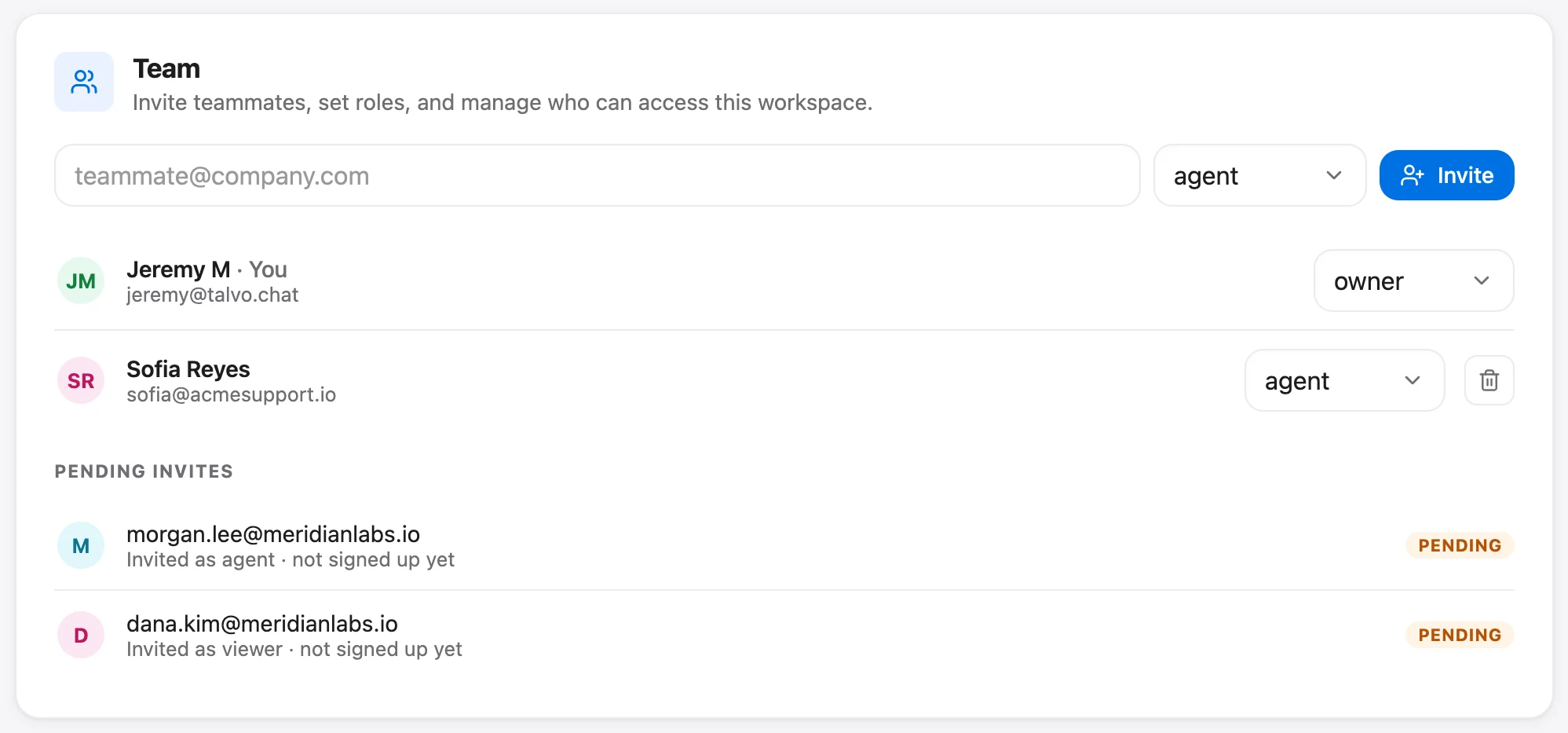
- Invite the clientAdd them in Settings, Team as an agent or a read-only viewer, depending on whether they will answer chats.
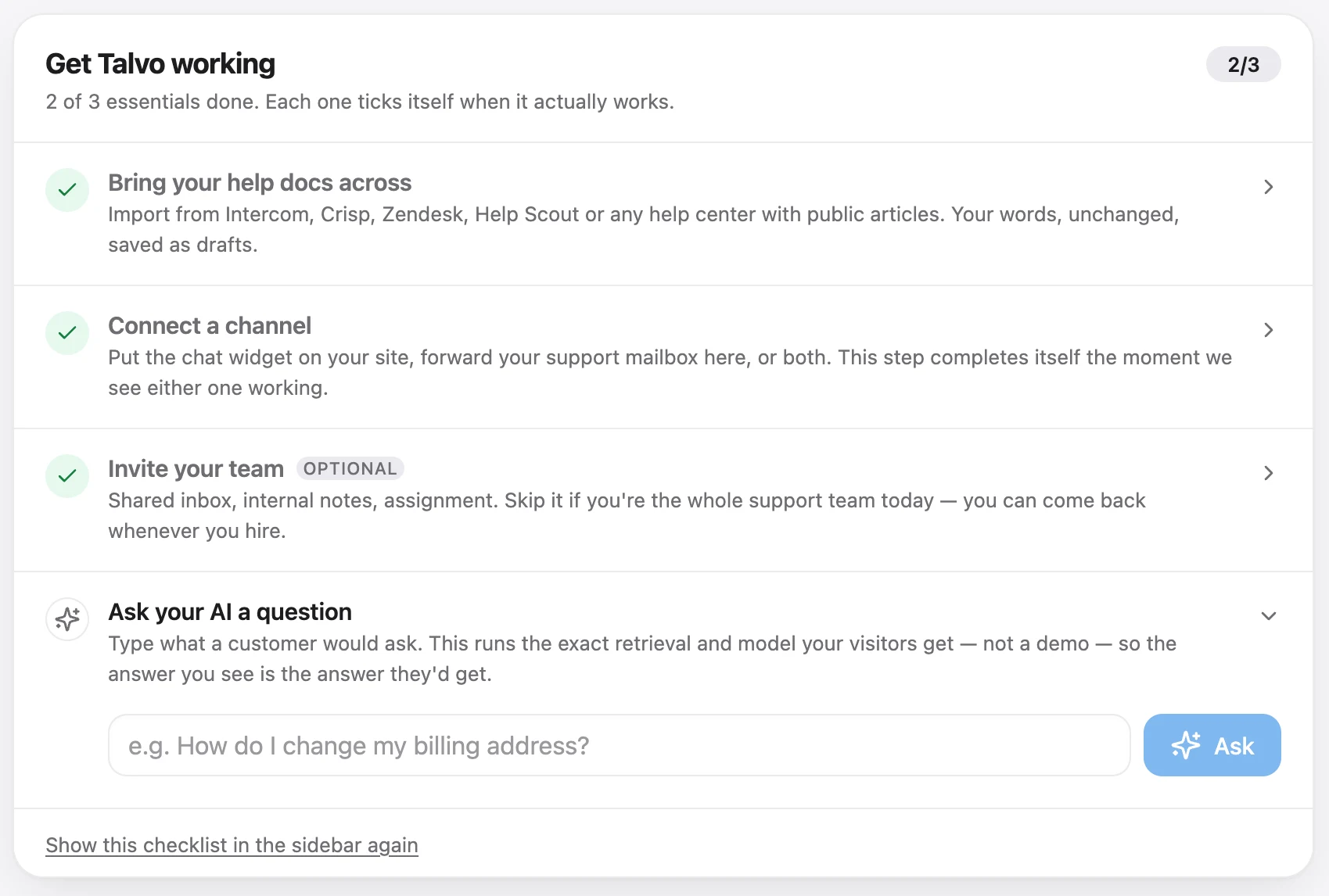
Adding live chat to a client's site is the same job whatever platform they use, and our install guide covers WordPress, Shopify themes, Webflow and the rest. Talvo works anywhere you can add a script tag. It has no native plugins for those platforms.
One AI per client, answering from that client's own site
The strongest reason for an agency to use Talvo is not the dashboard. It is that each workspace has its own AI agent grounded in that client's own knowledge base. The agent answers only from the published articles in that workspace, shows the article it used, and passes the conversation to a human when it is not confident. It cannot drift into a different client's content, because there is no shared knowledge.
This changes the economics of a thin knowledge base. If a client's help content is sparse, the AI hands off more, and a hand-off to a person is not a billable resolution. A weak knowledge base costs you human time, not AI fees. On Growth, the self-writing knowledge base drafts articles from questions the AI could not answer, and on Scale the AI performance dashboard lists hand-off topics with no matching article. Either makes a decent monthly report item: "here are the five questions your customers asked that your site does not answer".
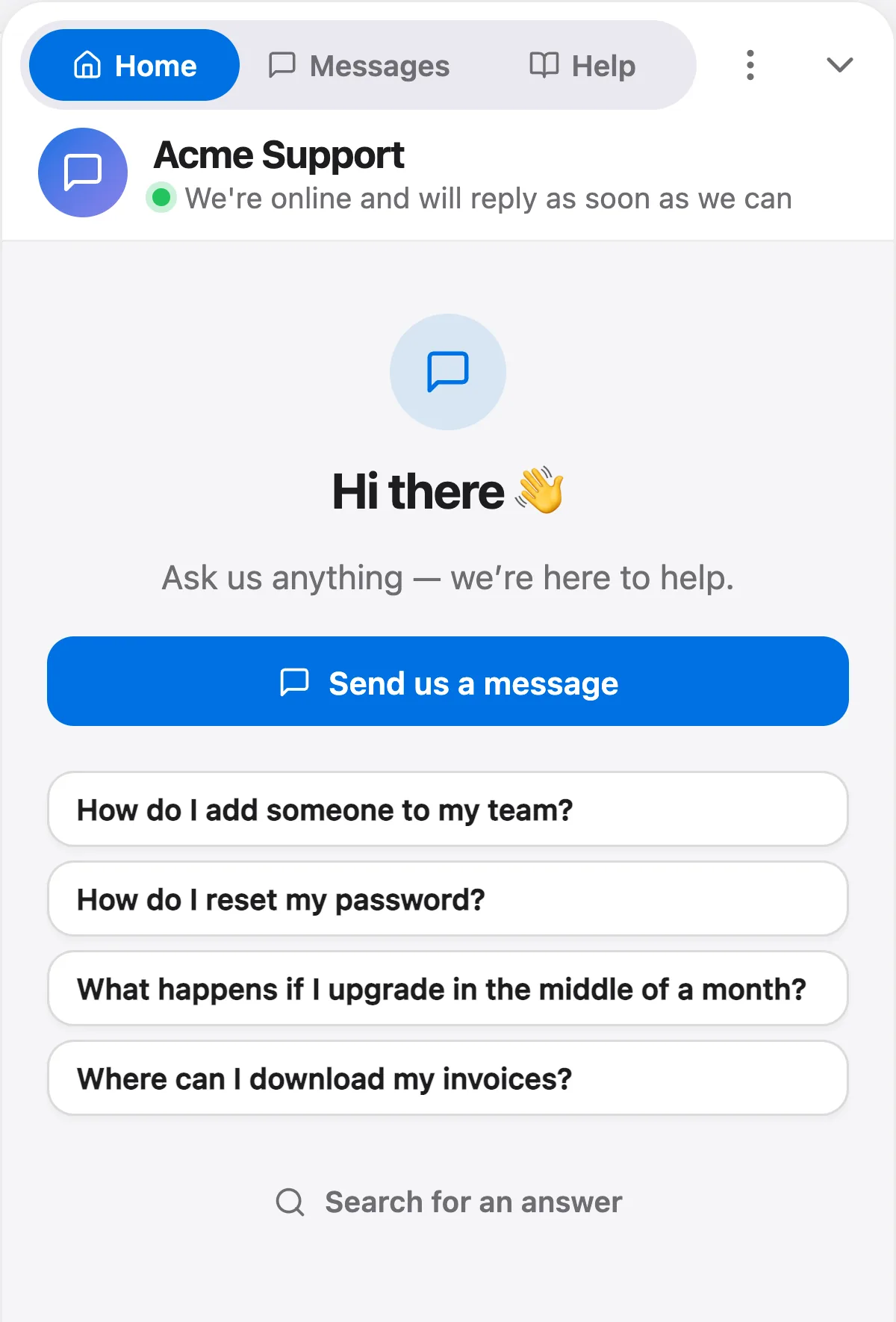
The things to tell a client up front:
- The AI is billed per resolution: a conversation it answered end to end with no teammate stepping in. Each paid plan includes a monthly amount (100 on Starter, 500 on Growth), then $0.49 each. Free includes 25 a month during the beta, with no overage; once they are used, new conversations wait for a person.
- Who pays is a workspace-level question, because the bill is per workspace. If you own it, you pay and mark it up. If the client owns it, the client pays Talvo directly.
- On Growth and above, the AI model can be chosen per workspace and brand voice can be set.
Who answers: you or the client
Agencies run this two ways, and Talvo supports both.
If the agency staffs the chat, the client does not need a login at all. Your team works the inbox of each workspace and replies there. Starter and Growth allow 5 and 15 teammates per workspace, so your own staff fit easily. Slack notifications are configured per workspace through an incoming webhook, so each client's new conversations can post to a channel your team watches.
If the client staffs it, they join as an agent and take it from there, or as a viewer if you only want them to see what is happening. Roles are owner, admin, agent and viewer on every plan. A hybrid is common too: the AI and your team handle weekdays, and the client's owner gets the hand-off for anything about their own business.
Teammates count against the plan cap, so a client who joins on a Free workspace (2 teammates) and an agency person fill it. Plan accordingly.
The inbox works in a phone browser with push notifications, which is fine for the "answer a hand-off from the train" case. There is no App Store app. The phone guide has the details.
What you can report back to clients
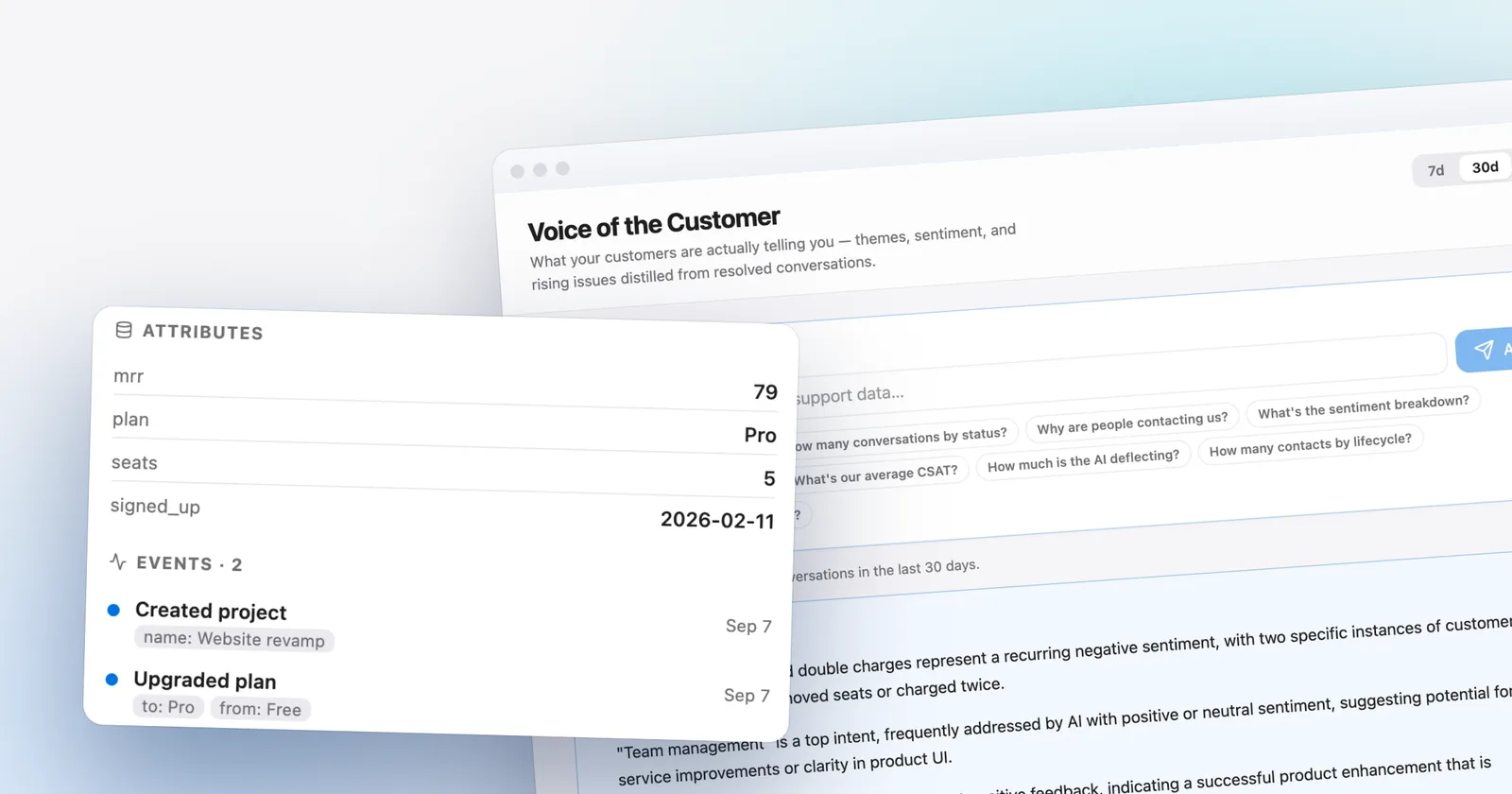
Reporting depends on the plan, and honesty here saves an awkward quarterly review. Analytics history is 7 days on Free, 90 days on Starter and one year on Growth. You get conversation volume, status, response and resolution times, and CSAT (Talvo reports the average star rating, not a percentage, split between AI-resolved and human-resolved conversations). The AI funnel (engaged, resolved, handed off) and grounding rate are on the Scale plan.
What you cannot do is export a branded client report from Talvo, report by tag, or show clients a login that looks like yours. You screenshot, or pull numbers into your own template.
The short version for an agency portfolio
- One login across up to 5 owned workspaces, plus any you join as a member
- Separate widget, inbox, contacts, knowledge base and help center per client
- Grounded AI per client, and handing a chat to a person costs nothing extra
- Brand color per workspace on the widget
- Not white-label: "Powered by Talvo" cannot be removed
- No custom domain for the help center
- No reseller or agency billing, and no combined inbox across clients
- No WhatsApp, SMS or Instagram channels yet
- Beta product launched this year, so there are no G2 or Capterra reviews to show a client
What it costs for 5 and 10 clients
The scenario: every client runs a light site with a human answering, billed at list monthly prices, one workspace each. Talvo's Starter plan includes only 100 AI resolutions per workspace, so a client with heavy AI traffic moves the total by $0.49 for each resolution past 100. Because one login owns at most 5 workspaces, the 10-client Talvo number assumes five clients own and pay for their own workspace.
| Option | How it is computed | 5 clients | 10 clients |
|---|---|---|---|
| Talvo Starter | $49 per workspace ($39 annual) | $245 ($195 annual) | $490 in total ($390 annual): $245 for the 5 you own, plus $245 that clients pay on the 5 they own |
| Crisp Mini | $45 per workspace, 4 seats, no knowledge base | $225 | $450 |
| Crisp Essentials | $95 per workspace, 10 seats, knowledge base, workflow builder | $475 | $950 |
| Crisp Plus (white label) | $295 per workspace | $1,475 | $2,950 |
| Tidio Starter plus "No Tidio branding" | $29 + $20 per client (100 billable human conversations each) | $245 | $490 |
Prices are from each vendor's pricing page, checked October 21, 2026. Crisp's Mini plan has no knowledge base, and its AI agent bills credits per conversation including hand-offs. Tidio's AI (Lyro) is a separate add-on and Flows are a third meter; one secondary source reports Tidio needs a separate account per client and gets heavy past about five clients, a claim Tidio's own pages don't address.
On a pure cost-of-chat basis, tools that charge per agent and allow unlimited sites may be cheaper. MyLiveChat, for example, says on its agency page that every plan covers unlimited websites, with a free tier for one agent and paid plans from $15 a month per agent (vendor-stated, so check what each tier includes). Talvo's case for an agency is not that it is cheapest. It is that every client gets their own grounded AI and their own inbox for a flat price you can predict. Talvo also has a Free plan for 2 teammates, but it is a trial-sized plan with a temporary beta AI allowance, not something to build a client offering on. For how each vendor defines a billable AI answer, see AI resolution pricing compared.
If white-label is a hard requirement
Say it out loud in the sales call: your clients are not buying "Powered by Talvo", and some agencies cannot have that on a client site. These tools do offer some version of removal or multi-brand, per their pricing pages in October 2026:
- Crisp lists white-labeling (removing "We run on Crisp") on its Plus plan, $295 per workspace. Mini and Essentials do not have it. Crisp bills per workspace, the same shape as Talvo, so portfolio math is similar. Our Talvo vs Crisp comparison covers the rest of the differences.
- Tidio sells branding removal as an add-on at $20 a month on monthly billing, or $16.67 on annual billing.
- LiveChat lists a white-label widget under its custom-priced Enterprise plan.
- Intercom (now Fin) lists multibrand Messenger and help center on its Expert plan, $139 per seat on monthly billing ($132 annual). It is built for companies with several brands, and its price shows it.
A search for white-label specialists will also turn up dedicated reseller products from vendors such as Social Intents and Vendasta. They aren't covered here, so compare their terms directly.
The tradeoff is real in both directions. Those tools give you branding control; Talvo gives you a flat-priced workspace per client and a grounded AI in each one.
If your clients are small shops and you want a second opinion before standardizing on one tool for the portfolio, the best live chat software for small business is a fair comparison. Current prices for every Talvo plan are on the pricing page.
Frequently asked questions
Can I use one live chat account for multiple client websites?
With Talvo, one login can own up to 5 workspaces and switch between them from the account menu. Each workspace is one client business with its own widget app ID, inbox, contacts, knowledge base, help center and billing. If you manage more clients than that, a client can create their own workspace and invite you as a member, though the client then owns and pays for it.
What is white-label live chat?
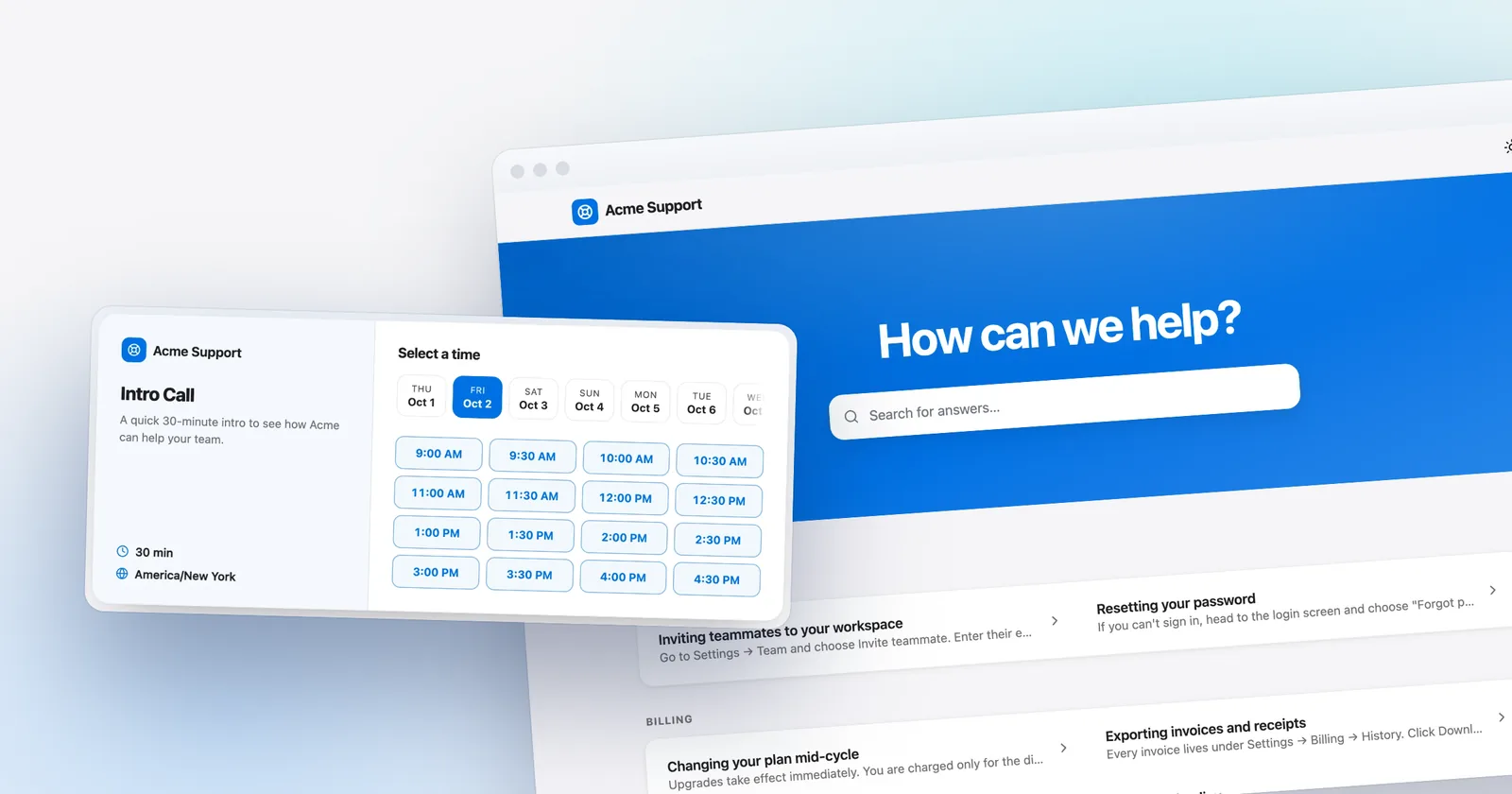
It means the chat tool carries your agency's or your client's brand instead of the vendor's. That can cover removing the vendor's badge, a custom domain for the help center, and reseller billing. Talvo offers none of these today; it only lets you set a brand color per workspace.
Can I remove the "Powered by" branding from a chat widget?
Not on Talvo; there is no option, on any plan. Other tools do offer removal: Crisp lists white-labeling on its $295 Plus plan, and Tidio sells branding removal as an add-on at $20 a month on monthly billing. Check each vendor's current pricing page before you quote a client.
Can the chat widget match each client's brand colors?
Partly. Each Talvo workspace has a brand color in Settings, General, and the chat widget uses it. There are no other theming controls documented, so you cannot restyle fonts, shapes or the launcher beyond that color, and the "Powered by Talvo" badge stays.
Who should answer the chats, the agency or the client?
Either works. If your team answers, work each client's inbox yourself and switch workspaces; the client needs no login. If the client answers, invite them as an agent, or as a read-only viewer to keep an eye on things. Many agencies let the AI and their team cover most chats and send business-specific hand-offs to the client.
How should an agency price live chat to clients?
Because each Talvo workspace is billed to its owner, you either own the workspace and add your own margin to the plan price, or the client creates the workspace and pays Talvo directly while you manage it as a member. Talvo has no reseller billing, so any invoicing to the client is your own.
Can each client have its own AI chatbot trained on its own site?
Yes. Each workspace has its own knowledge base, which you can build by crawling that client's site into draft articles and publishing the good ones. The AI answers only from that workspace's published articles, cites the one it used, and hands off to a person when unsure. A hand-off to a person is not billed as a resolution.
What can we report back to clients from live chat?
Talvo shows conversation volume, status, response and resolution times, and CSAT as an average star rating. Analytics history is 7 days on Free, 90 days on Starter and a year on Growth. The AI funnel is on the Scale plan. There is no branded client report export, so you build your own from the numbers.
Sources
Other products' prices and features change. We checked these pages; if something is out of date, tell us and we'll fix it.