On this page
- How many inquiries really arrive after hours?
- Three ways to cover the evening, compared
- What the AI should answer, and what it should hand off
- Set hours and an away message people can trust
- Let customers book the visit themselves
- Answering from the truck
- Who should look elsewhere
- What it costs for a small shop
- A one-afternoon setup
- Frequently asked questions
It is 9:10 on a Sunday night. A homeowner's water heater is making a noise, they find your site, and they have three questions: do you cover their zip code, do you come out on short notice, and roughly what does a visit cost. There is a contact form. Nobody is going to see it until Monday at 8, and by then they will have called whoever answered first.
Live chat for service businesses is mostly about that gap. Contractors, trades, studios, salons and small agencies sell time and trust, usually with two or three people on the payroll, and a lot of their questions arrive when nobody is at a desk. This guide covers what to do with those evenings: let an AI answer the routine questions from your own pages, hand the rest to a person by morning, and let customers book the visit themselves.
It is a different job from picking a chat tool in general. If you are still comparing products, our guide to the best live chat software for small business prices twelve of them. This one assumes you are leaning toward Talvo or want to know what good looks like first.
How many inquiries really arrive after hours?
The honest answer is "more than you would guess, but less than the marketing pages claim". Plenty of marketing pages quote a big after-hours share for home services, but those figures don't come with a primary source, so we leave them out.
The best-sourced number comes from ServiceTitan, the field-service software company. In its Call Trends in the Trades guide, between 10.7% and 12.1% of calls arrived outside normal business hours, or nearly 1 in 8. Three caveats come with it. It is ServiceTitan's own customer data, in an aggregated, de-identified sample from May 2025 to July 2026. It measures phone calls, not website chats. And ServiceTitan says the data should not be read as representative of the whole trades industry.
Even so, the arithmetic is useful. If your shop takes 400 calls a month and your mix looks like that sample, roughly 43 to 48 of them come when nobody is working. Whether they turn into jobs depends on what they find when they land on your site.
Three ways to cover the evening, compared
| Option | What it does well | Where it falls short | Typical cost |
|---|---|---|---|
| Human answering service | Handles emergencies and judgment calls; a real person | Per-chat limits and a script you maintain; knows only what you wrote down | Varies by provider; get quotes |
| AI chat answering from your pages | Instant routine answers at any hour; cites its source; hands off when unsure | Only as good as your published pages; cannot judge an emergency | $49 a month on Talvo Starter for a small shop (below) |
| Booking link in chat | The customer picks a slot at 2 a.m. and the job is on your calendar | Does nothing for people who have a question first | Included in Talvo Starter and up |
The strongest setup is usually the second and third combined, with the first kept for businesses where an emergency means a flooded basement. A chatbot is a poor emergency dispatcher. Say that to the customer: put your phone number where they can see it.
What the AI should answer, and what it should hand off
Give the AI the questions that have the same answer every time: service area, hours, whether you do free estimates, how scheduling works, what you do not do, payment methods, warranty terms. Hand off anything that requires judgment: pricing on a specific job, an urgent problem, a complaint, anything involving a person's property.
Talvo's AI agent works that way by design. It answers only from articles you have published, shows the article it used, and hands off to your team with a short internal note when nothing genuinely covers the question. It never invents an answer. If a teammate replies, the AI steps aside for the rest of the conversation.

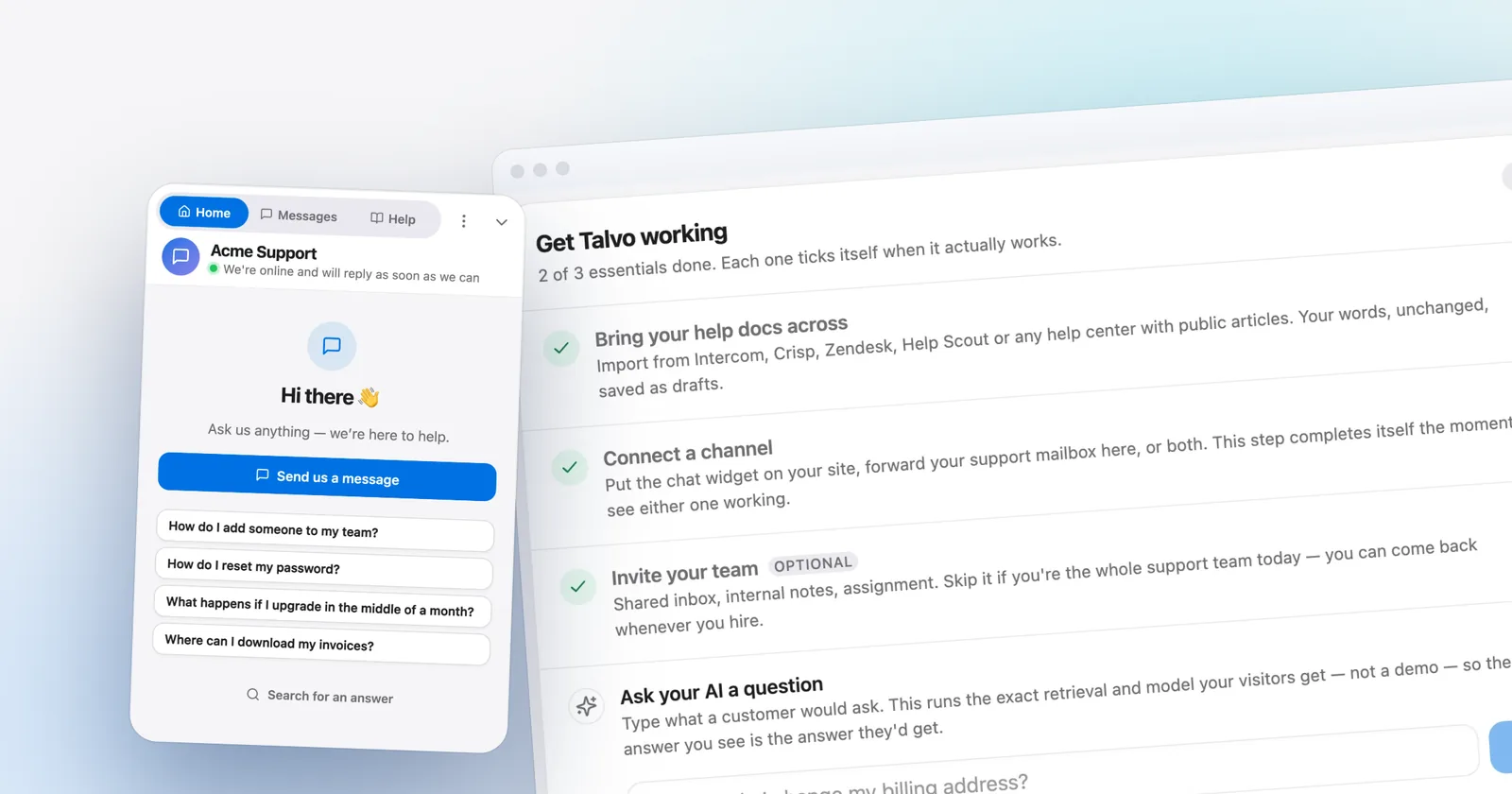
You do not have to write the articles from scratch. In onboarding or Settings, Knowledge base, enter your site's URL and Talvo crawls it into draft articles. They stay invisible to customers and the AI until you publish them, so the review step is the point: publish what is still true, trim marketing language down to an actual answer, and delete anything out of date. A two-line article gives the AI nothing to cite, so write a real paragraph for the questions you hear most. The knowledge base chatbot guide shows what a good one looks like.
Cost-wise, a "resolution" is a conversation the AI answered end to end without a teammate stepping in, and a hand-off to a person is not one. Starter includes 100 resolutions a month; each extra is $0.49. The AI resolution pricing guide compares how other vendors count.
Set hours and an away message people can trust
Hours and the away message are separate from the AI, and they are available on every plan, Free included. In Settings, Inbox, Business hours you set when you are available and your timezone. Outside those hours the widget shows your away message. Settings, Chat widget has a live preview showing your online or away status, so you can check what a visitor sees before it goes live.
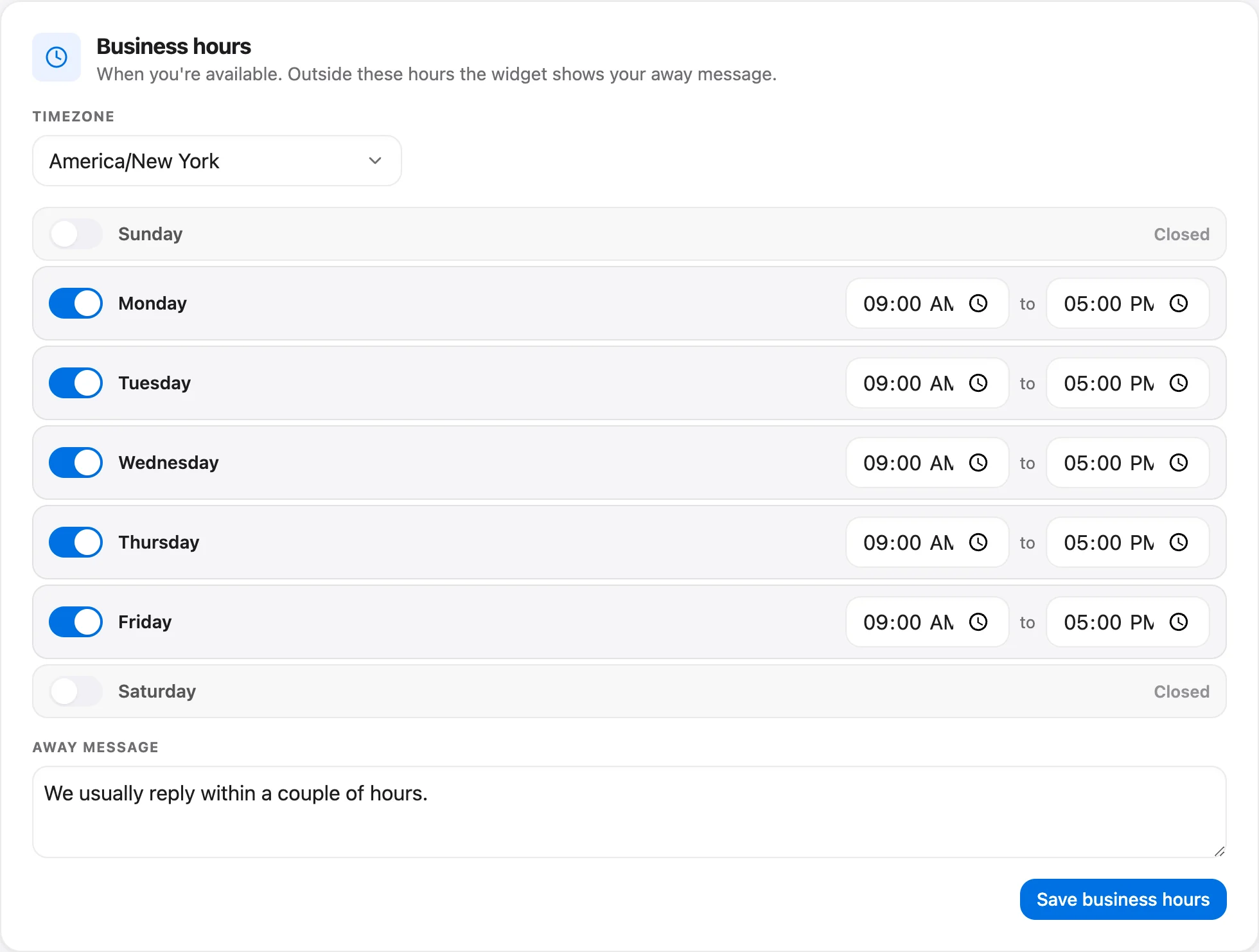
What to put in the away message is more important than where to click. A few rules that work:
- Say when a human will actually reply. "We answer messages by 9 a.m. on weekdays" beats "we will get back to you soon".
- Keep the phone number for real emergencies where people can see it.
- Do not promise a booking confirmation you cannot deliver by hand.
If someone leaves a message, the conversation waits in your shared inbox with the rest. Talvo also has no-reply reminders (Settings, Inbox, Reply reminders, 12 hours by default, every plan) that alert the team when a customer has been waiting, which is a decent safety net for a team of three who all assume somebody else saw it. Anonymous visitors are asked for an email so you can reply (that is a general widget behavior, not part of business hours), and you can ask for one in the away message copy too.
Let customers book the visit themselves
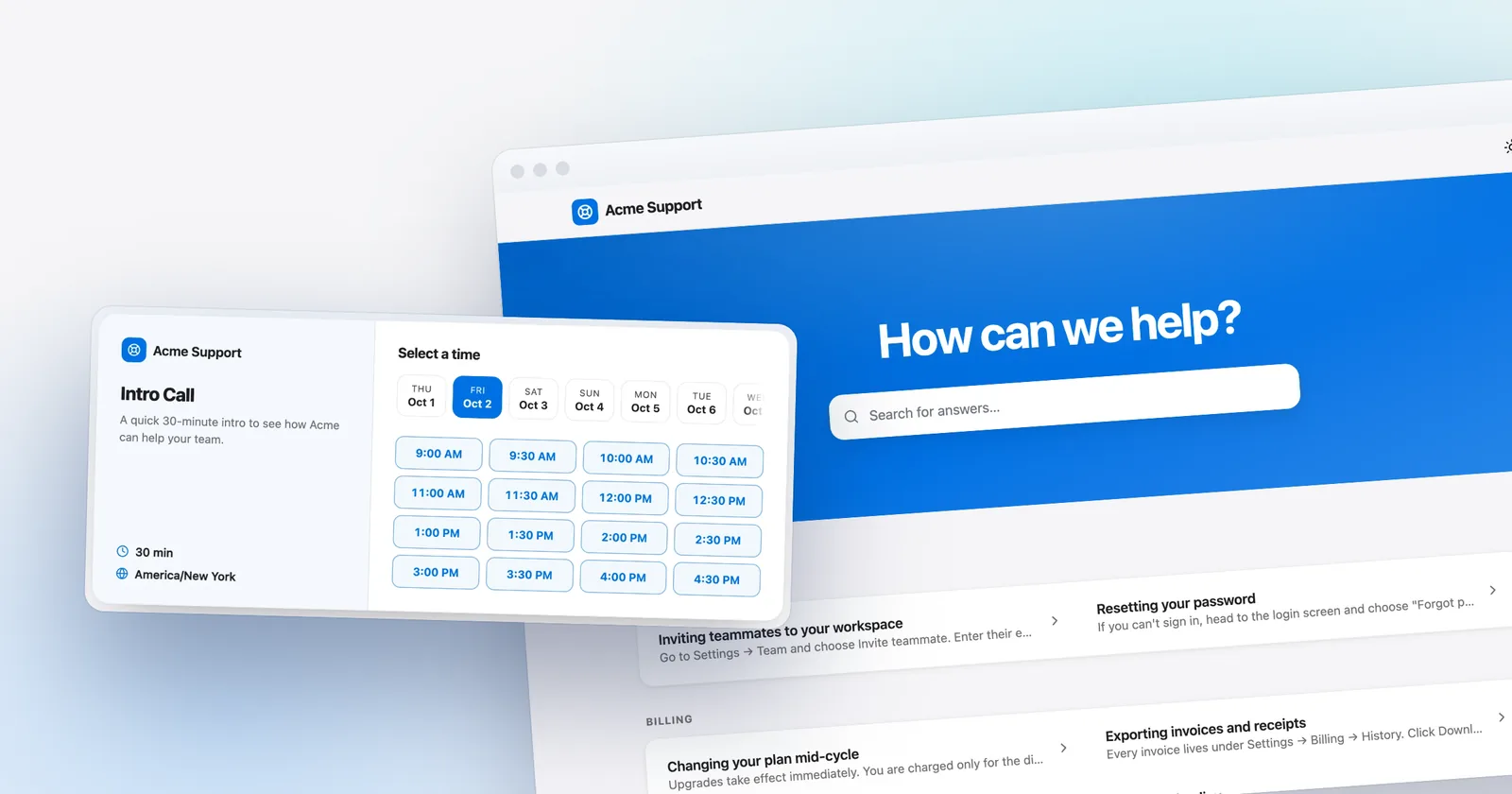
A booking link is the most reliable after-hours tool a service business has, because it works at 2 a.m. and does not depend on anyone being awake. Talvo includes meeting scheduling on Starter and up (not on Free).
- Create a booking typeOne for each kind of visit: a 30-minute estimate, a 15-minute phone call. Each has its own duration and buffer, so a buffer can build in travel time between jobs.
- Set your weekly availabilityChoose windows in your own timezone. Slots are generated from them, minus existing bookings, and shown to the guest in their timezone.
- Share the linkPut it on your site, in your away message, or drop it into a live chat when a customer is ready.
- Let it runA booking creates or matches a contact, opens a conversation in your inbox, and emails the guest a confirmation.
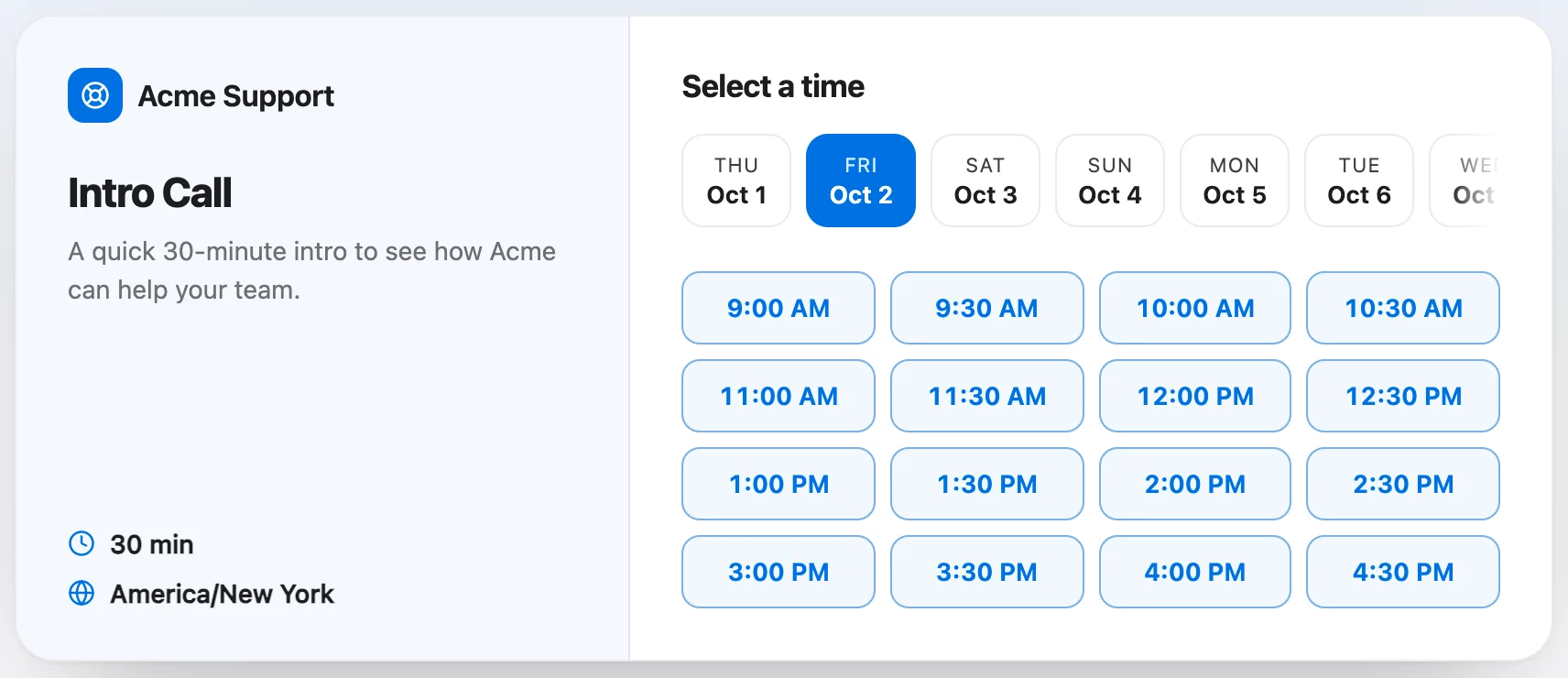
Slots are checked at the moment of booking, so two people cannot take the same one. The guest does not need an account. If you use Slack, "meeting booked" can post to a channel too.
Be clear about what this is. The booking happens on the page; the support AI does not book appointments by itself. A teammate (or your away message) sends the link. Talvo also has no deposits, no payment collection for bookings, and no field-service dispatch or job scheduling. If you need customers to pay a deposit to hold a slot, that is a different tool.
Answering from the truck
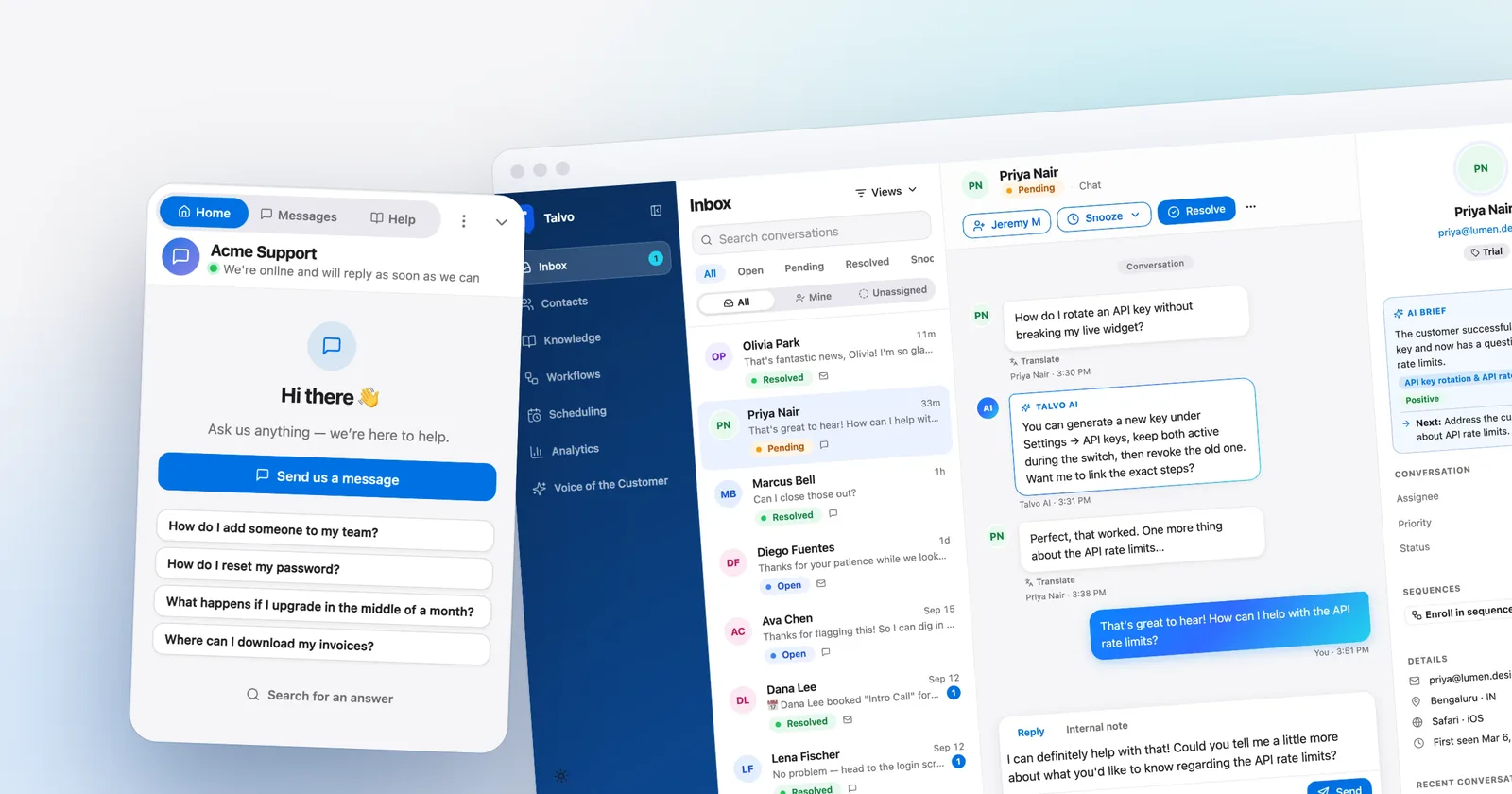
Most small service businesses do not have anyone sitting at a desk. Talvo works in a phone's browser, with an inbox laid out for a small screen and push notifications you enable per device.
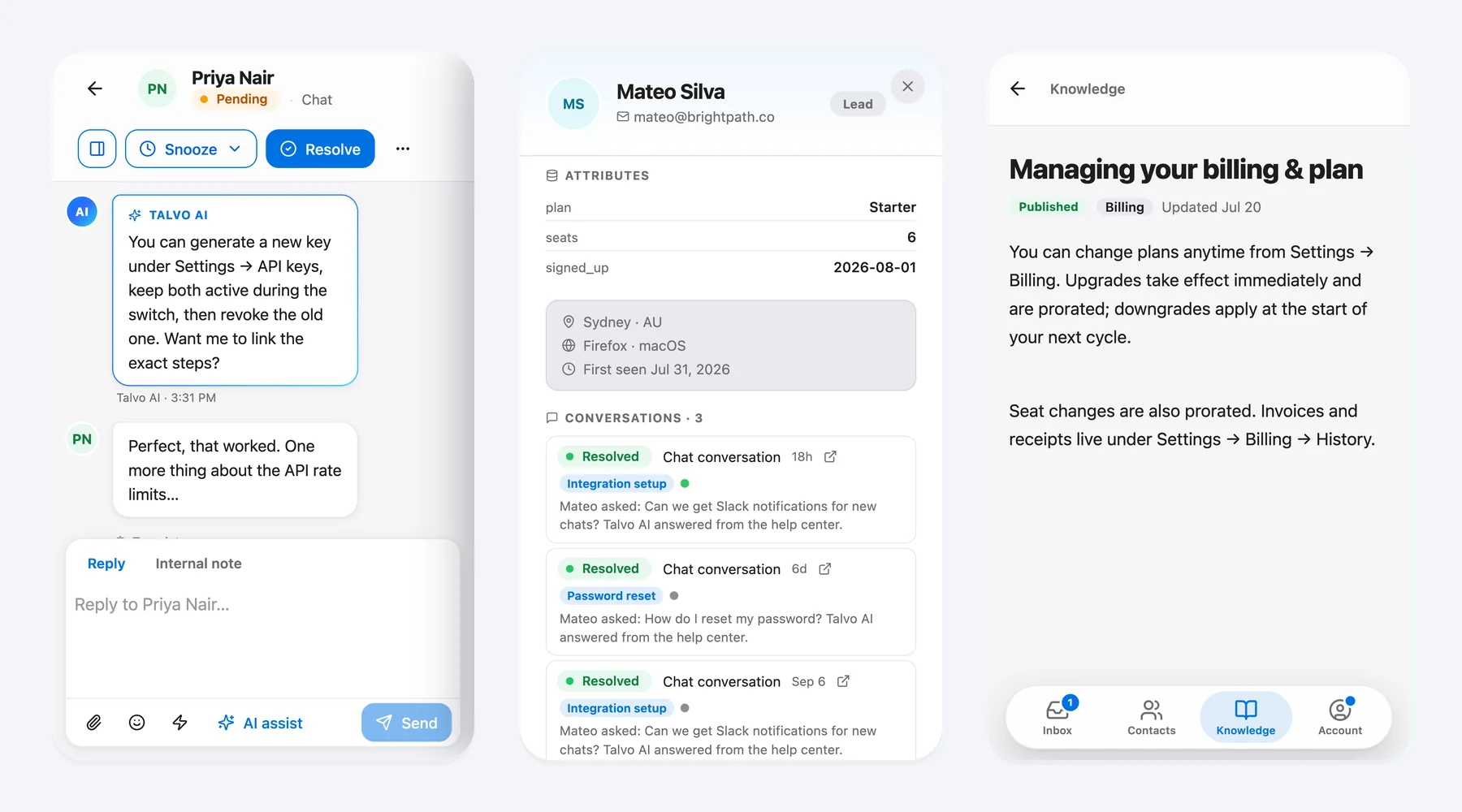
On a phone, you can swipe a row to resolve or snooze it, reply, add an internal note, and see who the customer is. There is no App Store or Google Play app today. The phone guide has the setup.
Who should look elsewhere
There is no SMS, and contractors live on text messages. Customers who would rather text than open a web chat will not reach you here. There is no phone or voice channel, no WhatsApp, Instagram or Facebook Messenger yet (some are on the roadmap), no deposits, and no job dispatch. It launched this year and is still in beta, so there are no G2 or Capterra reviews to read yet.
One more boundary, stated plainly because the question comes up: Talvo does not support HIPAA. Medical and dental practices, therapists and anyone else who would discuss patient information in chat should not use it for those conversations. Wellness studios, salons, fitness and other non-clinical businesses are a fit, as long as nobody is typing health records into the widget.
What it costs for a small shop
The scenario: a 3-person shop that wants AI answers on about 60 conversations a month and a way to book. Monthly list prices, checked October 21, 2026.
| Option | How it is computed | Monthly total |
|---|---|---|
| Talvo Starter (AI plus booking pages) | $49; 60 is inside the 100 included | $49 |
| LiveChat Essential x 3 (AI, no native booking) | 3 x $25 + one pack of 50 extra AI resolutions ($49.50); Essential includes 10 AI resolutions a month per account | $124.50 |
| Tidio Starter (100 billable conversations) plus Lyro 100 conversations | $29 + $75; the 100-conversation cap also counts human chats, and a secondary source says Tidio has no native scheduling | $104 |
| Answering service (human chat) | Price varies; request quotes | not priced here |
Talvo's Free plan is $0 for 2 teammates with 25 AI resolutions a month during the beta, but it has no booking pages. Teammates up to the plan limit never change the bill, so adding a fourth person to the Starter workspace costs nothing extra. Tidio's AI bills any conversation where it replies at least once, so treat that row as a starting point.
A one-afternoon setup
- Install the widget on every page, not just the contact page (install guide)
- Crawl your site into draft articles and publish the best five to ten
- Write one real paragraph each for service area, hours, estimates and what you do not do
- Set business hours, timezone and an away message that names a reply time
- Create one booking type and put the link in your away message
- Turn on notifications on your phone and send a test chat
- Ask the AI three questions at night and read what it cited
After a week, check which questions were handed off. Those are the next articles to write. The pricing page has every plan if you outgrow Starter.
Frequently asked questions
Is live chat worth it for a small service business?
It can be, if you cannot answer the phone all day and customers ask routine questions before they book. Chat with AI answers from your own pages and a booking link covers evenings and weekends without hiring. It is less useful if your customers only text or call, since Talvo has no SMS or phone channel.
How do I answer website chats after hours without hiring someone?
Turn on an AI agent that answers only from your published pages and hands off when unsure, set business hours with an away message that states a reply time, and share a booking link. Your team picks up the handed-off conversations the next morning from the shared inbox or a phone browser.
Can a chatbot book appointments on my website?
Talvo's support AI does not book appointments itself. Customers book on a public booking page, and a teammate or your away message shares the link. A booking creates a contact, opens an inbox conversation and emails a confirmation. Booking pages need the Starter plan or higher, and there are no deposits.
What should my chat say when we are closed?
State when a person will reply, such as "We answer messages by 9 a.m. on weekdays", and keep your phone number visible for emergencies. Offer the booking link if you have one. In Talvo you set this in Settings, Inbox, Business hours; the widget shows the away message outside those hours.
Live chat vs answering service: which is cheaper?
For a small shop, AI chat is usually cheaper than a staffed service: Talvo Starter is $49 a month including 100 AI resolutions. Human chat receptionist services price by quote, so get several. An answering service is better for emergencies and judgment calls, so some businesses use both.
Can I answer website chats from my phone?
Yes. Talvo's inbox works in a phone browser with a layout built for small screens, and you can turn on push notifications per device. You can reply, add internal notes and resolve conversations. There is no App Store or Google Play app today.
How much does live chat cost for a small business?
On Talvo, Free is $0 for 2 teammates with 25 AI resolutions a month during the beta, and Starter is $49 a month ($39 billed annually) for 5 teammates, 100 AI resolutions and booking pages. Extra AI resolutions cost $0.49 each. Per-seat tools such as LiveChat run $25 a user monthly before AI extras.
Can clinics use live chat?
Not with Talvo for patient questions: it does not support HIPAA. Medical and dental practices should not discuss patient information in the widget. Non-clinical businesses such as salons, studios and fitness businesses can use it, as long as no health information is typed into the chat.
Sources
Other products' prices and features change. We checked these pages; if something is out of date, tell us and we'll fix it.