
A built-in CRM connects each chat to the person behind it — their company, lifecycle stage, tags and every past conversation. See who's on your site in real time.

The real Talvo app, shown with our demo workspace.
Know the customer, not just the ticket
Live visitors, editable profiles and each customer's chats, bookings and ratings in one place — every contact connected to the conversations and meetings that matter.
See who's on your site right now
A live feed of every visitor — the page they're on, where they came from, how long they've stayed. Spot a high-intent prospect while they're still on your pricing page.
- Real-time visitor feed
- Current page, referrer & time on site
- Spot intent as it happens
A profile you can actually work
Every contact carries their company, phone, lifecycle stage, tags and private team notes — all editable inline. Move someone from lead to customer, tag the VIPs, and keep the context your team needs in one place.
- Company, phone & lifecycle stage
- Tags and private team notes
- Editable right from the profile
Tied to every conversation — and your product
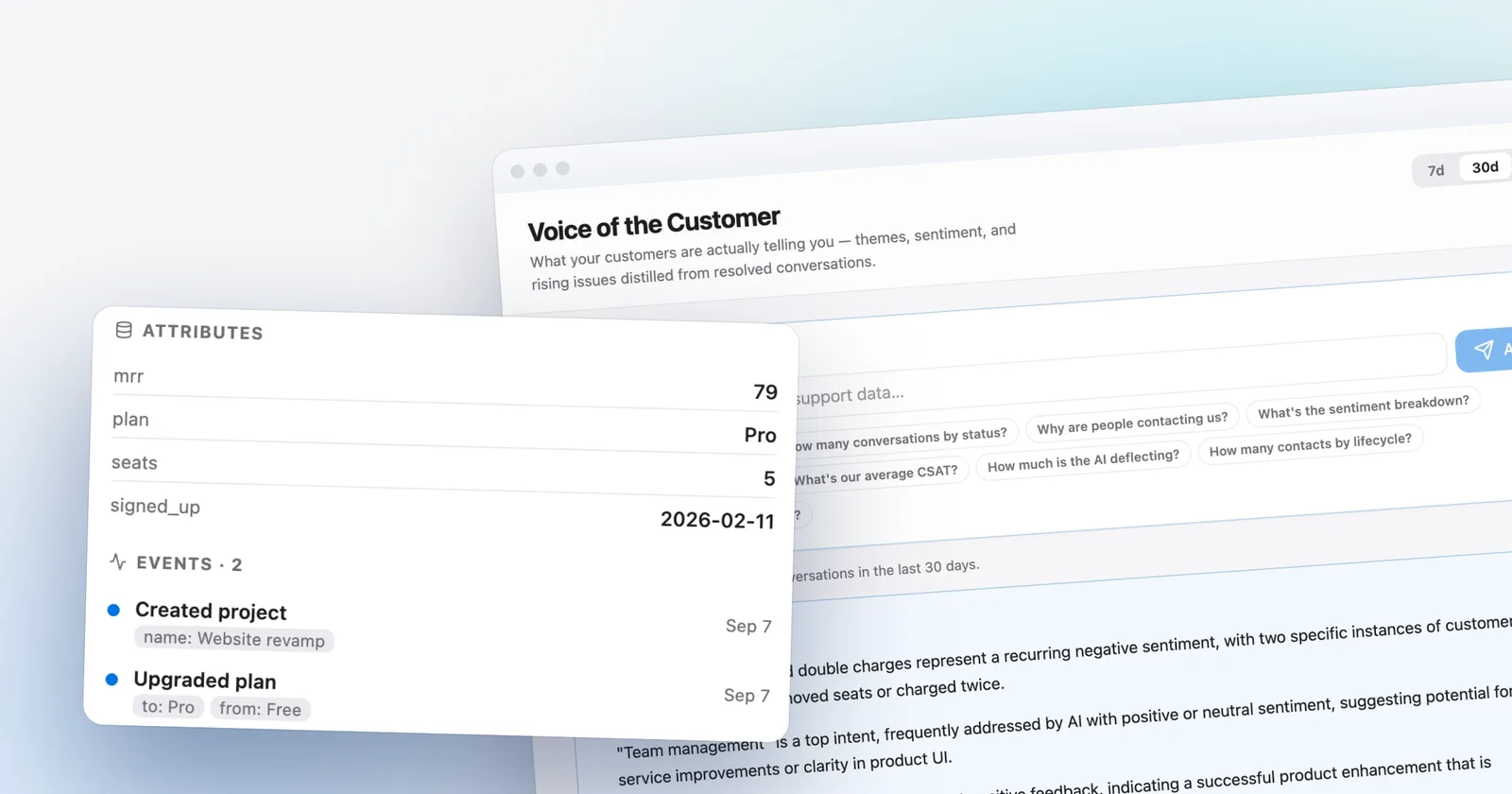
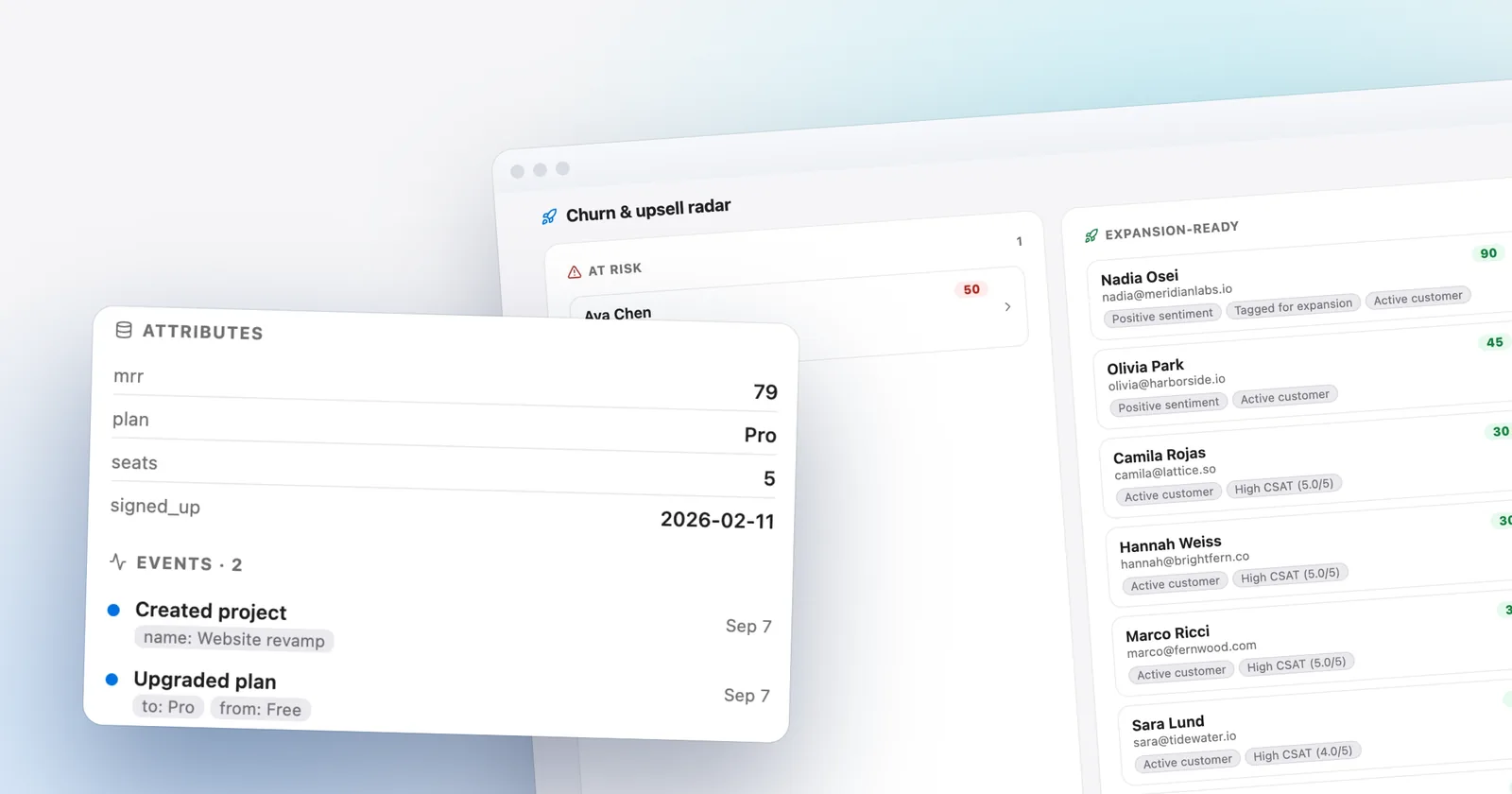
Each profile links to the person's history — past chats, the meetings they've booked, and the satisfaction ratings they've left. Send Talvo your own data too: custom attributes like plan or MRR and product events like “upgraded plan” arrive through a simple API and land right on the profile.
- Chats, bookings & CSAT on the profile
- Custom attributes & product events via the API
- Jump straight to any past thread
Which plans include it
- Free$0included
- Starterfrom $39/moincluded
- Growthfrom $119/moincluded
- Scalefrom $249/moincluded
Saved segments are on Growth and up.
Compare every planQuestions, answered
From the blog
Go deeper: how this compares with other tools, what it costs, and how to set it up.
 Use casesLive chat for SaaS: signed-in users, onboarding and what 5 seats really cost
 GuidesCustomer churn signals in your support inbox: ten to test, and how to test them
 ComparisonsTalvo vs HubSpot: the cost of moving up to Service Hub Professional for an AI agent
Let the agent take the first shift.
Three steps, and the agent is answering.
- Add the messengerOne script tag, just before
</body>.Install the chat widget - Import your help centerCrawl your own site, or bring your articles over from your old help desk.Import by crawling your site
- Invite your teamOne flat price for the workspace, up to your plan's teammate cap.Invite your team
<!-- Settings → Chat widget → copy your snippet -->
<script async src="https://talvo.chat/_api/widget/loader?app=your-app-id"></script>
</body>