On this page
One fact first, because it settles the question for a lot of readers. Talvo has no HubSpot integration. No native connector, no sync, nothing that writes a chat or an email onto a HubSpot contact. If your support history has to live on the HubSpot record next to the deal and the marketing emails, stop here: this talvo vs hubspot comparison will not change that, and the tools worth a look are in our HubSpot Service Hub alternatives guide.
If you can live with two systems, read on. This post is for one specific reader: you are on HubSpot's Free tier or Starter, you want an AI agent that answers customers, and the way up is Service Hub Professional at $90 to $100 a seat, a $1,500 onboarding fee and an annual commitment. We price that jump against Talvo for the same team, then say what breaks when the two tools sit side by side. HubSpot numbers come from HubSpot's Service Hub pricing page and its credits page, checked October 21, 2026. Talvo makes a competing product, so we flag the soft spots in our own.
Talvo vs HubSpot starts with one question
Where does a customer conversation need to end up? There are really two answers.
If it must end up on the HubSpot contact, because sales reads support history before calling, or tickets drive deals, or your marketing segments depend on it, then HubSpot's advantage is structural. One record, one vendor. That is what you are paying for, and our HubSpot Service Hub pricing post walks through what the CRM-attached tiers cost.
If support lives separately, in practice, from your CRM (a person answers the chat, resolves it, and nobody opens HubSpot to read it), then you are paying a CRM price for a support job. That is the group Talvo is aimed at. The rest of this post assumes you are in it, or are at least willing to find out.
What the jump to Professional costs
HubSpot's tiers, as listed on the pricing page.
| Tier | Seat price shown | What it adds for support |
|---|---|---|
| Free | $0, up to 2 users, no card | Live chat (HubSpot-branded) and ticketing |
| Starter | "Starts at $7" a seat, with $20 struck through | Branding removable, Messenger, 500 calling minutes, 500 credits. No AI agent, knowledge base or SLAs |
| Professional | "Starts at $90" a seat annual, $100 pay-monthly | AI Customer Agent, knowledge base, SLAs, help desk workspace, surveys, WhatsApp, customer portal. $1,500 required onboarding; 3,000 credits |
| Enterprise | "Starts at $150" a seat | Skill-based routing, more of everything. $3,500 required onboarding; sales-led |
Two caveats on those numbers. The Starter card is the bundled Starter Customer Platform, and a third-party price tracker logs the $7 as a promotional cut. Treat it as a promotion, with $20 as the figure to plan on. Second, the pricing page loads with annual billing selected and shows $20 and $100 struck through, which reads as the pay-monthly prices. HubSpot's own product catalog supports that reading, listing a Starter Core Seat at $20 a month and a Professional Service Seat at $100, though the pricing page doesn't label them, so treat $100 as an inference. Professional also shows "commit annually" even when you pay monthly, so you owe twelve months either way.
The AI is billed on top, in HubSpot Credits. The Customer Agent costs $0.50 per resolved conversation, paid as 50 credits at $0.01 each, and it only exists on Professional and Enterprise. Included credits are 3,000 a month on Professional, which is 60 resolutions, and they reset monthly with no rollover. HubSpot's pricing page claims 65%+ of conversations are resolved automatically and 39% faster ticket resolution; those are vendor-reported figures, not benchmarks.
A HubSpot Customer Agent alternative, priced
Talvo charges per workspace: Starter is $49 a month for 5 teammates and 100 AI resolutions, Growth is $149 for 15 and 500, Scale is $299 for 25 and 2,000, with extras at $0.49. Annual billing makes those $39, $119 and $249. Adding a teammate up to the plan's limit never changes the bill.
Here are three teams, matching the ones in our alternatives post: 3 people with 300 AI resolutions a month, 5 with 1,000, and 10 with 3,000. HubSpot is priced on Professional at its "starts at" seat price, with credits beyond the included 3,000. The credit math is resolutions × 50 credits, minus 3,000, times $0.01.
| Team | HubSpot Professional, monthly | HubSpot Professional, annual price | Talvo, monthly | Talvo, annual |
|---|---|---|---|---|
| 3 people, 300 resolutions | 3 × $100 + (15,000 − 3,000) × $0.01 = $420 | 3 × $90 + $120 = $390 | Starter: $49 + 200 × $0.49 = $147 | Growth: $119 |
| 5 people, 1,000 resolutions | 5 × $100 + (50,000 − 3,000) × $0.01 = $970 | 5 × $90 + $470 = $920 | Scale: $299 | Scale: $249 |
| 10 people, 3,000 resolutions | 10 × $100 + (150,000 − 3,000) × $0.01 = $2,470 | 10 × $90 + $1,470 = $2,370 | Scale: $299 + 1,000 × $0.49 = $789 | Scale: $249 + $490 = $739 |
Now put the one-time fee in. Over twelve months with the $1,500 onboarding, HubSpot Professional comes to $6,180 for the first team on the annual price (390 × 12 + 1,500) and $6,540 on the monthly price. For the second team it is $12,540 or $13,140, and for the third $29,940 or $31,140. Talvo's twelve months for the same teams are $1,428 or $1,764, then $2,988 or $3,588, then $8,868 or $9,468. There is no onboarding fee, and no annual commitment on a self-serve plan.
Look at the per-resolution rate before you decide anything from this table. HubSpot's $0.50 and Talvo's $0.49 are effectively a tie, and we won't pretend otherwise. What differs is what's around the rate: HubSpot's credits include about 60 resolutions a month, Talvo includes 100, 500 or 2,000 depending on the plan, and HubSpot bills per seat while Talvo doesn't. A hand-off to a person is never billed on Talvo, and Talvo has no AI spending cap: the control is turning the AI off for the workspace. On HubSpot the Customer Agent charges for resolved conversations, so an unresolved one costs nothing, which is a fair deal too. Our AI resolution pricing comparison lays out every vendor's definition.
One more figure, because most readers don't need Professional. If you keep HubSpot only as the CRM and add Talvo beside it, the 5-person, 1,000-resolution team pays Starter seats plus Talvo: 5 × $20 = $100 plus Scale at $299 is $399 a month, or at the $7 promotion $35 plus $249 annual is $284. The comparison is rough, because a Starter seat is for the CRM and your support agents may not need one, but it shows the scale of the difference against $970.
Keep HubSpot, add Talvo beside it: what breaks
This is the part that decides it. With no integration, these things don't happen on their own:
- A Talvo conversation is not logged on the HubSpot contact.
- A Talvo contact is not created in HubSpot, and the reverse is true too.
- Nothing you do in Talvo triggers a HubSpot workflow or updates a deal stage.
- HubSpot's reports don't see Talvo's response times or CSAT.
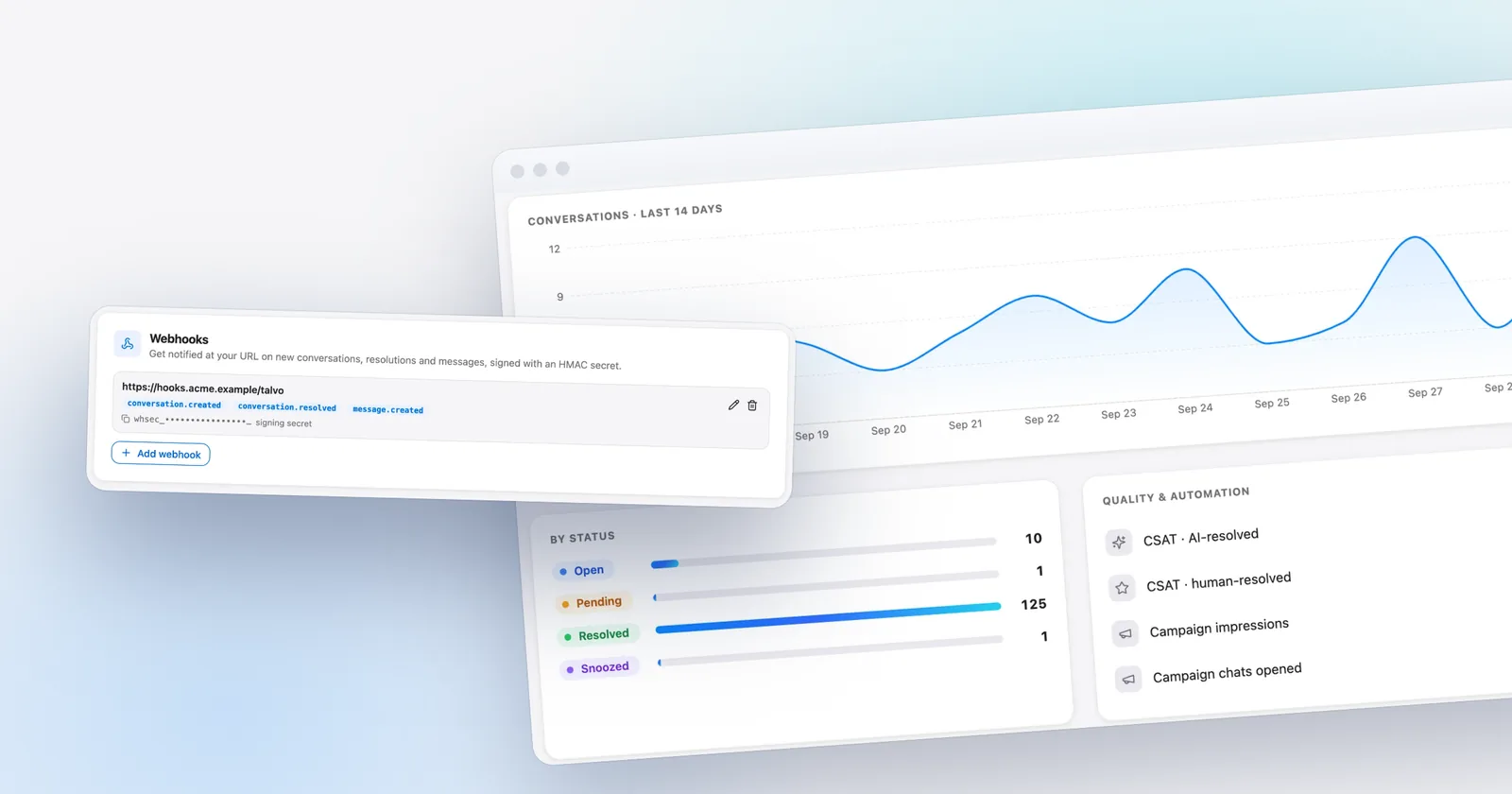
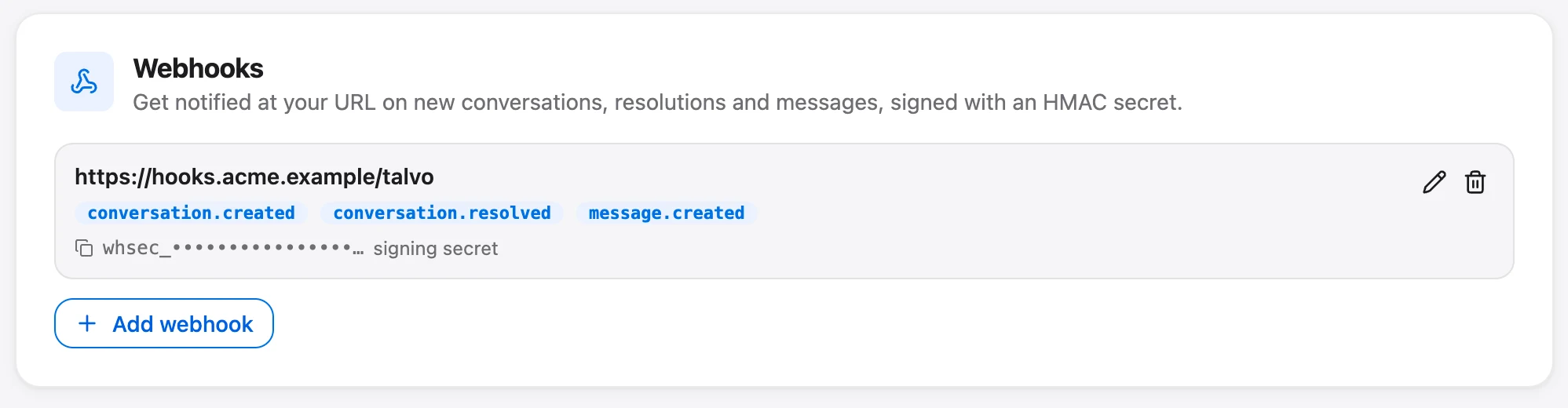
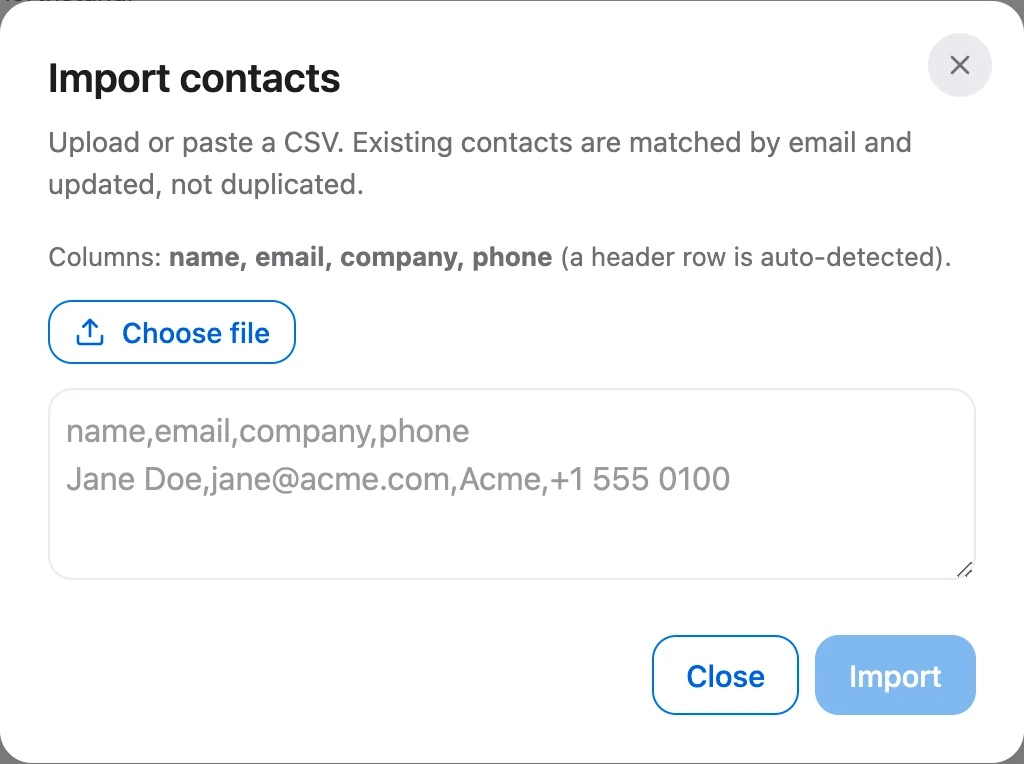
You have three honest ways to live with it. The first is to accept two systems: your CRM stays the record for deals and marketing, and Talvo is where support is answered. Move contacts across once with a CSV (up to 2,000 rows, matched by email so nothing duplicates). The second is manual: a teammate links a conversation in a note. The third is to build a bridge. Talvo has a REST API and signed webhooks, and a developer can push conversation events to HubSpot from a small server. That is a project, not a setting, and API keys are a Starter feature while attributes and events through the API need Growth.
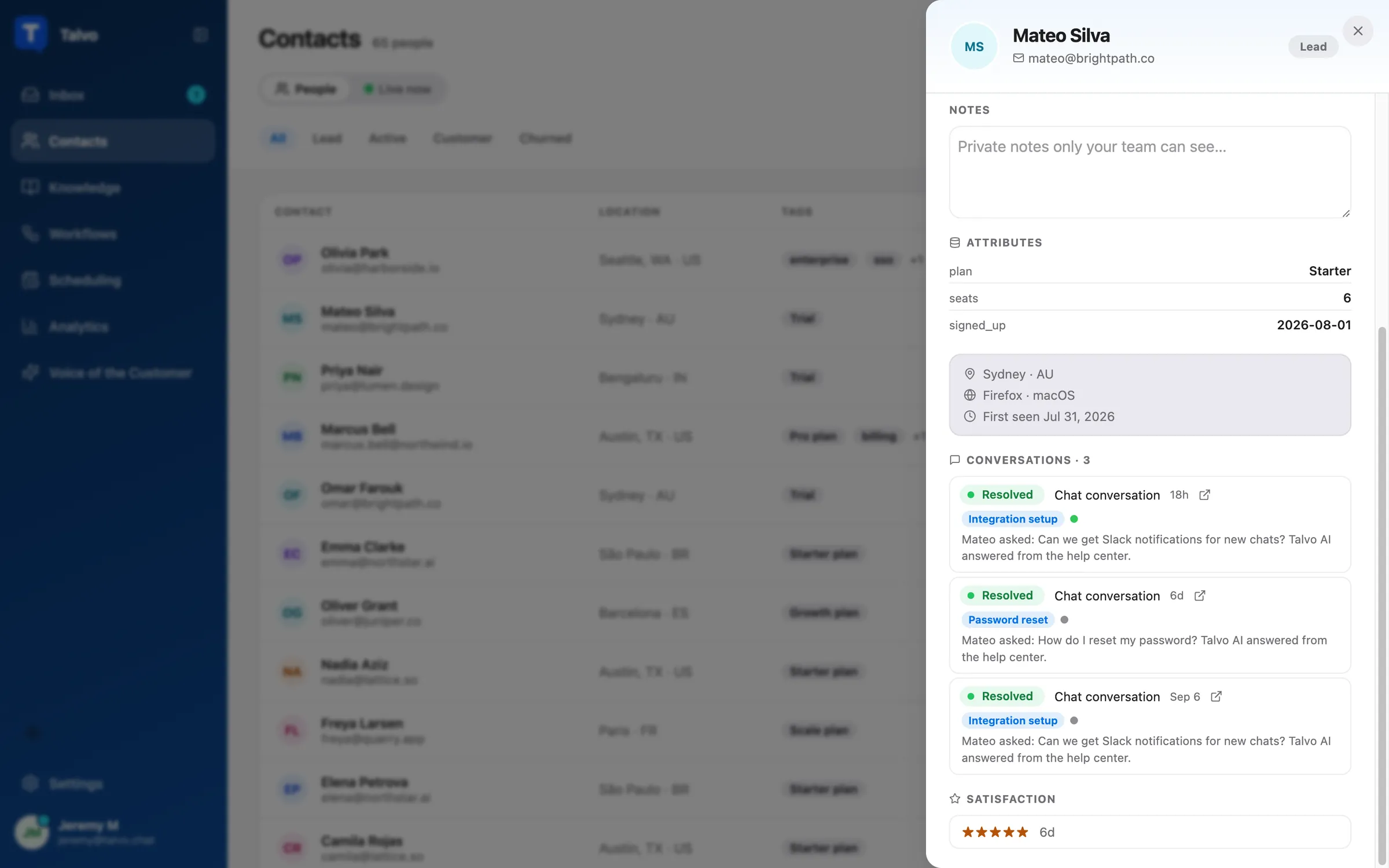
Talvo does keep its own contact profile: conversations, bookings, CSAT ratings and custom attributes for each person. It is not a sales CRM, and there are no pipelines or deals.
Where HubSpot wins
- A full CRM underneath: tickets, chats, deals, marketing emails and contacts on one record
- Calling with included minutes and numbers, WhatsApp, Messenger, a customer portal and SLAs at Professional
- A real free tier: 2 users with live chat and ticketing
- Customer Agent bills only on resolution, at $0.50
- Over 2,000 apps in its ecosystem
- Skill-based routing and conditional SLAs on Enterprise
- Professional is $90 to $100 a seat, with a required $1,500 onboarding fee and an annual commitment
- The AI agent, knowledge base and SLAs all sit behind Professional
- Core seats, Service seats, credits and commitments make the bill hard to forecast
- Included credits expire monthly, and the AI bill grows as the agent succeeds
Add the plain list of what Talvo does not have: no HubSpot, Salesforce or Zapier connection (integrations are a REST API, webhooks and Slack), no phone, WhatsApp, SMS, Instagram or Messenger (the first four are on the roadmap, not shipped), no customer portal and no skill-based routing. There is no SOC 2 report, SAML single sign-on, HIPAA support or data-region choice. Mobile is a browser, not an App Store app. And the widget and public pages show "Powered by Talvo" with no option to remove it, where HubSpot lets Starter and up remove its branding. Talvo is new, in beta, and has no reviews on G2 or Capterra.
Where Talvo fits next to HubSpot
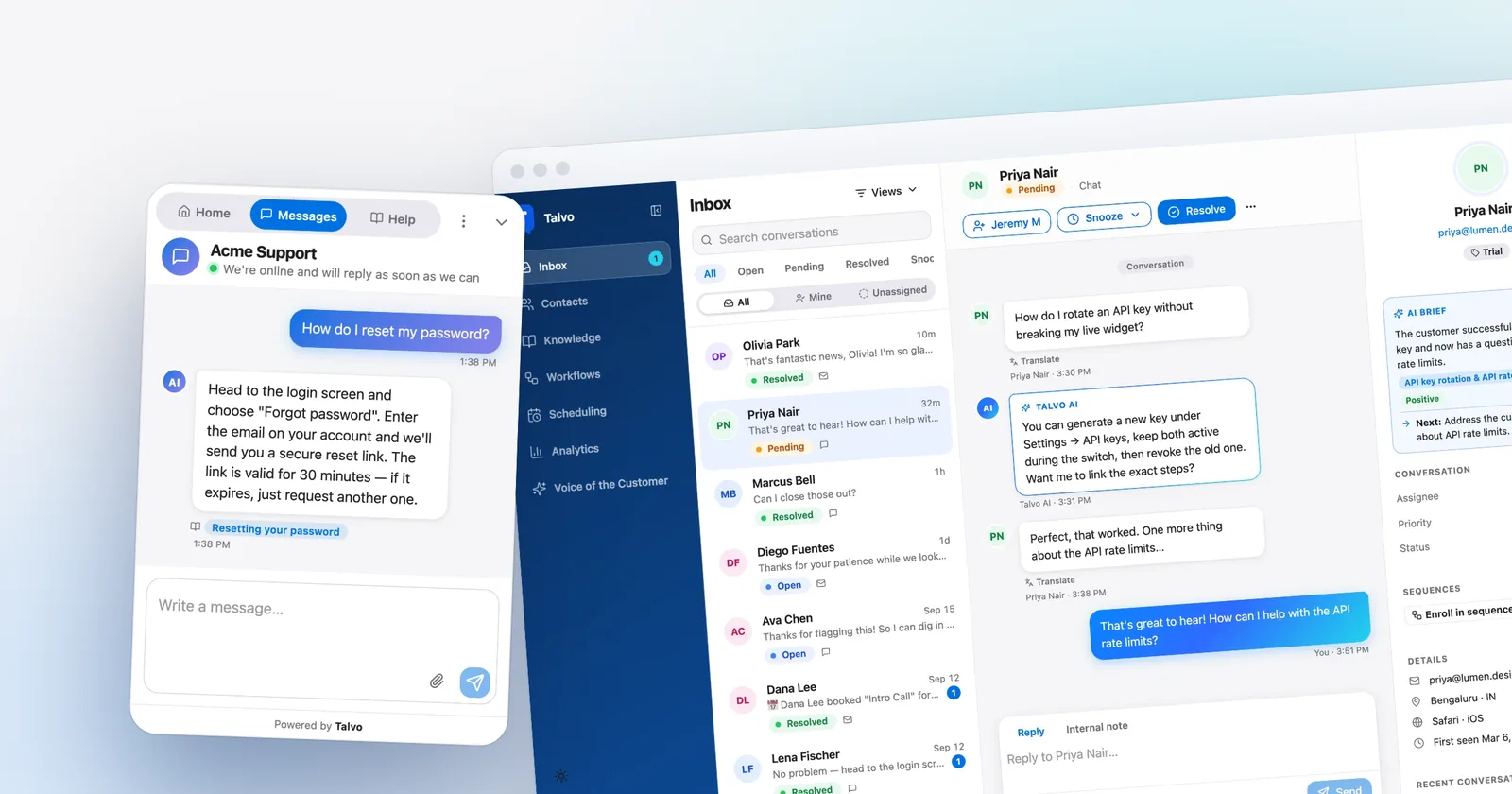
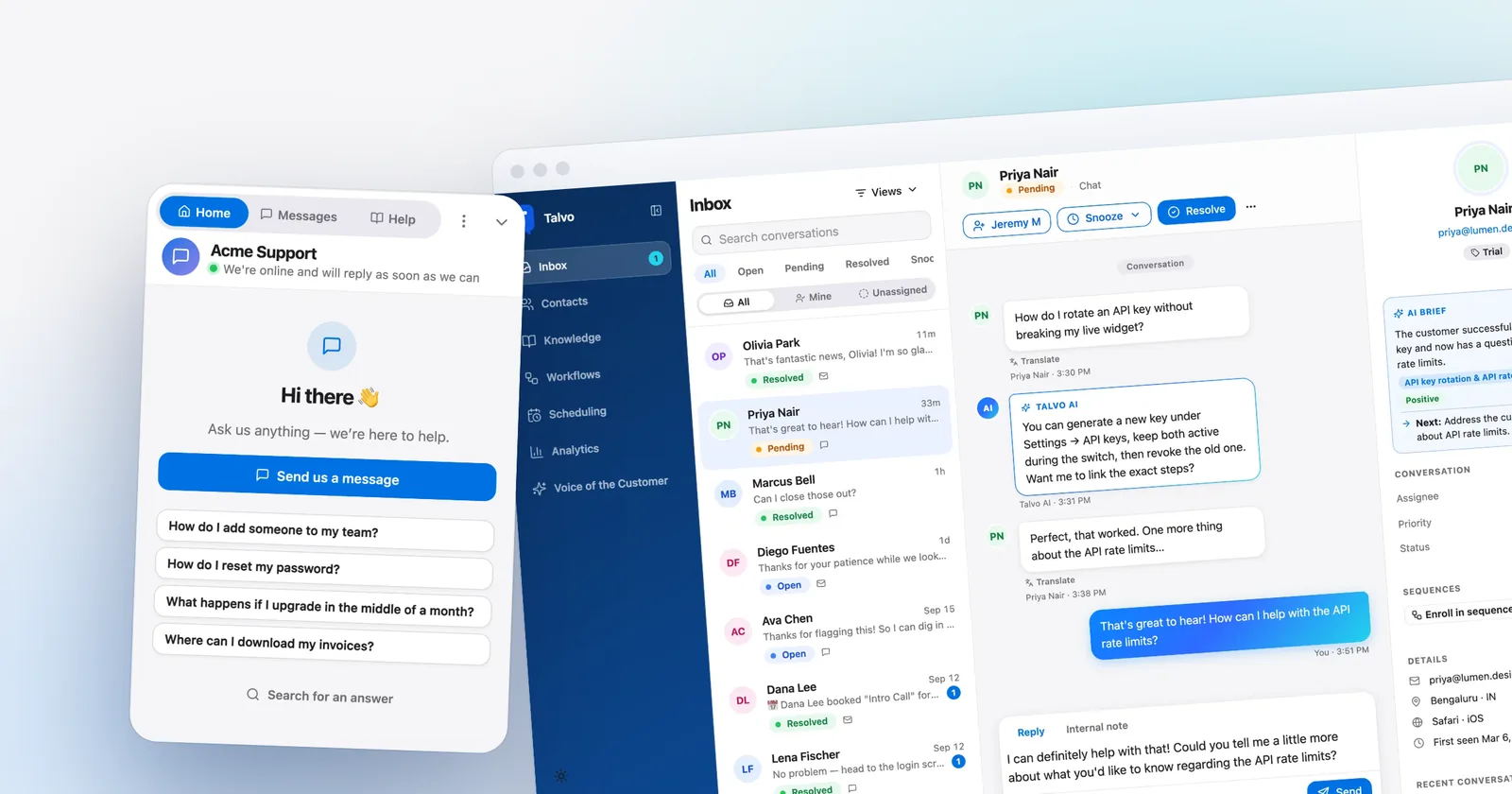
What you get for $39 to $299 a month is a chat-first support stack. A live chat widget you install with one script tag. An AI agent that answers only from your published help articles, shows which one it used and hands off to a person with the whole conversation when it isn't confident (how hand-off works). A shared inbox with two-way email by forwarding, internal notes, assignment and @mentions. A knowledge base and a hosted help center built from the same articles the AI reads. And on the Starter plan and up, a copilot that drafts replies and summarizes threads.

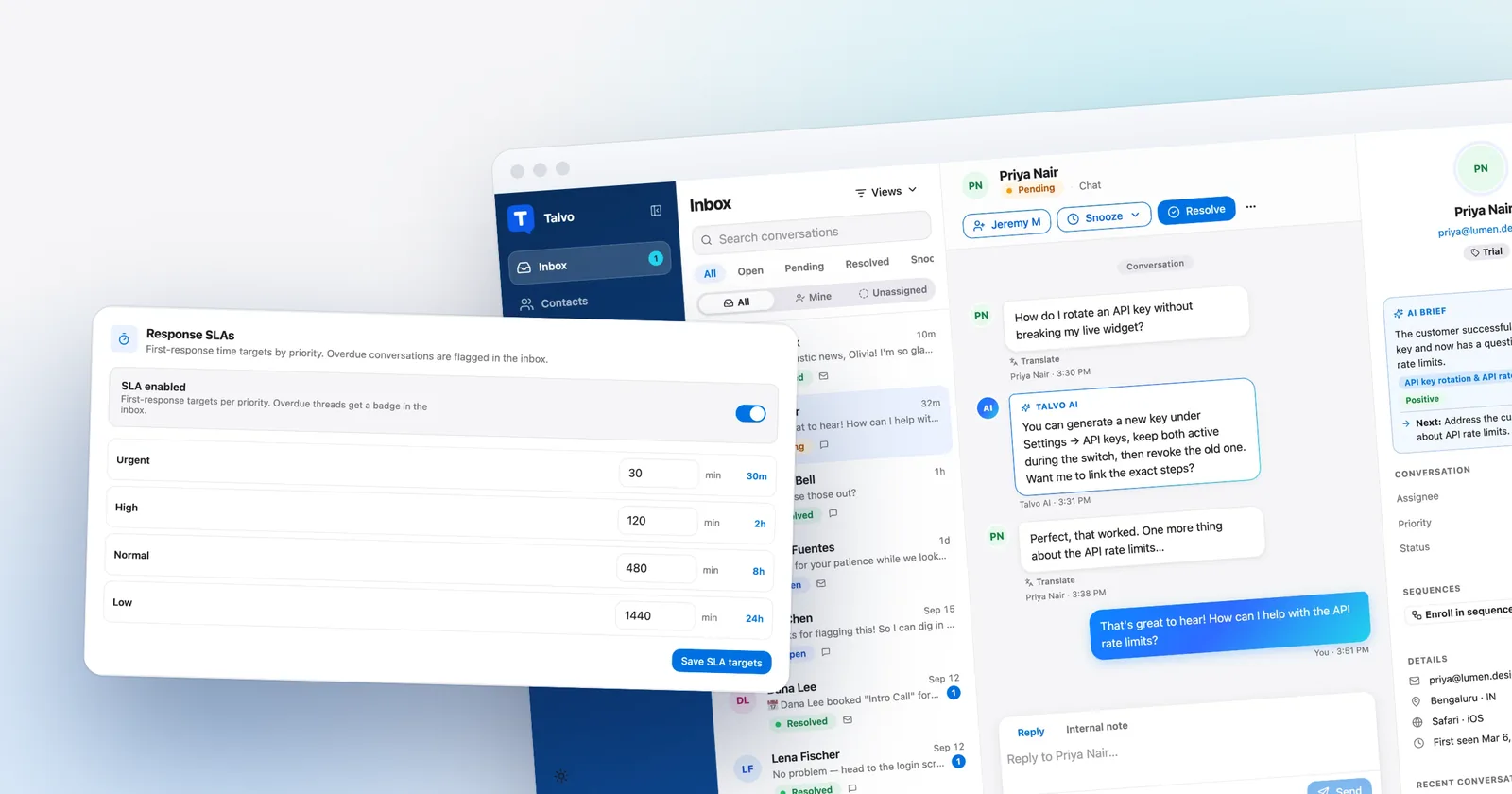
The Growth plan at $149 a month adds routing rules, SLA policies, workflows, sequences and saved views. Scale adds the AI performance dashboard and Voice-of-Customer digest. Compare that with Professional's list and the shape is clear: HubSpot gives you more breadth, and Talvo gives you the support core for much less. The Free plan covers 2 teammates, with 25 AI resolutions a month during the beta, which is a cheap way to test whether your help articles are good enough for an AI to answer from.
Moving chat from HubSpot to Talvo
If you decide to move support chat off HubSpot and keep the CRM, the work is mostly small.
- Move the help contentTalvo can import a HubSpot knowledge base, or any public help center, as draft articles (how). Publish what is accurate, because the AI only answers from published articles.
- Bring over the contacts you needExport contacts from HubSpot as a CSV and import them into Talvo on the Contacts page. Past conversations don't move.
- Swap the widgetPaste Talvo's script tag before the closing body tag and remove HubSpot's chat snippet (install guide).
- Forward your support emailPoint your support address at the one in Settings, then Inbox, then Email forwarding. Replies come from Talvo's address under your workspace name.
- Decide what reaches HubSpotChoose between nothing, a manual note, or a webhook bridge a developer builds.
- Check whether your chat feeds lead routing, deal creation or a workflow
- List the Service Hub features you actually use: SLAs, macros, the portal, calling
- Confirm your renewal and commitment dates, especially if you are on Professional
- Export contacts and any conversations you need to keep
- Decide who owns the contact record when it exists in both tools
- Test Talvo's AI on your ten most common questions before you switch the widget
If your chat feeds lead routing or deal creation, rebuilding that on a tool with no HubSpot connection is a developer job, so price that in before the move. If you are weighing HubSpot against a different incumbent instead, Talvo vs Intercom covers the other common comparison, and per-seat vs flat pricing explains why a workspace price behaves differently as a team grows. The integrations Talvo does have are listed on its integrations page.
Which should you choose?
- support doesn't need to land on the HubSpot contact and you can live with two systems
- you want an AI agent without paying for Professional seats, a $1,500 onboarding fee and an annual commitment
- you'd rather have a flat workspace price with 100 to 2,000 resolutions included than seats plus monthly credits
- your support is chat and email, and phone, WhatsApp and SMS aren't required
- you can accept being early on a beta product with no reviews yet
- tickets, chats, deals and marketing need to share one HubSpot record
- you need calling minutes, WhatsApp, a customer portal or a large app ecosystem
- you are happy on the Free tier, which gives 2 users live chat and ticketing at no cost
- you need skill-based routing or conditional SLAs on Enterprise
- a security review requires a mature vendor with a SOC 2 report
Frequently asked questions
Does Talvo integrate with HubSpot?
No. Talvo has no native HubSpot connector and nothing syncs conversations or contacts to HubSpot. Its integrations are a REST API, signed webhooks and Slack. A developer can build a bridge from webhooks to HubSpot, but it is a project rather than a setting. You can import a CSV of HubSpot contacts once.
What is a good HubSpot Customer Agent alternative?
If you don't need the CRM link, Talvo is one option: an AI agent that answers only from your published articles, at $0.49 per resolution with 100 to 2,000 included by plan. HubSpot's agent costs $0.50 per resolved conversation and needs Service Hub Professional, so the per-resolution rates are effectively a tie and the difference is what surrounds them.
How much does HubSpot Service Hub Professional cost?
HubSpot's pricing page shows Professional from $90 a seat a month on annual billing, with $100 struck through, which HubSpot's product catalog lists as the monthly Service Seat price, plus a required $1,500 one-time onboarding fee and an annual commitment. It includes 3,000 HubSpot Credits a month, which cover about 60 Customer Agent resolutions at 50 credits each.
Does HubSpot's Starter plan include an AI agent?
No. The Customer Agent is checked only on Professional and Enterprise. Starter also has no knowledge base or SLAs. Its $7 a seat price is the bundled Starter Customer Platform and appears to be a promotion, with $20 struck through on the page.
How much does HubSpot's Customer Agent cost?
HubSpot lists $0.50 per resolved conversation, paid as 50 credits at $0.01 each, since April 14, 2026. Credits reset monthly with no rollover, and Professional includes 3,000 a month. The agent is not available on Free or Starter.
Can I keep HubSpot for CRM and use Talvo for support?
Yes, but the two won't talk to each other. Conversations aren't logged on the HubSpot contact, and contacts don't sync either way. You can import HubSpot contacts into Talvo as a CSV of up to 2,000 rows, and a developer can bridge events with Talvo's REST API and webhooks.
Is HubSpot's free live chat enough?
For a team of up to 2 users, the Free tier includes live chat with HubSpot branding and ticketing at no cost, and that may be all you need. It has no AI Customer Agent or knowledge base, which start on Professional. Talvo's Free plan also covers 2 teammates and adds 25 AI resolutions a month during the beta.
Sources
Other products' prices and features change. We checked these pages on October 21, 2026; if something is out of date, tell us and we'll fix it.
- HubSpot Service Hub pricing page (checked Oct 21, 2026)
- HubSpot AI credits (checked Oct 21, 2026)
- HubSpot: Customer Agent now pay when the task is complete
- HubSpot product and services catalog
- Talvo pricing (checked Oct 21, 2026)
- Talvo help: REST API and webhooks
- Talvo help: Switching from another help desk