
How many support agents do you need?
Enter your busiest hour, how long a chat takes and how fast you want to answer. The calculator uses Erlang C, the standard queueing model, to show how many people you need on chat, what one more or one fewer person changes, and how many to schedule once breaks and other work are counted.
With 3 people on chat, about 89% of chats get an answer within 60 seconds, the average wait is 33s, and each person is busy 56% of the time.
| People on chat | Answered within 60s | Average wait | Time busy |
|---|---|---|---|
| 2 | 38% | 9.9 min | 83% |
| 3 | 89% | 33s | 56% |
| 4 | 99% | 3s | 42% |
| 5 | 100% | under 1s | 33% |
Erlang C model. Workload in the busiest hour: 3.3 erlangs (20 chats reaching a person × 10 min ÷ 60). Each person counts as 2 parallel lines, which is optimistic if people slow down with more chats open, so measure chat length on days people are juggling chats, or try one fewer chat at once. Staff each hour separately: quiet hours need fewer people.
How the math works
Start with the workload. Twenty chats an hour that each last ten minutes is 200 minutes of chatting packed into a 60-minute hour: 3.3 “erlangs”, or three and a third people’s worth of work. Staffing exactly that much means the queue never clears, because chats don’t arrive evenly.
Erlang C adds the cushion. For each possible team size it works out the chance a new chat has to wait and how long, then picks the smallest team that meets your target, such as 80% of chats answered within 60 seconds. The table under the result shows the trade-off on either side, because the last person you add usually buys the biggest drop in waiting.
Where the model is wrong
- It assumes chats arrive at random and nobody gives up waiting. Real customers leave, which makes queues look shorter than they felt.
- Counting a person as two lines when they hold two chats is optimistic. People slow down with more chats open.
- It plans one hour at a time. Staff your peak and your quiet hours separately.
- Small teams feel randomness more. With one or two people, a single long chat moves the numbers a lot.
To choose a realistic target first, read how to set a first response time SLA, and to see what covering nights and weekends takes, read after-hours customer support.
Frequently asked questions
What is Erlang C?
Erlang C is a queueing formula from the early 1900s, still the standard way to staff work that arrives at random and waits in line, such as calls and live chats. From your volume, handle time and number of people, it predicts the chance a customer has to wait, the average wait, and the share answered within your target.
How does the calculator handle agents taking several chats at once?
It treats a person who can hold two chats at once as two parallel lines, using the full length of a chat as the handle time. That is a common approximation, and it is optimistic: most people reply more slowly with more chats open, so test a lower concurrency before you plan around a high one.
What is shrinkage?
Shrinkage is the share of paid time a person isn't available to answer customers: breaks, meetings, training, time off and other work. Many teams plan on 25 to 35 percent, but measure your own. The calculator divides the people needed on chat by (1 minus shrinkage) to get the number to schedule.
Why does the calculator ask for the busiest hour?
Staffing to a daily average leaves the busiest hour understaffed, and that is when waits pile up. Run the calculator once for each hour of your day, or at least your peak and a quiet hour, and staff each one separately.
Why is email calculated differently?
Email doesn't wait in a real-time queue, so a few minutes of delay barely matter. The useful question is how many hours of email work arrive each day and how many productive hours each person has. If you promise a fast email response, you also need someone working during the hours email arrives.
How does AI change the number of people I need?
Conversations an AI agent resolves completely never reach a person, so they come out of the workload. Use your own measured resolution rate rather than a vendor's average. Conversations the AI hands off still take a person's time, and often longer than average because they're the harder ones.
Plan your support team
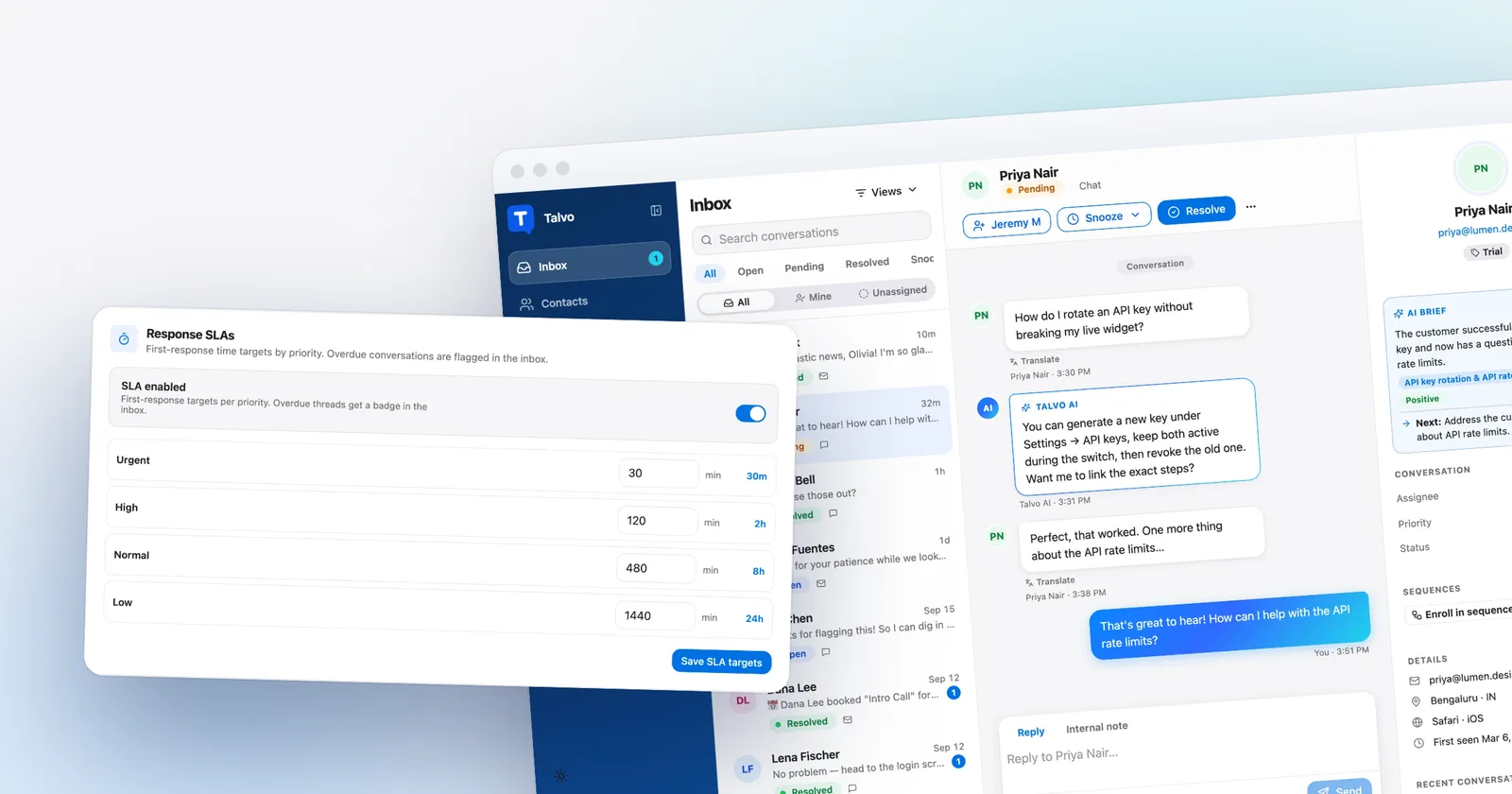 GuidesFirst response time SLA: how to measure it and set a target a small team can hit
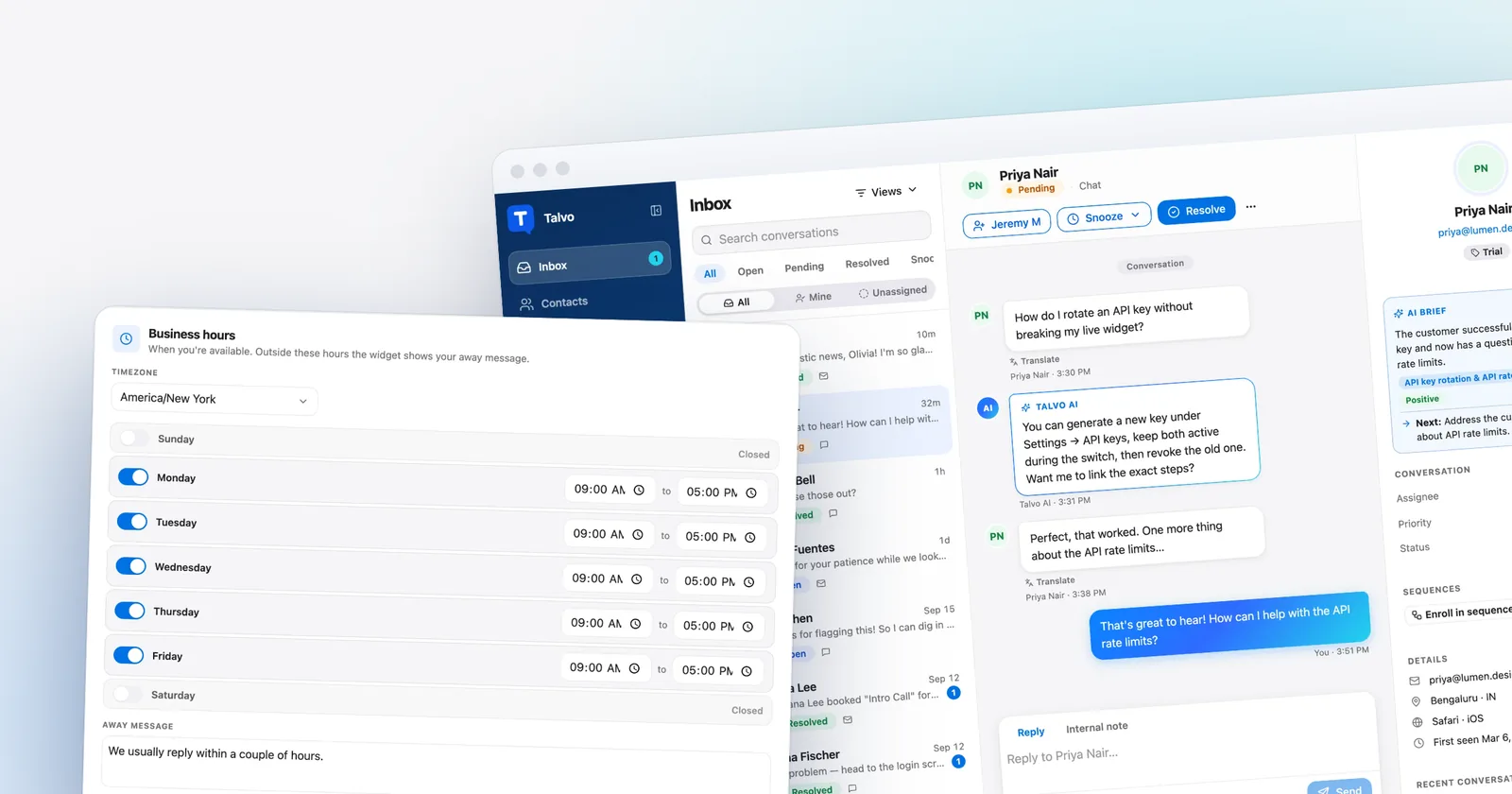 GuidesAfter-hours customer support for small businesses: five ways to cover nights and weekends without hiring
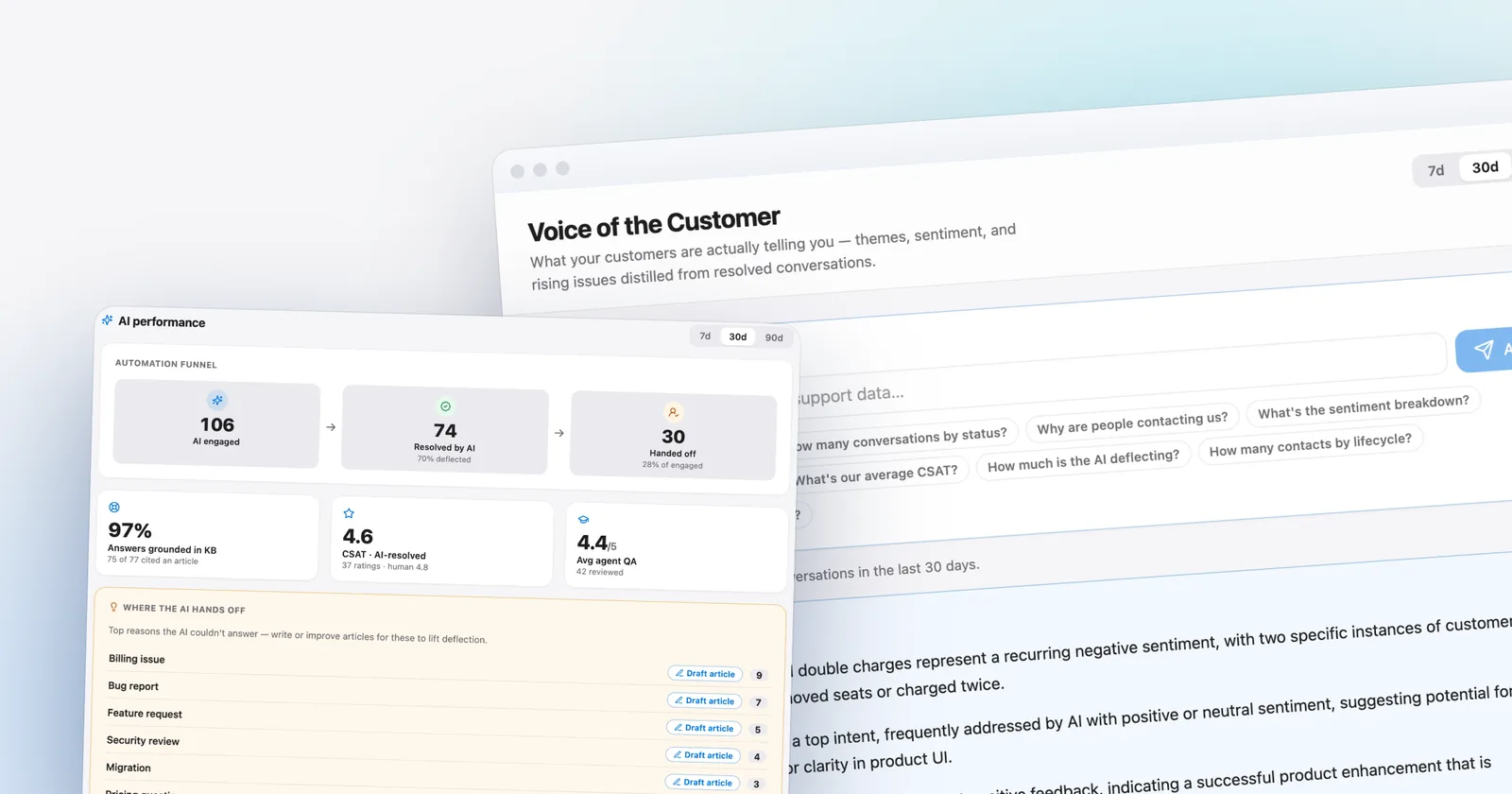 GuidesAI resolution rate benchmark: what's actually good, how to measure yours, and how to raise it
Let the agent take the first shift.
Three steps, and the agent is answering.
- Add the messengerOne script tag, just before
</body>.Install the chat widget - Import your help centerCrawl your own site, or bring your articles over from your old help desk.Import by crawling your site
- Invite your teamOne flat price for the workspace, up to your plan's teammate cap.Invite your team
<!-- Settings → Chat widget → copy your snippet -->
<script async src="https://talvo.chat/_api/widget/loader?app=your-app-id"></script>
</body>