
On this page
- What your hour is worth next to theirs
- Measure for two weeks before you decide
- The arithmetic behind when to hire customer support
- Automate in this order before you hire
- Signs that point to a person, not more automation
- Part-time, contractor or full-time
- Tooling for two or more people
- Customer support or customer success first?
- What this guide doesn't settle
- Frequently asked questions
Everyone wants a number for this. Hire at 50 customers, hire at 500, hire when support takes half your day. Those rules float around because they're easy to repeat, but none of them looks at what actually drives the work. Your support load depends on your product, your customers and how much of it you've already automated. So the useful answer to "when to hire customer support" isn't a threshold. It's a calculation you can run on your own inbox in about two weeks.
This guide shows that calculation, then what to automate before you spend a salary, how to tell when a person is the right answer anyway, and what to do short of a full-time hire. If you'd rather skip to the math, the support staffing calculator is free and works from the same inputs.
What your hour is worth next to theirs
Start with money, because it frames everything else. The US Bureau of Labor Statistics reports that customer service representatives had a 2025 median pay of $44,770 a year, or $21.53 an hour (BLS Occupational Outlook Handbook, read October 21, 2026). That is wage only. It leaves out payroll taxes, benefits, equipment, training and the hours you'll spend managing someone, so the real cost is higher.
Now put your own number next to it. What is an hour of your time worth, in the things only you can do: building, selling, raising? If you spend ten hours a week on support and each of those hours is worth more to the company elsewhere, the case for help is real. If you spend three hours and enjoy them because they teach you what customers think, the case is weaker. Only you can fill in that side of the comparison, and it's worth doing honestly.
Measure for two weeks before you decide
You can't staff against a guess. Keep a tally for 10 working days, in a notes file or a spreadsheet. It takes seconds per conversation.
- How many conversations arrived each day (chat and email together)?
- How many minutes did each one take you, including follow-ups, lookups and fixing the thing?
- Which ones were repeats, meaning you had answered the same question before?
- What hours of the day did conversations arrive, and when were you unable to reply?
- Which conversations were angry, about money, or about buying? Mark them.
Time about 20 conversations properly. Most people guess "five minutes" for something that really takes nine, because they forget the follow-up and the five minutes of digging in an admin panel. Count the real figure.
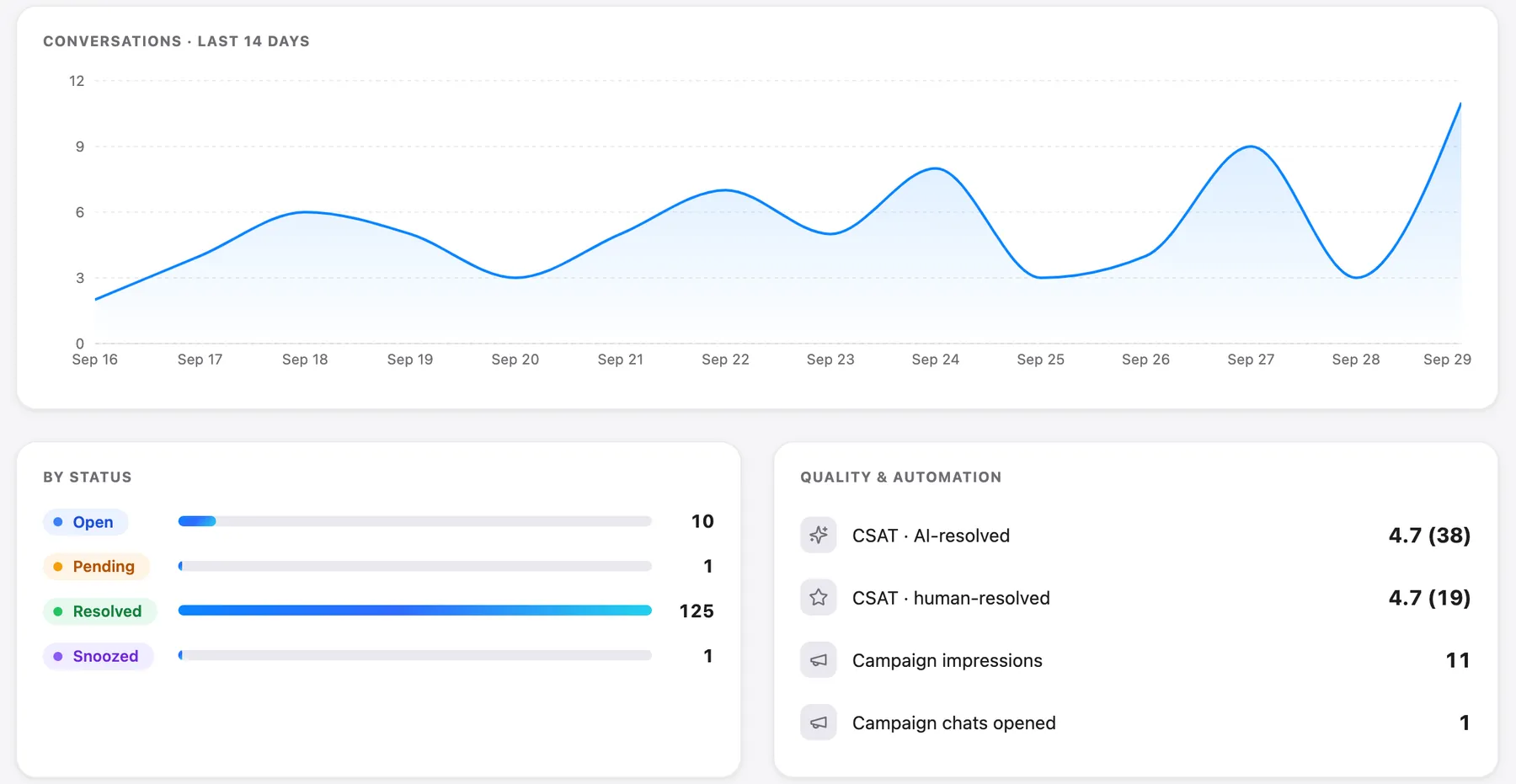
Talvo's analytics page can supply some of this for you: total conversations, median first response and median resolution time. On the Free plan the history is 7 days, and on Talvo's Starter plan ($49 a month) it's 90. The Team performance table adds, per teammate, how many conversations are assigned and resolved, how many replies were sent and the median first reply. It's on every plan. It tells you volume and speed, not minutes of work, so keep your own stopwatch for that.
The arithmetic behind when to hire customer support
The calculation has three steps, and the same logic runs inside the support staffing calculator.
- Workload hours = conversations per week × minutes of work per conversation ÷ 60.
- Subtract what you can automate. Be conservative and tie it to evidence from your tally, not hope.
- Divide by a utilization cap. Nobody is productive every minute they're logged in, and a queue gets slow as people approach 100% busy. Our first response time guide uses 70% as a rule of thumb, which is a planning assumption, not a law. The result is the support hours a person needs to cover.
Here is one small team's numbers worked through. These are illustrative: swap in your own tally.
| Step | Conversations a week | Minutes each | Workload hours | Support hours at 70% | Full-time equivalents (40 h) |
|---|---|---|---|---|---|
| As measured | 200 | 9 | 30.0 | 42.9 | 1.07 |
| After articles and AI absorb 30% of conversations | 140 | 9 | 21.0 | 30.0 | 0.75 |
| Plus saved replies cut handling to 7 minutes | 140 | 7 | 16.3 | 23.3 | 0.58 |
Read the first row: 200 × 9 ÷ 60 = 30 hours of real work, and 30 ÷ 0.7 = 42.9 hours, a little over one full-time person. The "30% absorbed" figure is a hypothetical. If your tally shows that 30 in 100 conversations are repeats with a clear written answer, that's where the number comes from; if only 10 in 100 are, use 10. The saved-reply row assumes you really can cut handling time from 9 to 7 minutes, which you should verify by timing a week of conversations.
Two cautions. First, workload isn't the only constraint. If you promise a one-hour first reply, someone has to look at the inbox at least every 30 minutes during business hours, whatever the volume (the wait-to-be-seen table in the first response guide shows why). A 0.24 FTE workload, like that guide's two-founder example, still needs coverage. Second, absences are lumpy. On a two-person team, one holiday is 50% of your capacity that week.
How many conversations can one person handle? There is no honest universal figure, but you can compute yours. At 9 minutes each and a 70% cap, a 40-hour week holds 40 × 0.7 × 60 ÷ 9 = about 187 conversations. At 5 minutes each it's about 336. The minutes decide, which is why the two-week tally matters more than any benchmark.
Automate in this order before you hire
If the arithmetic says you need 1.07 people, it may say 0.58 after you do the cheap work. The order matters, because each step makes the next one possible.
- Saved repliesWrite one for every question you have answered three times. In Talvo these are canned responses, shared across the workspace on every plan, and they take variables with fallbacks (guide).
- Help articlesTurn the same questions into articles customers can find without asking. A hosted help center is on Free (how to build one). From the composer you can also insert a help article link into a reply.
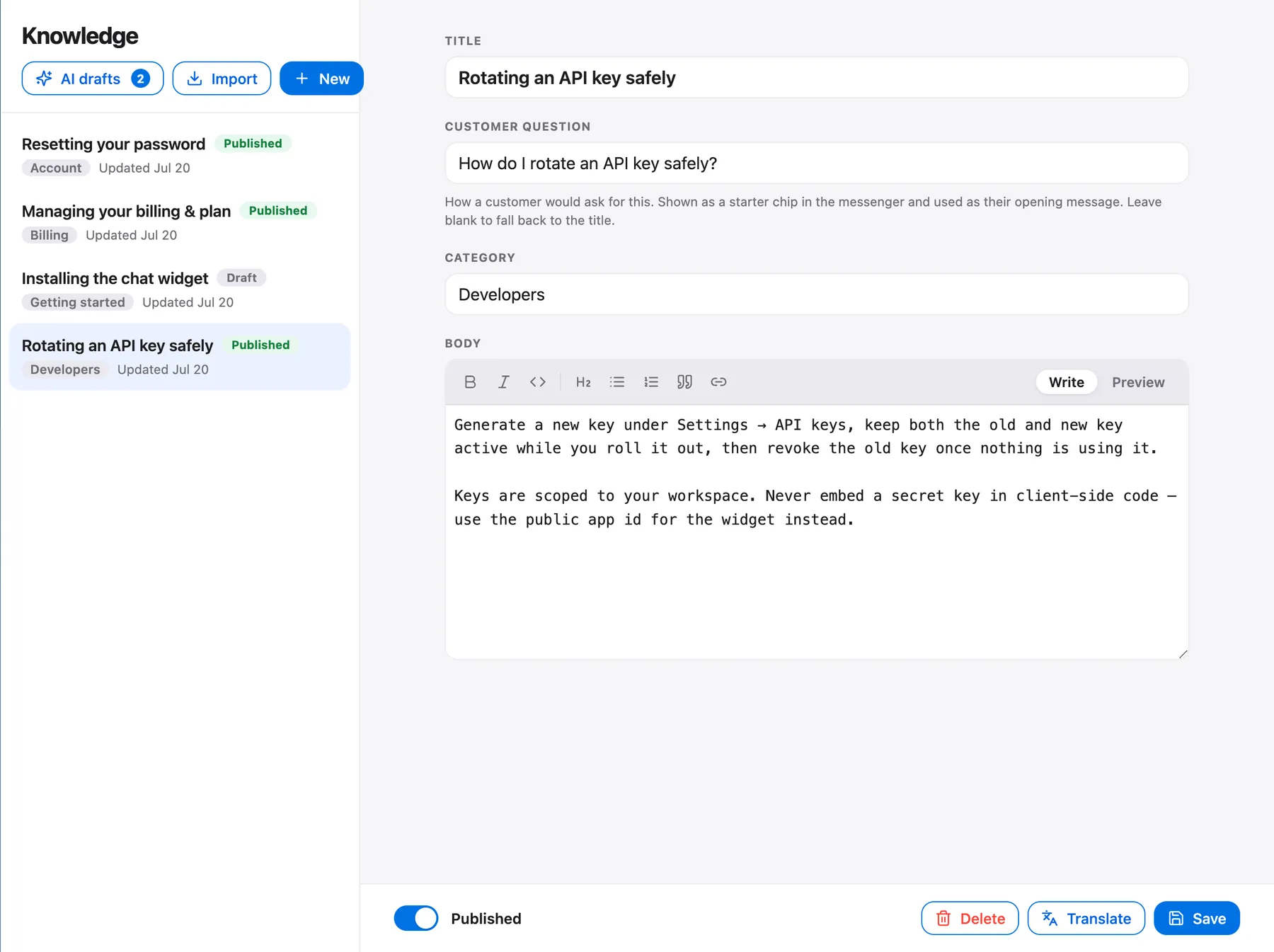
- AI on the topics you have written upTalvo's AI answers only from published articles and hands off when it isn't confident. With no articles behind it, everything becomes a hand-off (how it works).
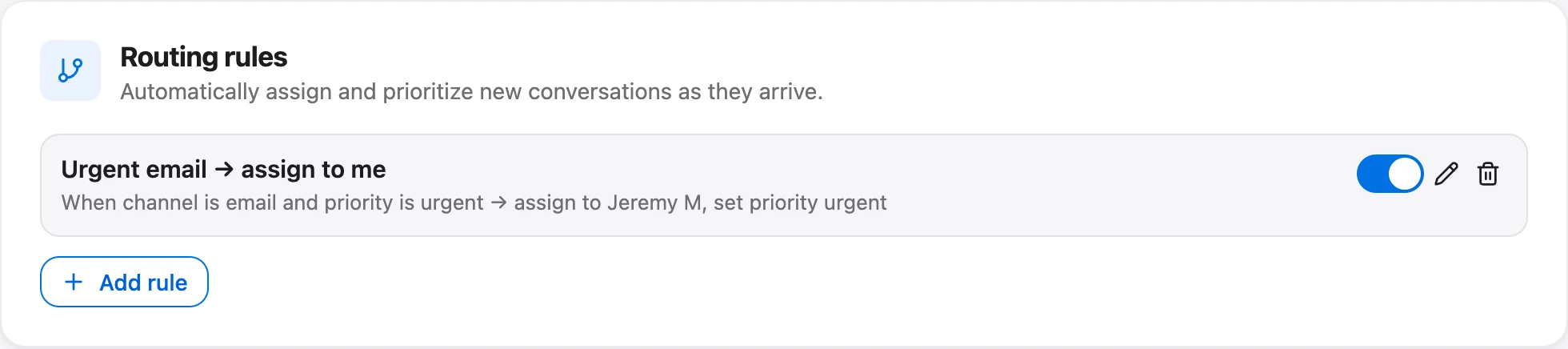
- Routing and viewsOnce there are two of you, route by channel, priority or keyword so the right person sees the right message. Routing rules come with Talvo's Growth plan ($149 a month, or $119 billed annually).
The order is not arbitrary. AI is last among the content steps on purpose: it can only be as good as the articles behind it. Turning it on first just buys you a polite hand-off machine. Hand-offs aren't billed; on paid plans you pay $0.49 only for each conversation the AI resolves past your plan's allowance. If you want ideas for removing conversations at the source, how to reduce support tickets is the companion guide.
Talvo also has AI Rewrite in the composer (Starter and up) to tighten drafts, auto-close for threads where the customer stopped replying (off by default), and, on Starter and up, a Slack alert for new conversations. They shave minutes. They don't change the answer to "do I need a person."
Signs that point to a person, not more automation
Some work won't automate, and it's useful to be clear about which. A person is the right answer when:
- The conversations that hurt are angry, high-value or about money. A refund dispute needs judgment, tone and authority, and Talvo's "always hand these topics to a person" list is a way to keep those away from the AI, not a way to handle them.
- Support has turned into selling. Pre-sales questions often need a human who can read the customer and answer what they didn't ask.
- You keep breaking your own reply promise even after the cheap fixes.
- The hand-offs keep climbing. If the AI can't answer a growing share, either the articles are missing or the questions are the kind that need a human.
An honest note on the other side: AI can reduce the load a lot, but it won't replace a first hire if what you need is judgment. And keep a founder-sized habit after you hire. Read a sample of conversations each week, because that's how product problems reach you.
Part-time, contractor or full-time
You don't have to jump from "founder" to "full-time employee." The options differ mostly in what you give up.
| Option | Good for | What to watch |
|---|---|---|
| Part-time hire | Steady but modest volume, roughly under one FTE after automation | Coverage on days they don't work, and who handles the urgent messages |
| Contractor or freelancer | Uneven volume, or a trial before committing | Context: they need your help center, your tone and your refund rules in writing |
| Outsourced first-line help | After-hours coverage or a high volume of simple questions | Your voice changes. Brief them with saved replies and a "when to escalate" list |
| Full-time hire | Workload that stays near or above one FTE after automation | You now manage someone. Plan their first week and a weekly review |
A hire also needs a first week. Give them your saved replies, your help center, a list of what they can refund or decide alone, and the three kinds of conversation that come straight to you. Their first job is to find the gaps in that material, and every gap becomes a new article.
Tooling for two or more people
Sharing an inbox is where software costs often start climbing, so check the pricing model before you add a seat. On Talvo, adding a teammate up to your plan's limit never changes the bill.
| Team size | Cheapest plan that fits | Monthly billing | Annual billing (per month) |
|---|---|---|---|
| 1 to 2 | Free | $0 | $0 |
| 3 to 5 | Starter | $49 | $39 |
| 6 to 15 | Growth | $149 | $119 |
| 16 to 25 | Scale | $299 | $249 |
AI use can change the answer. Say four people and 400 AI resolutions a month. Starter would cost $49 + (400 − 100) × $0.49 = $49 + $147 = $196. Growth includes 500, so it costs $149, which is cheaper even though you only need four seats. On annual billing it's $39 + $147 = $186 against $119. Pick on total cost, not on the seat count alone. The per-seat vs flat pricing post covers how that compares with per-seat tools.
What the shared inbox gives you for two people: assignment, internal notes with @mentions (a push and an email, not Slack), priority and tags, and presence that shows "Sam is replying…" so nobody double-answers. More in shared inbox for small teams.

On Growth, routing rules can assign by round robin. That's strict rotation by whoever was assigned least recently. It skips Viewers and anyone marked Away, but it doesn't check who's online, count open chats or reassign when someone goes Away later. For two people it's fine; the round-robin guide lists what it won't do. Talvo has no shift-planning or workforce-management tools, so rotas live in your calendar.
Customer support or customer success first?
They're different jobs. Support answers the customer who wrote in. Customer success works with accounts to keep and grow them. If your pain is a full inbox, hire support. If your pain is customers drifting away quietly, you may be missing a different function, and a rule-based churn and upsell radar on Talvo's Scale plan is a signal, not a substitute. Most first hires should answer the inbox.
What this guide doesn't settle
We haven't told you the number, because no honest number exists without your tally. The BLS figure is a wage, not a loaded cost. The 70% cap and the "30% absorbed" row are assumptions you should replace. Talvo is new and in beta, so these tools are young: no phone, WhatsApp or SMS, no native app (it runs in a phone browser), and no workforce-management tools. Run the tally, run the calculator, and trust the result more than any rule.
Frequently asked questions
When should a startup hire its first customer support person?
When the support hours left after automation exceed what you can spare, or you keep breaking your reply promise. Work it out from a two-week tally: conversations a week times minutes each, divided by 60, less what saved replies, articles and AI can absorb, then divided by a utilization cap such as 70%. No customer count works as a rule, because the load depends on your product and how much you have automated.
How many tickets can one support agent handle?
It depends on minutes per conversation, so measure yours. As arithmetic with stated assumptions: at 9 minutes each and a 70% utilization cap, a 40-hour week holds about 187 conversations; at 5 minutes each, about 336. Treat these as outputs of your assumptions, not industry benchmarks.
Should my first support hire be full-time or part-time?
If your workload after automation is well under one full-time equivalent, part-time or contract help usually fits better. Whichever you choose, check coverage on the days they are off and write down what they can decide alone, such as refunds and escalations.
What should I automate before hiring support?
Saved replies first, then help articles, then AI limited to the topics you have written up, then routing once there are two of you. The order matters because Talvo's AI answers only from published articles; with none, every conversation is handed to a person.
How much does a customer support rep cost in the US?
The US Bureau of Labor Statistics reports 2025 median pay for customer service representatives of $44,770 a year, or $21.53 an hour. That is wage only. Payroll taxes, benefits, equipment, training and your management time come on top.
Can AI replace a first support hire?
It can absorb repeat questions that have a clear written answer, which may cut the hours you need. It will not replace judgment on angry, high-value or money conversations. Measure how many conversations the AI resolves, and remember Talvo's paid plans charge $0.49 per resolution past the included amount.
Should the founder keep doing support after hiring?
Keep a light habit, such as reading a sample of conversations each week. That is how product problems and unmet needs reach you, and it keeps your help center honest. You do not need to answer queues yourself.
Customer support vs customer success: which do I hire first?
If the pain is a full inbox and slow replies, hire support. Customer success is a different job, working with accounts to keep and grow them, and it suits the stage when customers are quietly leaving rather than writing in.
Sources
Other products' prices and features change. We checked these pages; if something is out of date, tell us and we'll fix it.


