
On this page
- The most-installed "chat" plugins are WhatsApp buttons
- What a WordPress live chat plugin really does
- Does the plugin make your site slower? We measured the widgets, not the plugins
- When a plugin is the better choice
- Three ways to paste a script tag
- WordPress.com is a different animal
- Caching, logged-in users and consent
- Where Talvo fits, and where it doesn't
- Frequently asked questions
Search the WordPress plugin directory for a WordPress live chat plugin and the biggest names at the top are not live chat at all. Joinchat has more than 700,000 active installs and Click to Chat more than 600,000. Both put a button on your site that opens WhatsApp. Nobody replies inside your site, and nothing lands in a shared inbox.
That detail changes how to read the whole category. This post sorts out which plugins are real two-way chat, what a plugin does that a pasted script tag doesn't, and what our own page-speed numbers say about the "plugins slow your site" argument. Talvo has no WordPress plugin, so we have a stake in the answer. We'll say where that matters.
The most-installed "chat" plugins are WhatsApp buttons
All of the figures below were read from wordpress.org's own plugin data on October 21, 2026. WordPress rounds installs down and shows them as "N+".
| Click-to-chat plugin (opens WhatsApp or another app) | Active installs | Rating |
|---|---|---|
| Joinchat | 700,000+ | 4.7 (189) |
| Click to Chat – HoliThemes | 600,000+ | 4.8 (131) |
| Floating Chat Widget (Chaty) | 300,000+ | 5.0 (1,243) |
| Social Chat – Click To Chat App Button | 200,000+ | 4.9 (695) |
| WP Chat App | 100,000+ | 4.9 (221) |
A button that opens WhatsApp is a fine tool if your customers already live there. It isn't what most people mean by live chat, and it doesn't give you AI answers, a help center or conversation history in one place. Note, too, that Talvo has no WhatsApp channel, so if that is what you want, a click-to-chat button is a different product from ours.
The plugins that are two-way chat inboxes are far smaller:
| Live chat plugin | Active installs | Rating | Last updated |
|---|---|---|---|
| HubSpot All-In-One Marketing (chat is one feature) | 200,000+ | 4.3 (207) | 2026-09-16 |
| 3CX Free Live Chat, Calls & Messaging | 100,000+ | 4.6 (820) | 2026-10-20 |
| Tawk.To Live Chat | 100,000+ | 4.6 (142) | 2026-01-14 |
| Brevo – Email, SMS, Web Push, Chat (chat is one feature) | 100,000+ | 4.1 (284) | 2026-06-24 |
| Tidio – Live Chat & AI Chatbots | 70,000+ | 4.8 (395) | 2026-09-01 |
| Chatway Live Chat | 30,000+ | 5.0 (770) | 2026-10-14 |
| Crisp – Live Chat and AI Chatbot | 20,000+ | 4.6 (73) | 2026-10-21 |
| LiveChat | 10,000+ | 4.6 (98) | 2026-05-25 |
| Zendesk Chat | 10,000+ | 4.0 (27) | 2020-08-20 |
HubSpot and Brevo are marketing plugins with chat bolted on, so their counts aren't live-chat demand. And look at the last row: the Zendesk Chat plugin was last updated in August 2020 and still shows 10,000+ installs. An install count tells you who clicked Install at some point. It doesn't tell you the plugin is maintained.
What a WordPress live chat plugin really does
Open any of these listings and you'll find the same shape. The plugin connects your WordPress site to an account at the vendor. The LiveChat plugin, for one, requires a LiveChat account. The chat itself is the vendor's hosted widget, and the plugin is the wrapper that puts it on your pages.
What the wrapper adds, going by the listings' own words:
- Install without touching code. Crisp says to install "in a few clicks, with no coding required," and LiveChat lists page-builder support.
- Per-page control from wp-admin. Tawk.to has page-visibility options and a
[tawkto]shortcode. Tidio and Chatway describe showing or hiding the widget on specific pages. - Settings inside the WordPress dashboard, so there's one fewer login.
- Logged-in user sync. Tidio syncs visitor data with WordPress accounts, and Chatway passes a logged-in visitor's name, email and picture into the chat.
- WooCommerce data, for a few of them. We cover that in WooCommerce live chat.
A plain script tag does the basic embed. The extras above are the things a tag can't do on its own: page targeting from wp-admin, the WordPress session as identity, and store data. That is our reading of the listings, not a vendor statement.
Does the plugin make your site slower? We measured the widgets, not the plugins
The usual argument for a script tag is speed: skip the plugin, skip the overhead. The argument for a plugin is the opposite: it handles loading properly. Our data speaks to a different point. In a recent test of ten chat widgets, the visitor-facing cost came from the vendor's widget, which loads whether a plugin or a tag put it there.
Here is how much each widget downloaded before anyone clicked, for the vendors in the table above that we tested. We loaded each vendor's own page (for Talvo, a plain test page with only its snippet) with an empty cache and waited 30 seconds. KB are transfer size.
| Widget | Downloaded before a click | Notes |
|---|---|---|
| Crisp | 127.6 KB | First request about 8.7 seconds after page load |
| Tawk.to | 258.4 KB | |
| Talvo | 277.7 KB | Re-measured after a widget update (280.1 KB in the original session). Iframe created at page load; 64.6 KB more when opened, 342.4 KB in all |
| LiveChat | 362.2 KB | 390.2 KB more when opened |
| Zendesk | 405.2 KB | Opened-state figure unverified |
| Tidio | 512.6 KB | |
| HubSpot | 896.9 KB | Ranged 704.0 to 898.4 KB across runs |
The full spread across all ten widgets was 49.4 KB (Help Scout's Beacon) to 1,003.8 KB (Intercom). Talvo is mid-pack, not the lightest, and unlike Crisp it doesn't hold back the up-front part: its loader builds the chat iframe and loads the app bundle as soon as the page is ready. Since the update, the full help-article list waits until a visitor opens the Help tab, but the initial load is still not deferred. That is the soft spot in any "our tag is light" argument, so we'd rather say it than have you find it.
The caveats matter. We tested vendor pages, not WordPress sites with plugins installed, so we can't say a plugin adds or removes weight on top. The method, the CPU numbers and where we think the test misleads are in do chat widgets slow your site. The takeaway for this decision is narrow: pick the widget for its weight, then pick the install route for convenience.
When a plugin is the better choice
Be honest about your situation, because "script tag" is not always the right answer.
Choose a plugin if you can't edit your theme or add code, if you're on a WordPress.com plan that blocks scripts, if the person managing the site is non-technical and wants one screen, or if you want the vendor's WooCommerce features. A plugin for a hosted chat service is also the easiest way to keep the chat to specific pages without writing a condition.
Choose a script tag if you want fewer plugins to update, a widget that doesn't depend on a third party's WordPress release schedule, and the same install on WordPress as on your other sites.
- One fewer plugin to update, audit or conflict with your theme
- Identical install on WordPress, Shopify, Webflow and everything else
- Not tied to a vendor's plugin release schedule
- No settings screen in wp-admin and no built-in per-page toggle
- Needs access to a theme footer setting or a code-snippet plugin
- Doesn't sync WordPress users unless you add code
Three ways to paste a script tag
How to add live chat to your website has the click path for each of these, so here is only the short version and when each fits.
- Theme footer or "custom code" settingFastest if your theme or builder has a footer scripts box. Editing the footer template also works, but use a child theme or a theme update can overwrite it. Either way, it lasts only until you switch themes.
- Header/footer code pluginA snippet manager such as WPCode puts the tag in the footer site-wide and survives theme changes. The best default for most people.
- Code-snippet pluginIf you already run a snippets plugin, add an HTML snippet set to run site-wide in the footer, and paste the tag into it.
Whichever route you pick, paste the tag exactly as you copied it from Settings → Chat widget, with the async attribute and your app ID intact. Don't rebuild it in PHP: WordPress's script functions can append a ?ver= parameter and change the tag. If the widget should appear on only some pages, a developer can use Talvo's Talvo("hide") and Talvo("show") commands to control it from the page.
WordPress.com is a different animal
Self-hosted WordPress lets you add a script. WordPress.com restricts it: its support page says JavaScript works on sites with a plugin-enabled plan and activated hosting features, and script tags are restricted otherwise (WordPress.com support). Check what your plan allows before you pick a vendor. If you can't add a script, you're choosing from the plugins, and only the vendors that publish one.
Caching, logged-in users and consent
Three short things that catch people after launch.
Caching. After you add the tag, purge your caching plugin, or pages keep serving the old HTML without the widget. If you also identify signed-in users, make sure the cache doesn't store pages for logged-in visitors. Talvo's identity verification article includes a WordPress file that attaches a signed-in user's chats to their own contact, and it flags this too. It lives in wp-content/mu-plugins and uses a secret in wp-config.php, which makes it less friendly than Tidio's or Chatway's built-in sync.
Consent. The widget sends the page URL and title so your team can see live visitors. Talvo sets no tracking cookies, but whether you need a consent prompt is a legal decision for your site, not ours.
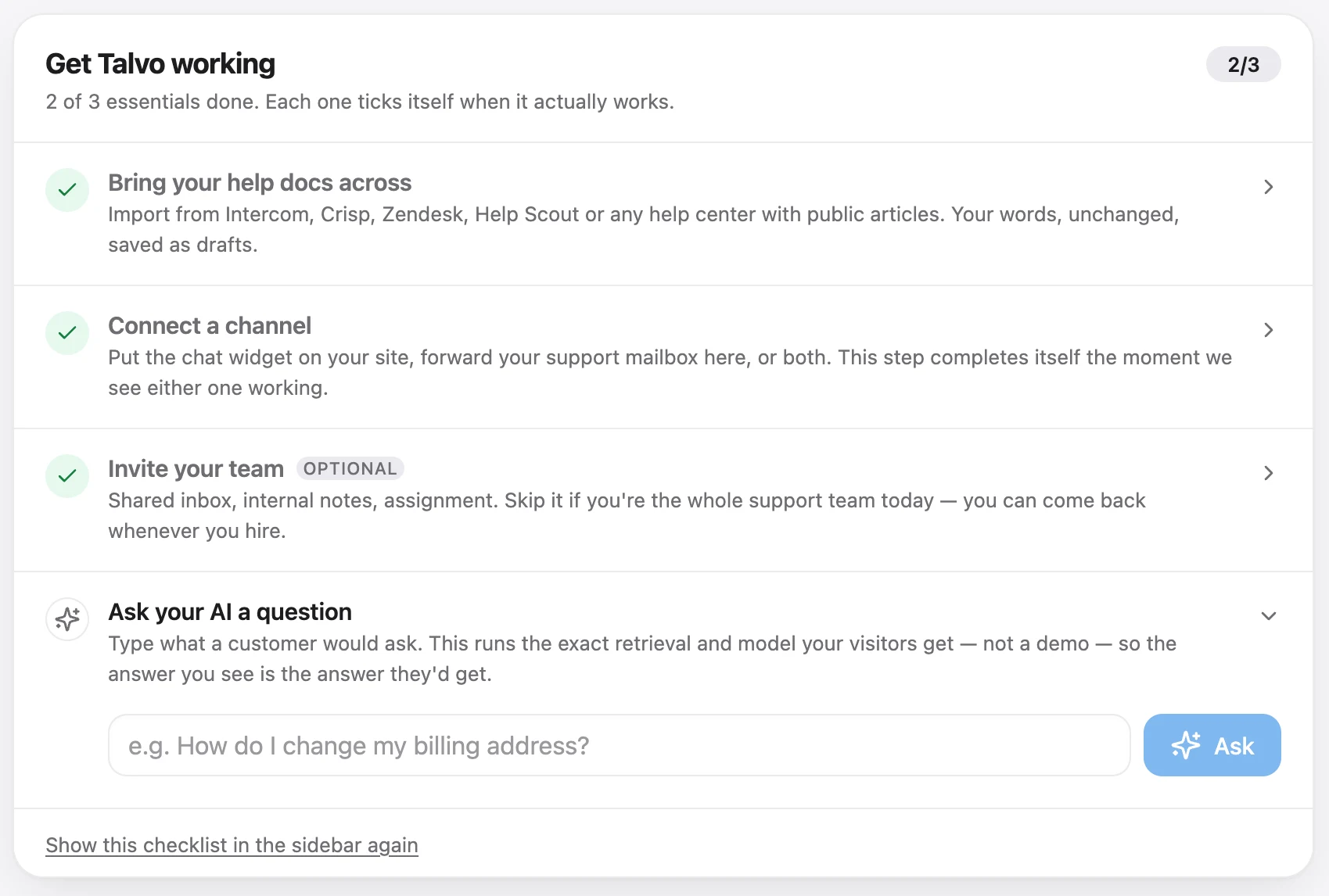
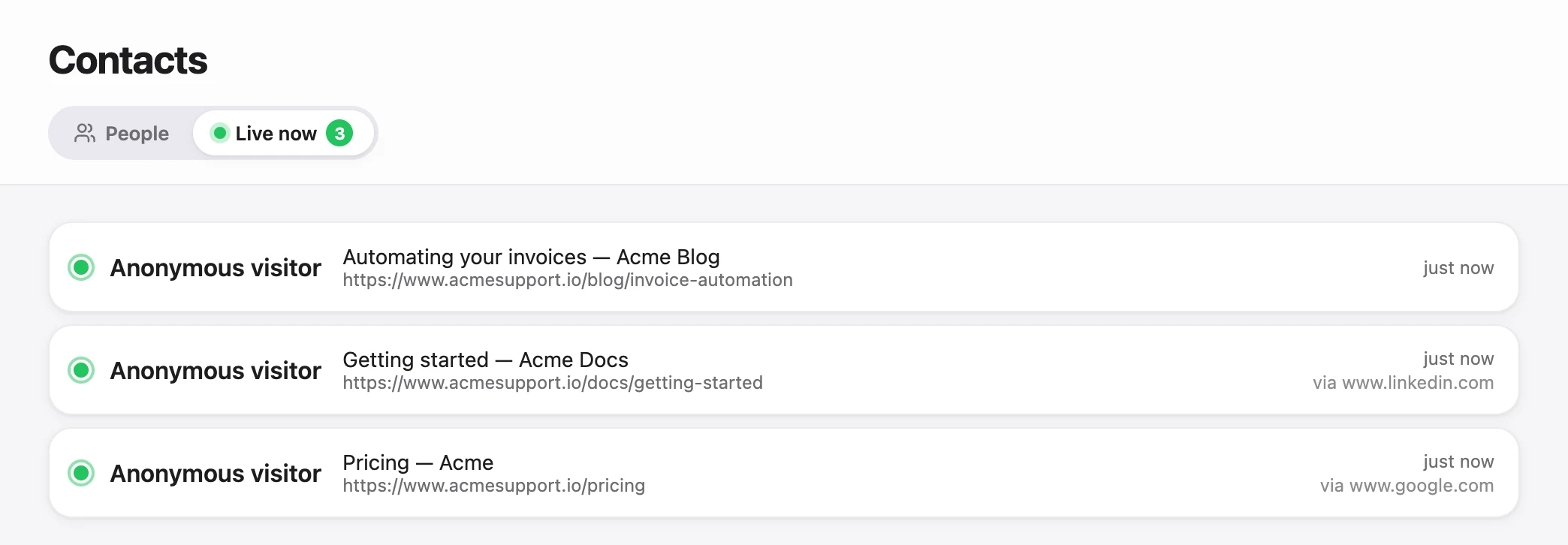
Confirming it works. Load a page in a private window, then check the live visitors view in Talvo.
Where Talvo fits, and where it doesn't
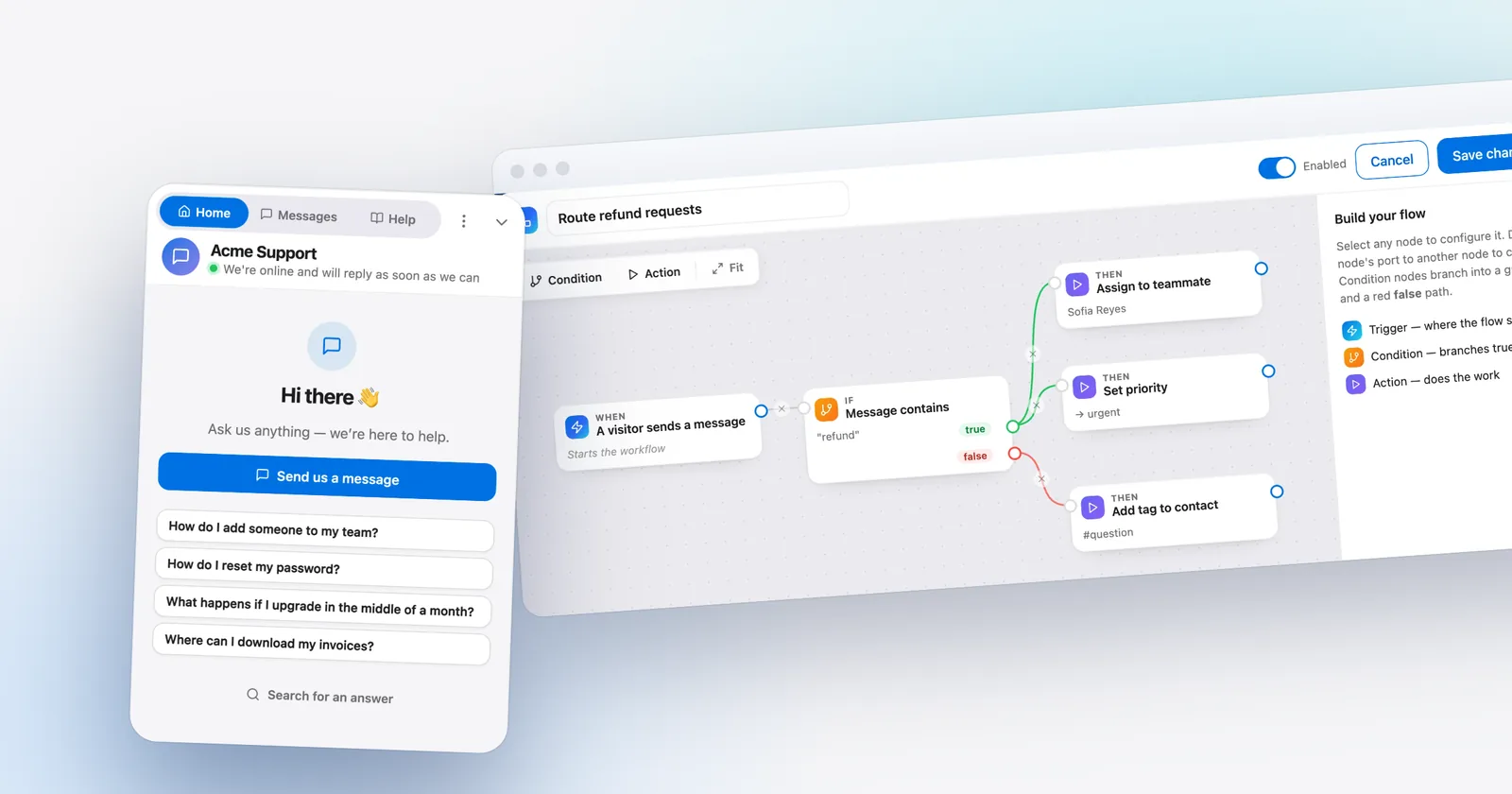
Talvo is one <script> tag. It installs on WordPress through a theme, a header/footer plugin or a code snippet, and the same tag works on any other site. The Free plan covers 2 teammates, live chat, two-way email, a shared inbox and a hosted help center, with 25 AI resolutions a month during the beta. Paid plans start at $49 a month ($39 billed annually) for 5 teammates, priced per workspace, not per seat.
The gaps are real. There is no WordPress plugin, no settings page in wp-admin, and no replying from wp-admin. You answer from the Talvo inbox, which works in a phone browser too, though there is no App Store or Google Play app. The widget isn't the lightest we measured, and "Powered by Talvo" can't be removed. Talvo is also new, in beta, with no reviews on G2 or Capterra yet. For stores that need order lookups from chat, read WooCommerce live chat before you decide.
- Can you edit your theme footer or add a code snippet? If not, use a plugin.
- Are you on WordPress.com? Check that your plan allows scripts first.
- Do you need WooCommerce carts or orders in chat? Pick a vendor with a plugin that has it.
- Do you want replies from wp-admin or WordPress user sync with no code? A plugin is easier.
- Want one install that matches your other sites and no extra plugin to update? Use the tag.
If you're still comparing products rather than install routes, start with the best live chat software for small business, or look at the alternatives to the plugins above in Tidio alternatives.
Frequently asked questions
What is the best free live chat plugin for WordPress?
It depends on what you need. Tawk.To Live Chat has 100,000+ active installs and a 4.6 rating on wordpress.org, and tawk.to says its core software is free with no limit on agents or chat volume; its Powered by tawk.to badge stays unless you pay. Talvo has no plugin, but its Free plan covers 2 teammates and installs with one script tag.
Can I add live chat to WordPress without a plugin?
Yes. Paste your chat tool's script tag, exactly as copied, into your theme's footer scripts setting, a header/footer code plugin such as WPCode, or a code-snippet plugin set to run site-wide in the footer. Purge your cache afterward and test in a private window.
Do live chat plugins slow down WordPress?
Every widget adds weight, and the weight comes mostly from the vendor's hosted widget rather than the plugin wrapper. In Talvo's test of ten widgets on vendor pages, the amount downloaded before a click ranged from 49.4 KB to 1,003.8 KB. We did not test WordPress sites with plugins installed, so we cannot say how much a plugin adds.
Where do I paste a chat script in WordPress?
Paste it just before the closing body tag on every page, which in practice means your theme's footer scripts setting or a header/footer code plugin set to run in the footer site-wide. Editing the theme footer file directly works but can be overwritten by a theme update unless you use a child theme.
Can I add JavaScript on WordPress.com?
Only on some plans. WordPress.com's support page says you can use JavaScript on sites with a plugin-enabled plan and activated hosting features, and script tags are restricted otherwise. Check your plan before choosing a chat vendor, because without script access you are limited to vendors that publish a WordPress plugin.
Is Tawk.to's WordPress plugin free?
The plugin is free to install and tawk.to says its core software is free. Paid add-ons exist, including branding removal, which tawk.to lists from $29 a month on its pricing page. The Powered by tawk.to badge stays unless you pay.
Do I need a plugin to show live chat on every page?
No. A script tag placed in the footer through your theme or a code plugin loads on every page. A plugin mainly helps when you want to limit the widget to certain pages from wp-admin without writing a conditional tag.
Will my caching plugin break the chat widget?
It can hide it for a while. After you add the tag, purge the page cache or visitors may keep getting old HTML without the widget. If you identify signed-in users, make sure your caching plugin does not cache pages for logged-in visitors.
Sources
Other products' prices and features change. We checked these pages; if something is out of date, tell us and we'll fix it.
- Joinchat on WordPress.org (checked Oct 21, 2026)
- Click to Chat on WordPress.org (checked Oct 21, 2026)
- Tawk.To Live Chat on WordPress.org (checked Oct 21, 2026)
- Tidio Live Chat on WordPress.org (checked Oct 21, 2026)
- Crisp on WordPress.org (checked Oct 21, 2026)
- LiveChat on WordPress.org (checked Oct 21, 2026)
- Zendesk Chat on WordPress.org (checked Oct 21, 2026)
- Chatway on WordPress.org (checked Oct 21, 2026)
- tawk.to pricing (checked Oct 21, 2026)
- WordPress.com support: code
- Talvo: do chat widgets slow your site (first-party test, Oct 2026)
- Talvo: identity verification


