On this page
If you're looking for a LiveChat alternative, you're probably doing one sum. Five people, 300 AI-answered chats a month. On LiveChat's cheapest current plan that is $392 a month with annual billing; on Talvo it is $119. The gap holds for most team sizes, and it comes from one design choice: LiveChat charges per user, Talvo charges per workspace.
The gap isn't the whole decision, though. LiveChat is a mature product with channels and a security posture Talvo doesn't have yet, and Talvo is a new beta product with no reviews. This post is only about those two, side by side. If you want the wider field, read LiveChat alternatives, and for the full LiveChat grid, legacy plans and AI packs, see LiveChat pricing.
We make Talvo, so we checked every LiveChat number on the vendor's own pages on October 21, 2026, and show every sum. Prices are in US dollars before tax.
The short version
Stay on LiveChat if customers reach you on SMS, WhatsApp or Messenger, if you sell through Shopify chat, or if procurement needs a SOC 2 Type 2 report today. Look at Talvo if your support is website chat plus email, you're paying for seats you'd rather not count, and you want an AI agent that answers from your help articles at $0.49 a resolution.
The number that decides it is team size multiplied by the per-user price. LiveChat's Essential plan is $19 per user a month on annual billing, and Growth is $79. Talvo's equivalent is one workspace price: Starter is $39 a month on annual billing ($49 monthly) for up to 5 teammates, Growth $119 ($149) for 15 and Scale $249 ($299) for 25. Neither Text plan is free (there's a 14-day trial with no card), while Talvo has a Free plan for 2 teammates.
LiveChat is becoming Text
One paragraph of background. LiveChat is made by Text, Inc., and its pricing page now sells new trials as Text plans, called Essential and Growth. Existing customers are on legacy LiveChat plans, and LiveChat's move-to-Text page says moving doesn't change the subscription price, most accounts get 200 AI resolutions a month, and the newer features come only with Text plans. A press report says existing customers were repriced by about 20% from April 2026; that is reported, not confirmed on Text's own pages, and the details are in LiveChat pricing.
The same team, priced both ways
We used 300 AI resolutions a month and the assumptions from the pricing post: whole packs of 50 at $49.50 past LiveChat's allowance (10 on Essential, 200 on Growth, per account), and for Talvo the cheapest plan with enough teammate seats. Each cell shows annual billing, then monthly billing.
| Team | LiveChat Essential | LiveChat Growth | Talvo |
|---|---|---|---|
| 3 people | $354 / $372 | $336 / $396 | $119 / $147 |
| 5 people | $392 / $422 | $494 / $594 | $119 / $147 |
| 10 people | $487 / $547 | $889 / $1,089 | $119 / $149 |
The arithmetic for the 5-person row: Essential is 5 × $19 = $95 annual, plus 6 packs ($297) for the 290 resolutions past the 10 included, which is $392. On monthly billing it is 5 × $25 = $125 plus $297, or $422. Growth is 5 × $79 = $395 plus 2 packs ($99) for the 100 past 200, which is $494; monthly is 5 × $99 = $495 plus $99, or $594.
Talvo's Growth plan, $119 a month annual or $149 monthly, includes 500 resolutions and 15 teammates, so 300 resolutions cost nothing extra. On monthly billing, a 3- or 5-person team is cheaper on Talvo's Starter plan ($49) plus 200 resolutions past its 100 included, at $0.49 each: $49 + $98 = $147. That beats Growth's $149 by two dollars.
At 1,000 resolutions a month the 5-person team pays $1,085 or $1,115 on Essential and $1,187 or $1,287 on Growth, against $249 or $299 on Talvo's Scale plan, which includes 2,000.
Talvo can only be cheaper if your team is small enough to fit its caps and your AI volume doesn't outrun the allowance. Beyond 25 teammates you're in Enterprise, which is custom.

How each one counts an AI resolution
The definitions are close, which is why we stress price rather than strictness. LiveChat's pricing page: "One resolution = the AI directly solved a customer question. Multiple questions in the same chat still count as one." Text's own wording is "A resolution is counted when the AI Agent provides an answer that directly solves at least one customer question," charged once per conversation, and a hand-off to a human without an answer doesn't count. Test chats and spam don't either.
Talvo bills a conversation the AI answered end to end from your published knowledge base, with no teammate stepping in, once per conversation. A hand-off is never a resolution. Details are in what counts as an AI resolution.
The differences are practical. Past the allowance, LiveChat's packs of 50 for $49.50 refill automatically, so a spike month grows the invoice without a prompt. Talvo's extras are $0.49 each on every paid plan, and there is no spending cap on Talvo either: the only control is turning the AI off. And while the AI on Talvo only answers from articles you've published and shows the one it used, Text's pricing pages don't say whether its agent cites its sources, so test both with your real questions.
The console and the AI, side by side
LiveChat's strength is the agent console. On Growth you get chat supervision and takeover, routing rules, working hours, shared canned responses, agent reports, and a 48-language widget. Essential has none of those, and keeps conversation history for 60 days. Text also lists a web app and desktop apps for macOS and Windows, a Marketplace, and 24/7 support on every plan.
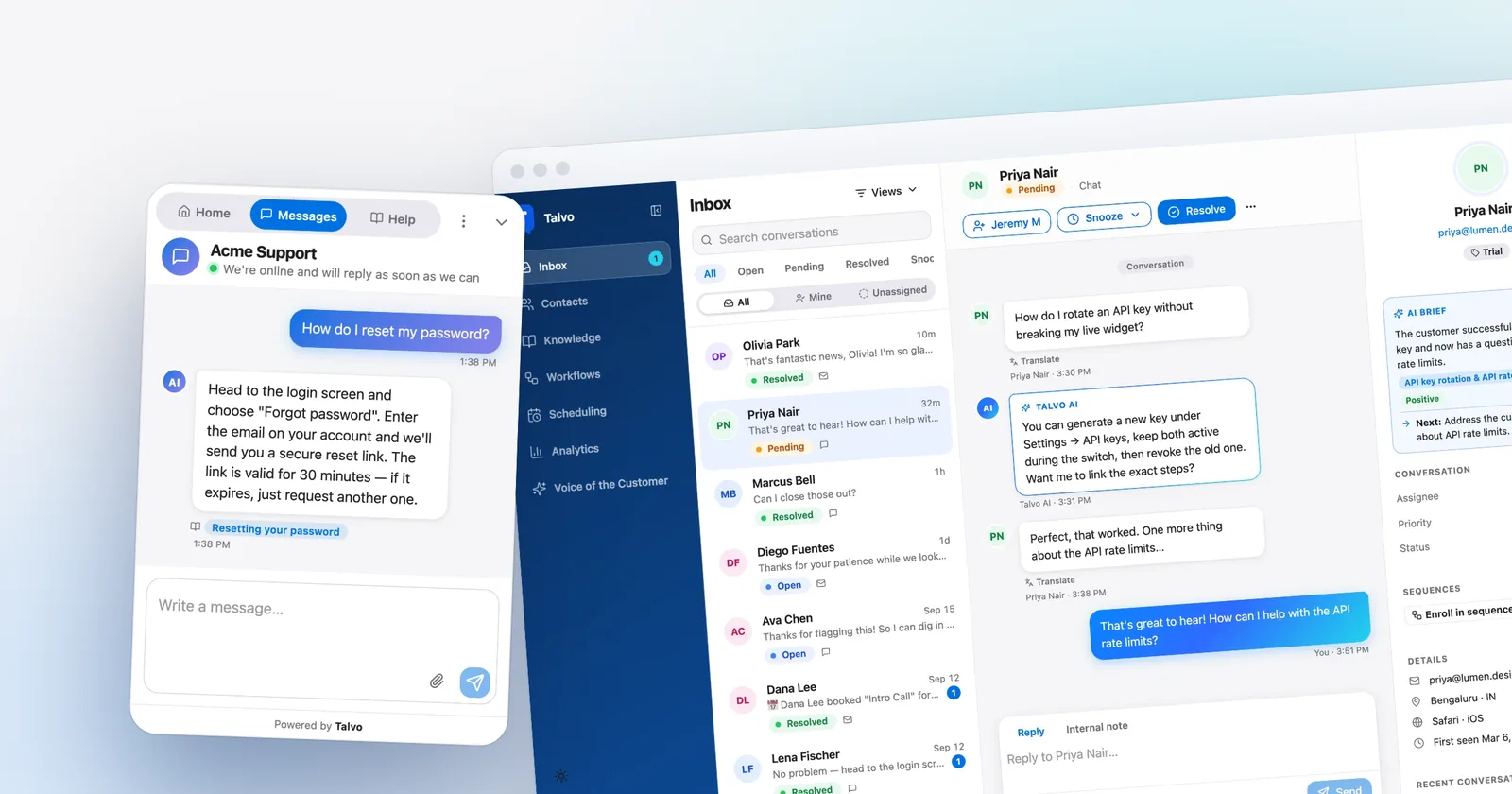
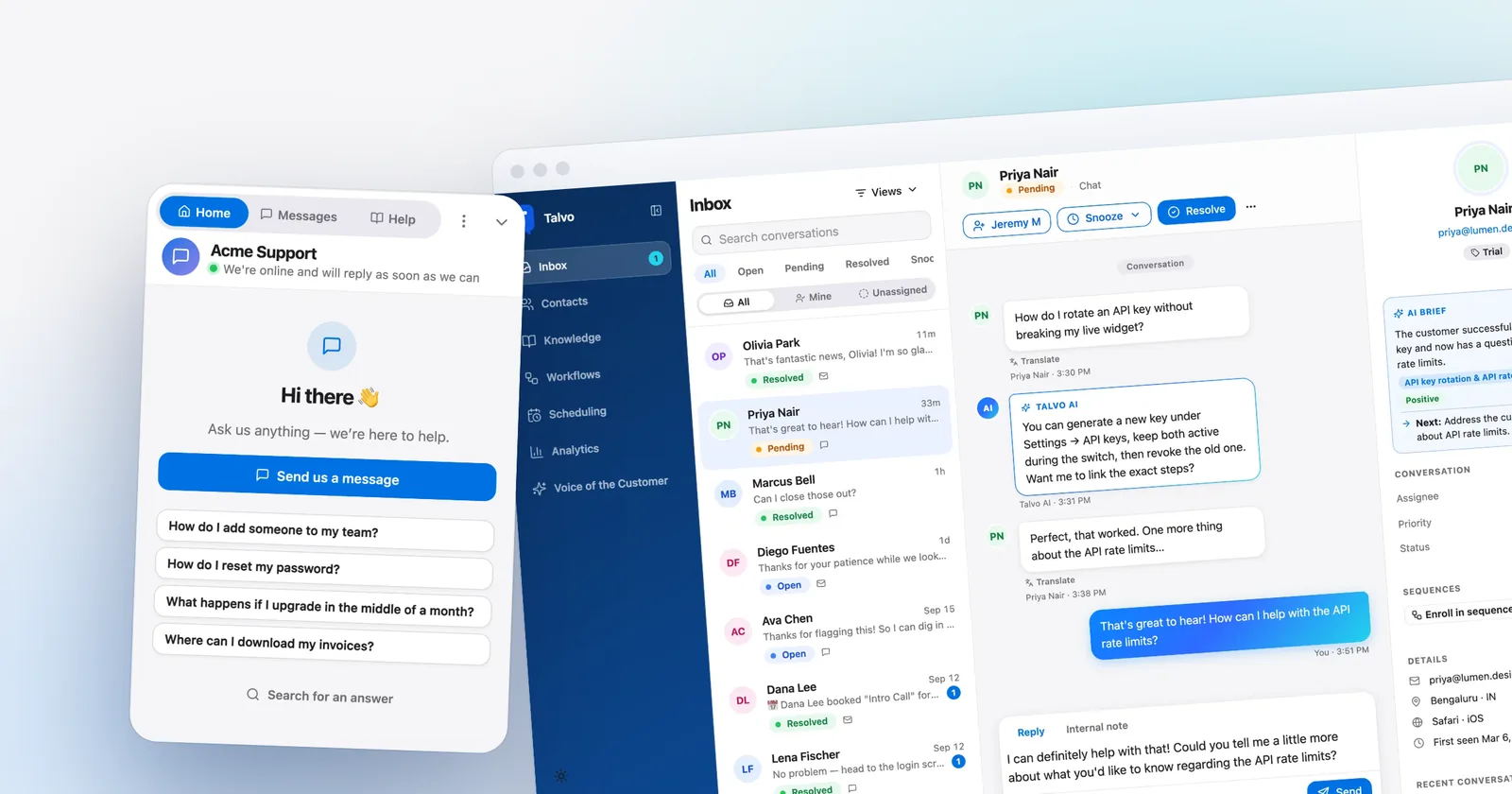
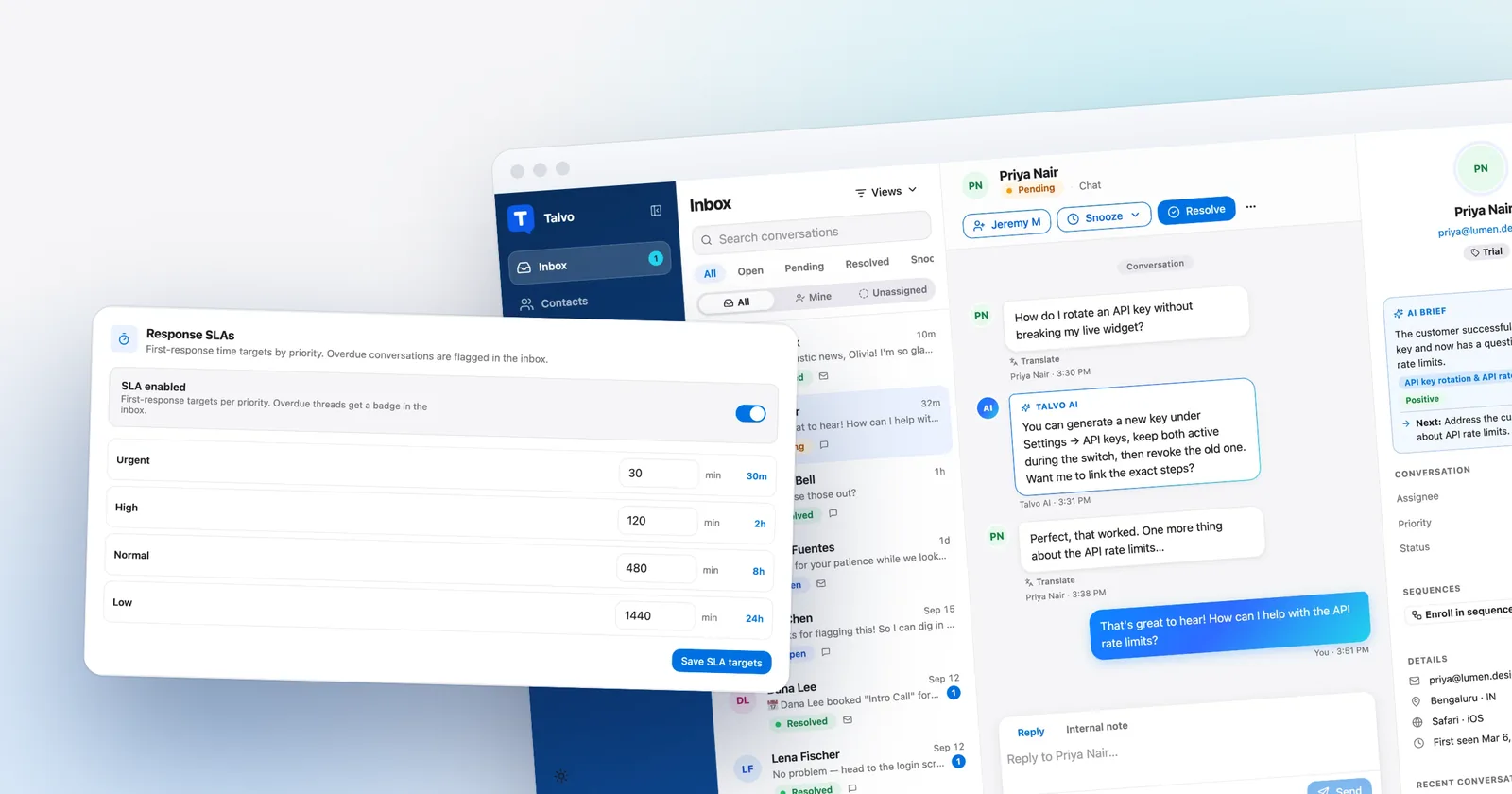
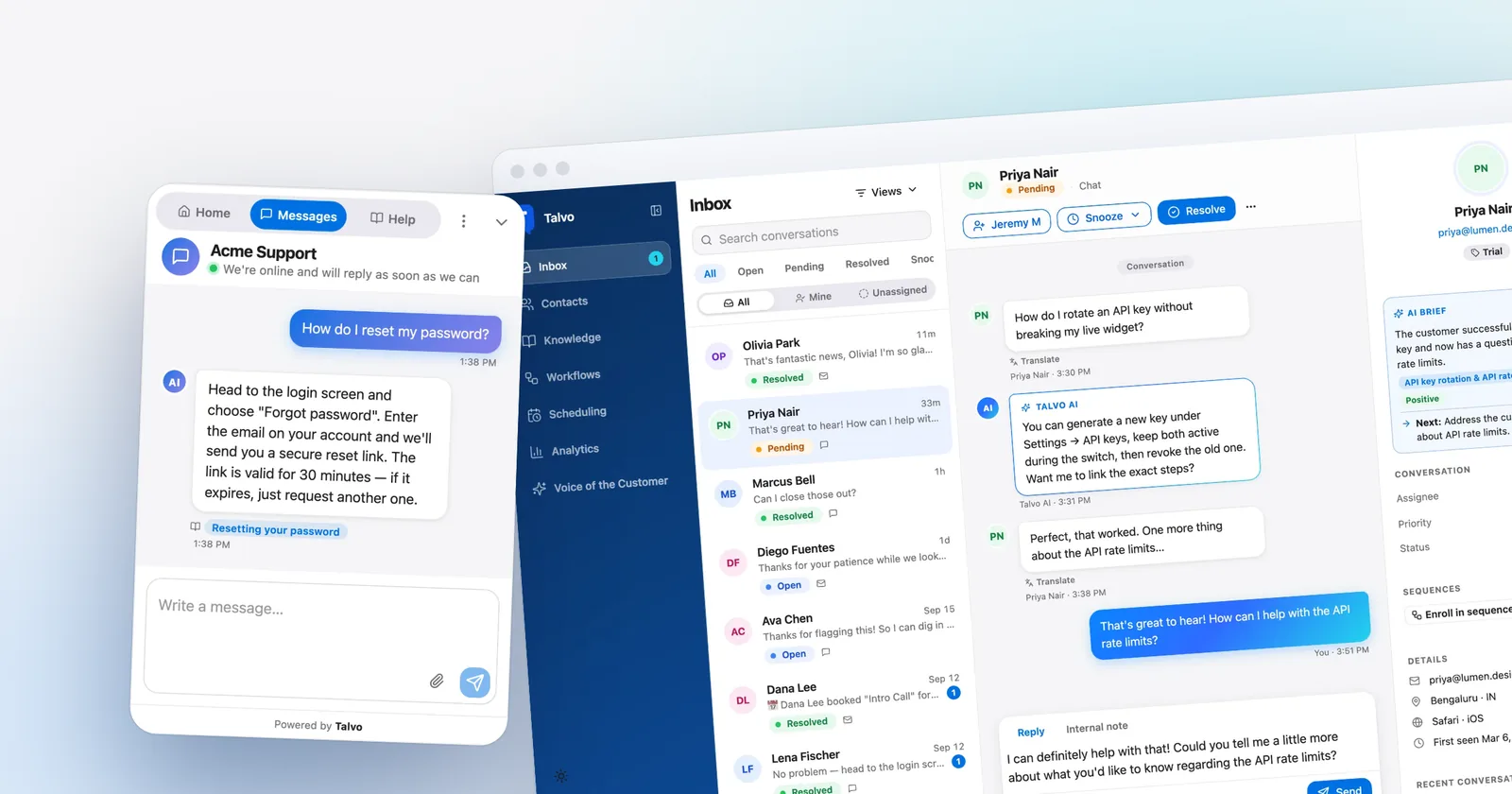
Talvo has a smaller console, with more of it on the cheaper plans. Canned responses (shared across the workspace, with variables and fallbacks), business hours with an away message, @mentions in internal notes and conversation tags are on every plan. Routing rules and SLA policies need Growth. The AI copilot, which drafts replies, summarizes a thread and translates in one click, starts on Starter. There is also a hosted help center, a public feedback board and roadmap, and customer-data attributes on Growth.

Talvo has no native mobile app. It works in a phone browser with push notifications. The inbox shows "X is replying" and "X is also viewing" so two people don't answer the same chat.
Where LiveChat is the better pick
Be honest about the list. LiveChat puts WhatsApp, Messenger, SMS and email in the same inbox on every plan, and its AI agent answers WhatsApp messages too. Talvo has none of WhatsApp, SMS, Instagram, Messenger or phone; the first four are on the roadmap.
Text says it is SOC 2 Type 2 audited, with GDPR, CCPA and PCI DSS (SAQ A) on the page, plus custom SSO on Enterprise. Talvo has no SOC 2 report, SAML single sign-on, HIPAA support or data-region choice.
It has a live Shopify catalog and a Marketplace with Shopify, WooCommerce, WordPress, Webflow, WhatsApp, Messenger, Instagram and Klaviyo. Talvo's integrations are the REST API, webhooks and Slack; there is no Zapier and no native Shopify.
On Enterprise, LiveChat offers a white-label widget. Talvo's widget and public pages say "Powered by Talvo" and can't be changed. And LiveChat has years of customer history and reviews, while Talvo launched in 2026, is in beta and has none.
- WhatsApp, Messenger, SMS and email in one inbox on every plan
- SOC 2 Type 2 audit claimed, Shopify catalog, Marketplace and desktop apps
- Supervision, takeover, routing and working hours on Growth
- Years in market
- Per-user pricing: Growth is $79 to $99 a user
- Extra AI resolutions are about $0.99 each, refilled automatically in packs of 50
- Essential has 60 days of history and one team
- One workspace price; teammates up to the plan limit included
- AI at $0.49 per extra resolution, answering only from published articles and citing them
- Help center, canned responses and business hours on every plan
- New, in beta, no reviews
- No WhatsApp, SMS, Instagram, Messenger or phone
- No SOC 2, SAML SSO, HIPAA or Shopify integration
Switching from LiveChat to Talvo
Switching is mostly a content job. Your chat history stays in LiveChat, because Talvo imports help articles and contacts, not past conversations. Past email history can't be imported either.
- Install the widgetAdd Talvo's one script tag before
</body>, and leave LiveChat in place for now (guide). - Import your help centerCrawl your public help center or bring articles from another tool; they arrive as drafts to review (guide).
- Bring your contactsUpload a CSV, up to 2,000 rows at a time. People are matched by email.
- Forward your support emailPoint your support address at the forwarding address in Settings. Replies thread back into the same conversation.
- Test the AIAsk it your top five customer questions before you publish.
- Retire LiveChatRemove the old snippet once Talvo's chat and email are live, then decide what to do with the subscription.
Two things to know. Email replies come from Talvo's sending address with your workspace's name as the display name, and they don't land in your Gmail Sent folder. Attachments work on both chat and email. And if you rely on LiveChat integrations, check them first; the move-to-Text page warns that some integrations don't work in Text, which is also a good prompt to list what you actually use.
- List the channels your customers really use: SMS, WhatsApp, Messenger
- Check which Marketplace apps and integrations you depend on
- Save your canned responses somewhere you can paste from
- Note how long LiveChat keeps your history after a downgrade or cancellation
- Run both widgets on one page for a couple of weeks, then compare bills
The Free plan covers 2 teammates, chat, email, the shared inbox and the help center, with 25 AI resolutions a month during the beta. That's enough to run your ten hardest questions through it before you decide. For the per-seat argument in general, per seat vs flat pricing covers where each model wins, and AI resolution pricing lines up the meters. You can also read the best live chat software for small business guide for the wider choice.
Which should you choose?
- your support is website chat plus email and you'd rather pay one workspace price than count seats
- you want an AI agent that answers only from published articles, cites them and hands off with context, at $0.49 per extra resolution
- you want canned responses, business hours and a hosted help center on every plan
- you can do without SMS, WhatsApp, Messenger, Shopify selling features and a SOC 2 report for now
- customers reach you on SMS, WhatsApp or Messenger and you want them in one inbox
- you sell through Shopify and want the selling features and catalog inside the chat
- procurement needs a SOC 2 Type 2 report or custom SSO
- you want supervision and takeover, a Marketplace and a long-established vendor
- your team is one to three people with light AI use, where a $25 Essential seat is fine
Frequently asked questions
Is LiveChat now called Text?
Partly. LiveChat is made by Text, Inc., and its pricing page now sells new trials as Text plans, Essential and Growth. Existing customers stay on their LiveChat plans, and LiveChat's move-to-Text page says moving to Text doesn't change the subscription price.
Do existing LiveChat customers have to move to Text?
The pricing FAQ says nothing changes for existing customers, who can run both products side by side. But the newer AI features come with Text plans, not with LiveChat plans, including legacy ones. A press report also says existing customers were repriced by about 20% from April 2026, though Text's own pricing pages don't mention it.
How much does LiveChat cost per agent in 2026?
On Text plans, Essential is $19 per user a month on annual billing or $25 monthly, and Growth is $79 annual or $99 monthly. Allowances for AI, workflow rules and API calls are per account. The full grid and legacy plans are in our LiveChat pricing post.
What counts as an AI resolution in LiveChat, and what do extras cost?
A resolution is counted when the AI Agent provides an answer that directly solves at least one customer question, once per conversation. Hand-offs without an answer, test chats and spam don't count. Beyond the allowance, packs of 50 resolutions cost $49.50, about $0.99 each, and refill automatically.
Is Talvo cheaper than LiveChat?
For the team sizes we priced, yes: a 5-person team with 300 AI resolutions a month is $119 on Talvo against $392 on LiveChat Essential or $494 on Growth, with annual billing. Talvo is a beta product without LiveChat's channels, SOC 2 report or Shopify features, so price is only part of the decision.
Can I import my LiveChat history into Talvo?
No. Talvo imports help articles, from a crawl of your public help center, and contacts from a CSV of up to 2,000 rows at a time. Past conversations and email history can't be imported, so your chat history stays in LiveChat.
What does Talvo not have that LiveChat does?
Talvo has no WhatsApp, SMS, Instagram, Messenger or phone channel, no Shopify or Zapier integration, no SOC 2 report, SAML SSO or HIPAA support, and no way to remove the Powered by Talvo label. It is in beta with no reviews. WhatsApp, SMS and Instagram or Messenger are on the public roadmap.
Sources
Other products' prices and features change. We checked these pages on October 21, 2026; if something is out of date, tell us and we'll fix it.
- LiveChat pricing page (checked Oct 21, 2026)
- Text pricing page (checked Oct 21, 2026)
- LiveChat: move to Text (checked Oct 21, 2026)
- LiveChat legacy pricing (checked Oct 21, 2026)
- Bankier.pl: end of LiveChat price grandfathering, citing PAP Biznes (April 7, 2026; secondary)
- Talvo pricing (checked Oct 21, 2026)
- Talvo help: What counts as an AI resolution
- Talvo help: Switching from another help desk