
On this page
- Release notes and a changelog are cousins, not twins
- Five rules for an entry people read
- Before and after: one change, rewritten
- What five well-regarded changelogs do
- Wording the hard ones
- A rhythm a small team can keep
- Where to announce, beyond the changelog page
- How to tell if anyone reads it
- Talvo's changelog, and what it doesn't do
- Frequently asked questions
Release notes tell people what changed in your product and why they should care. Most of them fail the second half. "Improved performance. Fixed bugs. Various updates." is a true sentence that no one has ever read twice.
This guide is about writing release notes people read: the five rules, one rewrite from raw to useful, what well-regarded public changelogs do, how to word removals and price changes, a publishing rhythm a three-person team can keep, and how to tell whether anyone is reading. It finishes with Talvo's own changelog, including what it doesn't do.
Release notes and a changelog are cousins, not twins
A changelog is the running record: every notable change, newest first, dated. Release notes are what you write about one release for the people who use it: what it means for them. A changelog can be a list of entries; a release note reads more like a short announcement.
For a small team the difference barely matters, and you'll usually publish one page that does both jobs. What matters is the discipline both share. The best-known convention is Keep a Changelog, written by Olivier Lacan, whose first principle is that changelogs are for people, not machines. Its other points are worth taking whole:
- Newest version first, each with a release date, written in ISO format (2026-10-21) so no one reads 10/11 the wrong way around.
- Similar changes grouped together under six headings: Added, Changed, Deprecated, Removed, Fixed and Security.
- Deprecations, removals and security fixes called out, never buried.
- An "Unreleased" section at the top for what's coming, if you want one.
- No commit-log dumps. A raw log is noisy and written for the people who made the change.
It's an open-source convention, so it assumes version numbers. A hosted product with continuous deploys can drop the versions and keep the rest.
Five rules for an entry people read
Lead with what the customer can do now. "You can now filter the inbox by tag" beats "Added tag filter to conversation list endpoint". The test is whether a customer who has never seen your codebase could repeat it to a colleague.
One change per item. A release with a headline feature and seven small fixes should look like that: one featured entry and a short list. If everything is a bullet, nothing is a headline.
Put breaking changes and removals first. The reader who has to act should not have to hunt. Anything that takes something away or changes a price goes at the top, with the date it applies.
Date every entry. Without one, a changelog can't answer "was this fixed yet?". Keep a Changelog is blunt about this, and so should you be.
Link to the help article. The note says what changed. The article says how to use it. If the feature has no article yet, that's your cue to write it, since an AI agent that answers from your help center also can't describe a feature that isn't there (see writing help articles for AI).
Before and after: one change, rewritten
Here's an invented but typical engineering-side line:
The customer-side version of the same change:
- "Fixed: teammates now get an alert when a conversation arrives with no assignee. Before, those alerts could be skipped silently." names who, what and the old problem
- It says it's fixed and what the old behavior was, so someone who hit it recognizes it
- "Fix NPE in notification dispatcher, #1482" tells the customer nothing they can act on
- It describes the code, not the symptom they noticed
The pattern is symptom first. People remember what went wrong ("I never got the alert"), not the mechanism. A fix line that starts with "Fixed an issue where..." and then describes the symptom in the customer's words will be recognized by the people who suffered from it, and those are exactly the people who need to see it.
Skip the entries that are only housekeeping. Keep a Changelog's own advice is that minor changes can be skipped but significant ones should always be recorded. If you're not sure, ask whether a customer could notice.
What five well-regarded changelogs do
None of these is the one right way, and all of them change over time, so look at them yourself. What follows describes how each worked as of October 2026.
Linear's changelog runs about every one to two weeks. Each post has a single feature headline with a hero image and a short intro that links to docs. Underneath sit grouped "Fixes and improvements" bullets, each tagged with the area it affects. The lesson: one feature gets room to breathe, the small stuff stays scannable.
GitHub's changelog posts almost daily. Every entry carries a single label, such as Release, Improvement or Retired, and you can filter by product and subscribe by RSS. The lesson: a visible "Retired" label makes deprecations impossible to miss.
Stripe's API changelog groups changes under named API versions. Each row says what product is affected and whether the change is breaking or non-breaking, with detail on a page of its own. The lesson: when readers have code that depends on you, "breaking or not?" is the one column they need.
Slack's release notes are split by platform, with a version and date for each release and sections like What's New and Bug Fixes. The tone is playful. The weakness worth learning from: a lot of the bug-fix lines are vague stock wording, which is precisely the habit the symptom-first rule fixes.
Keep a Changelog is the convention above. It isn't a product at all, and it's the one to copy if you want a structure and don't want to invent one.
What's common to the good ones: a date on everything, a way to scan, a clear signal for the changes that can hurt, and a tone that sounds like one person. What's missing from almost all of them is any answer to the next questions, which are the rest of this guide.
Wording the hard ones
Removals. Say what is going away, when, and what to do instead, in that order. "On December 1, we're removing the old export page. Use the new one in Settings; your saved reports will move across automatically." If you don't know what the replacement is, say so and say when you'll know. Don't write "we've simplified your experience".
Price changes. Put the new number, the date it starts, and who it affects in the first sentence. The most trust-damaging thing a price note can do is make a reader search for the figure.
Bug fixes. Name the symptom, say it's fixed, and leave out the apology unless real harm happened. If it did (data lost, wrong amounts charged), write a separate, plain note for it and link it from the changelog.
Things you tried and reversed. Say so. "We shipped X last week; it confused more people than it helped, so it's gone." Readers forgive a reversal. They don't forgive a feature quietly vanishing.
Known issues. If you ship with something broken, list it. One honest line saves a dozen tickets.
A rhythm a small team can keep
The best cadence is the one you won't abandon. A changelog that went silent in March tells visitors your product stopped moving, even if it didn't.
For two or three people, pick one of two patterns and stay with it. Per ship: write the entry on the day the change goes out, while you still remember what it was for, and keep it to a few sentences. Monthly roundup: one entry on the first working day of the month, with a headline and a short list. Per-ship is more useful for customers; the roundup is easier to sustain. Doing a per-ship entry for anything a customer would notice, and a roundup for the rest, is a fair compromise.
Whichever you choose, write it as part of shipping, not afterward. The cheapest moment to write a note is when you're about to close the ticket. A release isn't finished until its note is.
Where to announce, beyond the changelog page
A changelog page is the record. It isn't how most people hear about anything.
- Publish the entryThe changelog page is the permanent record and what you link to everywhere else.
- Update the help articleThe note says what changed; the article says how to use it. Link them both ways.
- Write to the people who askedIf a feature began as a conversation or a request, you know who wanted it. A two-line message to them does more than any post.
- Mention it where customers already areA line in your next product email, or a pinned note in your community or Slack channel if you have one.
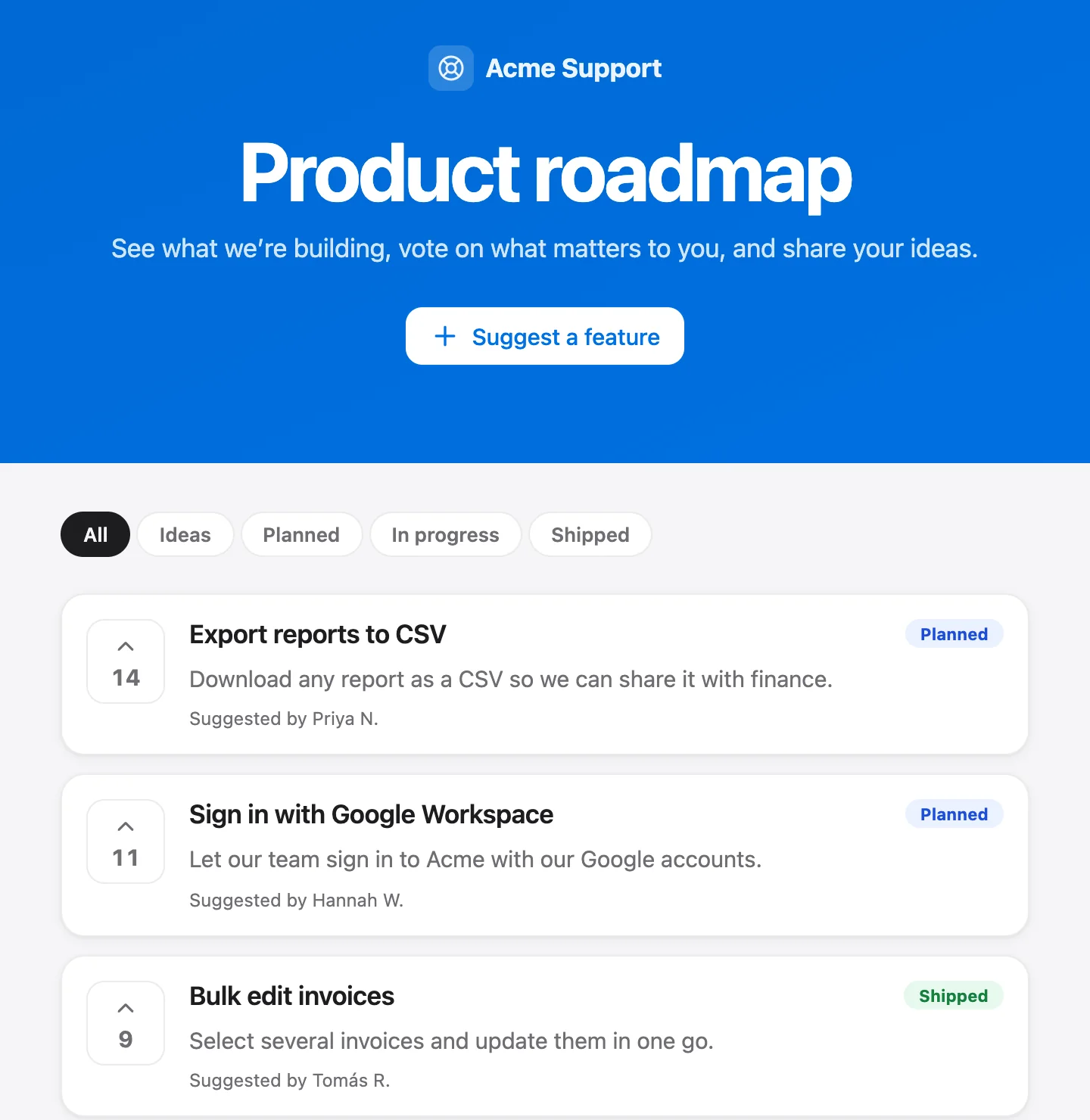
The loop with requesters is the one most teams skip. Our guide to feedback boards and roadmaps covers closing that loop in detail, so we won't repeat it here.
How to tell if anyone reads it
Nobody publishes trustworthy readership numbers for changelogs, so measure your own. Three signals, all cheap:
- Clicks. Put a tracked link to the changelog entry in the email or message you send, and count the clicks from the people who asked. If you have analytics on the page, look at the views per entry.
- Use of the feature. Pick one measure of whether people tried the thing, such as how many used it in the 14 days after release. If you can't measure use, that's a finding.
- Support questions afterward. Count conversations that mention the change in the month after. Questions asking how to do what the note already explained mean the note wasn't found; questions asking about a change that wasn't announced mean you left something out.
Keep the numbers next to each entry for a quarter. Patterns show up quickly: some kinds of entry get read, some don't, and you'll write fewer of the second kind.
Talvo's changelog, and what it doesn't do
Every Talvo plan, including Free, has a public changelog next to the feedback board and roadmap. Owners and admins write entries in Settings → Roadmap → Changelog. An entry is a title, a body in Markdown and a date. The date is set when you save, and editing an entry later doesn't change it. There's no draft state: an entry is live the moment you save it.
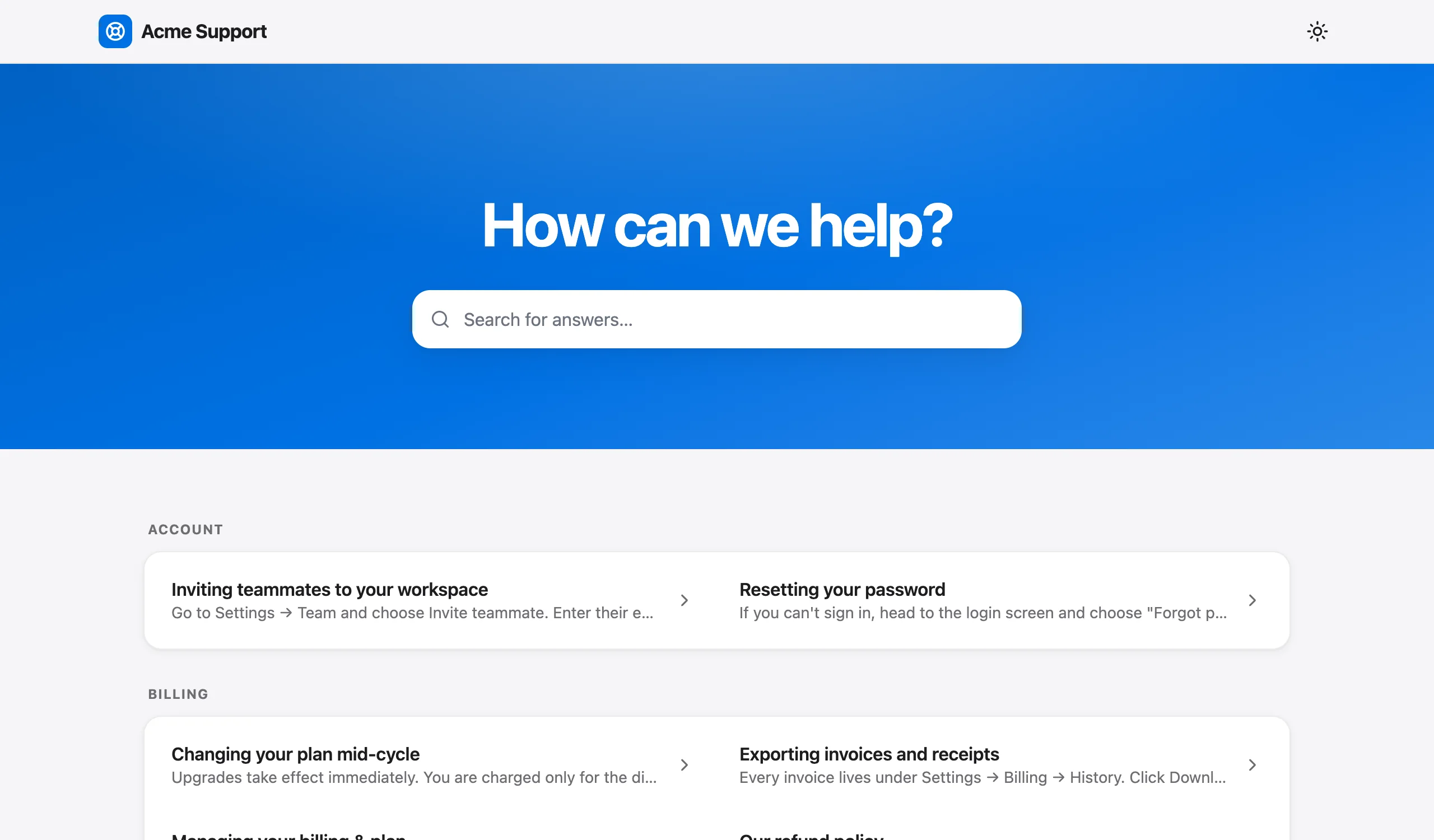
That's the whole feature, and it's worth being plain about what it leaves out:
- No labels or categories. If you want Added, Fixed and Removed, write them as headings in the Markdown body.
- No subscriber notifications. Nobody can sign up to be told about new entries, and publishing one sends no email or in-app announcement.
- No RSS feed.
- No images, authors or scheduling. And the page shows "Powered by Talvo", with no custom domain.
What you get for it is that the changelog sits in the same product as your help center and your feedback board, so linking an entry to its help article, or to the request behind it, takes seconds. Talvo's own is at talvo.chat/changelog, and Talvo is new and in beta, so it's short. Your workspace's public page is /changelog?app= followed by your workspace's public app ID; the feedback feature page shows how the changelog, board and roadmap fit together.
Since the changelog sends no notification, the "write to the people who asked" step above isn't optional on Talvo.
If your team also writes help content, how to build a help center is the natural next read.
Frequently asked questions
What should release notes include?
A dated entry that says what the customer can now do, why it matters, and a link to the help article. Put breaking changes, removals and price changes first, with the date they apply. Skip changes a customer could not notice.
What is the difference between release notes and a changelog?
A changelog is the running dated record of notable changes, newest first. Release notes are the customer-facing explanation of one release. Small teams usually publish one page that serves both purposes.
What is Keep a Changelog?
It is an open-source convention by Olivier Lacan. It asks for the newest version first, a release date in ISO 8601 format, similar changes grouped under Added, Changed, Deprecated, Removed, Fixed and Security, and clear callouts for deprecations. It warns against dumping raw commit logs.
How do you write a bug fix in release notes?
Name the symptom in the customer's words, say it is fixed, and say what the old behavior was. Leave out the code-level cause. If the bug caused real harm such as lost data or wrong charges, write a separate plain note and link it.
How often should you publish release notes?
Pick a rhythm you will keep. Per-ship entries are more useful to customers, and a monthly roundup on the first working day is easier to sustain. A mix works: per-ship for anything customers will notice, a roundup for the rest.
Do customers read changelogs?
There is no trustworthy public readership figure, so measure your own: clicks from the message you send to people who asked, use of the feature 14 days after release, and support questions about the change in the following month.
Should you announce removed features in the changelog?
Yes, and put them at the top. Say what is going away, when, and what to do instead. Readers forgive a removal that was announced clearly far more than one that disappears quietly.
Does Talvo's changelog send notifications or have an RSS feed?
No. Talvo's changelog, available on every plan, is a title, a Markdown body and a date, published the moment you save. It has no labels, no subscriber notifications and no RSS, so you tell the people who asked yourself.
Sources
Other products' prices and features change. We checked these pages; if something is out of date, tell us and we'll fix it.


