On this page
- Which Zoho Desk plan actually has live chat?
- What Talvo is, and how it charges
- The same team in both billing modes
- A Zoho Desk live chat alternative that doesn't need Enterprise
- AI: tokens and your own key, or a resolution price
- Where Zoho Desk wins
- Where Talvo is the better fit
- Switching from Zoho Desk to Talvo
- Talvo vs Zoho Desk: the verdict
- Frequently asked questions
Talvo vs Zoho Desk starts with a question that Zoho's own pricing page makes harder than it should be: which Zoho Desk plan actually has live chat? The answer is two plans and two products, and which one you get changes the bill by a factor of almost three. Zoho Desk is the cheaper tool on seats at nearly every size we priced. Talvo is the tool where chat, an AI agent, a shared inbox and a help center arrive in one workspace price. This post puts the same team through both, in monthly and annual billing, and says plainly where each one wins.
Talvo makes a competing product, so the disclosure up front: every Zoho number comes from Zoho's own pages, mainly its pricing page and plan comparison, as shown in US dollars on October 21, 2026, and every sum is on the page so you can redo it. Zoho wins several of the comparisons below, and one section covers them.
Which Zoho Desk plan actually has live chat?
Zoho sells website chat two ways, and they sit on different plans.
| Zoho Desk plan | Annual (per user, per month) | Monthly (per user, per month) | Website chat |
|---|---|---|---|
| Free | $0 (3 users) | $0 | None |
| Express | $7 | $9 | None |
| Standard | $14 | $20 | Business Messaging, 1 channel |
| Professional | $23 | $35 | Business Messaging, 10 channels |
| Enterprise | $40 | $50 | Business Messaging, 50 channels, plus live chat powered by SalesIQ |
Business Messaging is the chat widget Zoho describes for logged-in customers on your website or app, with conversations that can become tickets. Live chat powered by SalesIQ is the fuller visitor-chat product: classify conversations, convert them to tickets, show help articles and run bots. In Zoho's comparison table, it appears under Enterprise and nowhere else.
There may be a cheaper route to SalesIQ. The table also lists a Zoho SalesIQ integration on Standard, Professional and Enterprise, which suggests a Standard team could connect a separately bought SalesIQ subscription (SalesIQ's own plans start at $7 per operator a month annually, or $10 monthly, on Basic). That's our reading of two table rows, not something Zoho says in words, so treat it as a question for Zoho's sales team. The full grid, with the AI layers and the places Zoho's pages contradict each other, is in Zoho Desk pricing explained.
What Talvo is, and how it charges
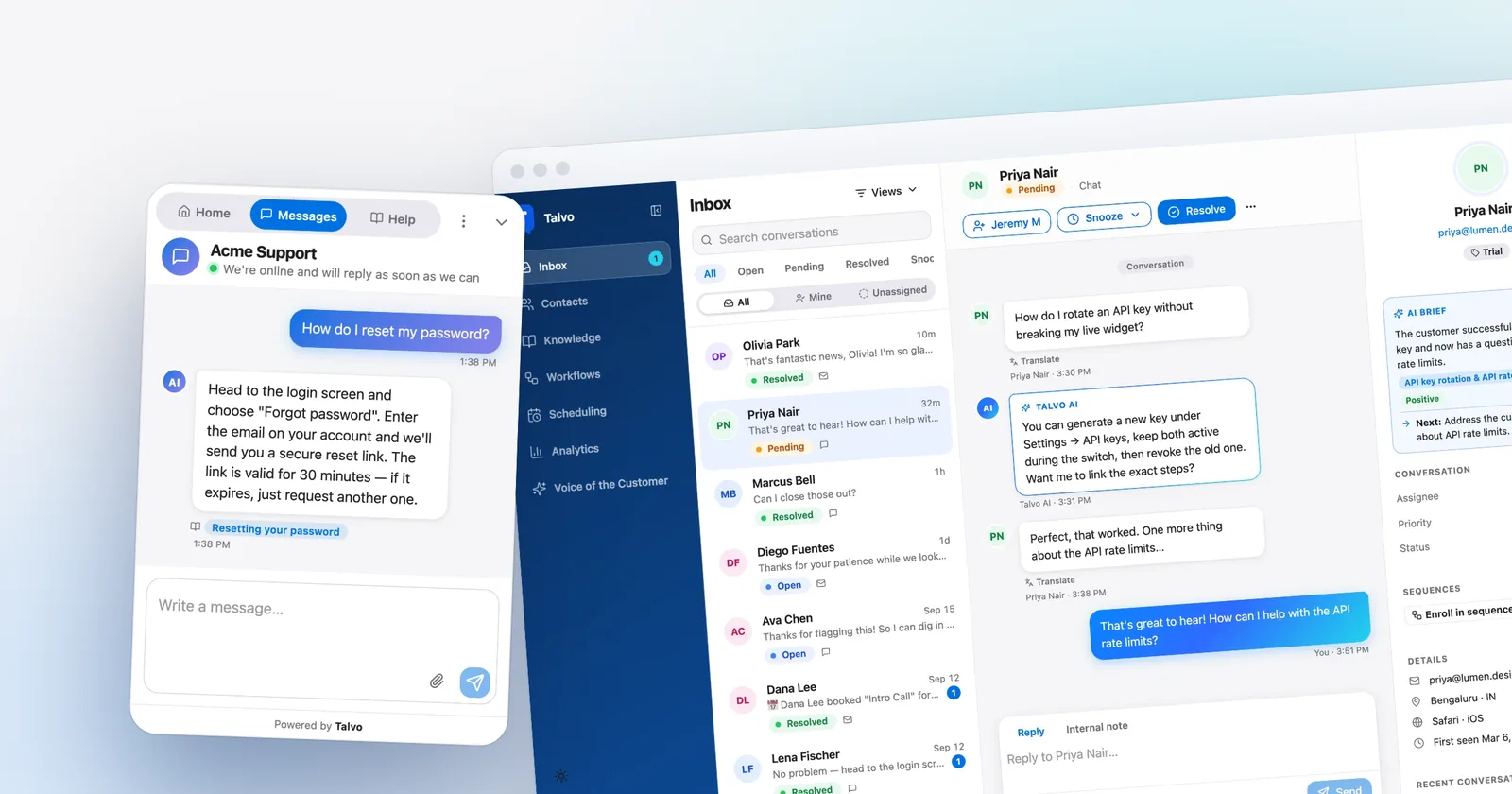
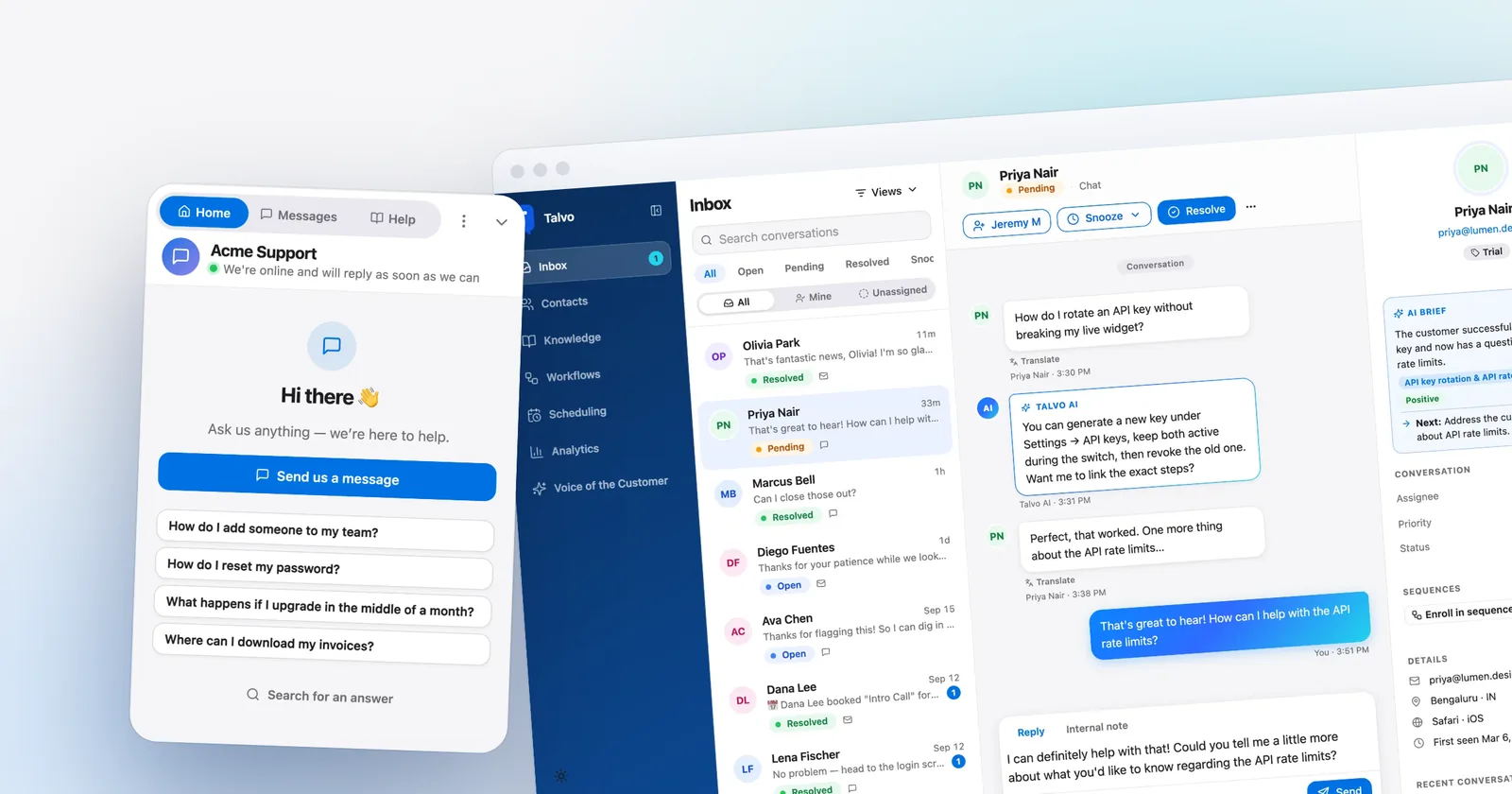
Talvo is a live chat widget, an AI agent that answers only from your published help articles and cites the one it used, a shared inbox with two-way email, a hosted help center, and no-code workflows. It's priced per workspace, not per person. It launched in 2026 and is in beta. It has no reviews on G2 or Capterra, and the gap list further down is long.
| Talvo plan | Monthly billing | Annual billing (per month) | Teammates | AI resolutions included |
|---|---|---|---|---|
| Free | $0 | $0 | 2 | 25 a month during the beta |
| Starter | $49 | $39 | 5 | 100 |
| Growth | $149 | $119 | 15 | 500 |
| Scale | $299 | $249 | 25 | 2,000 |
Extra AI resolutions are $0.49 each on every paid plan. Adding a teammate up to the plan's limit never changes the bill, and self-serve plans have no contract. A resolution is a conversation the AI answered end to end from your published articles without a teammate stepping in; a hand-off to a person is never billed.

The same team in both billing modes
Three teams, priced on the Zoho plans that have website chat. Team A is 3 agents with 300 AI-resolved conversations a month, Team B is 5 agents with 1,000, Team C is 10 agents with 3,000. Zoho figures are seats only. They leave out whatever Zoho's AI costs you (your own provider's key, or tokens past the free allowance), WhatsApp's usage charges, light agents and add-ons.
Monthly billing
| Team | Zoho Standard | Zoho Enterprise | Talvo |
|---|---|---|---|
| A: 3 agents, 300 AI | 3 × $20 = $60 | 3 × $50 = $150 | Starter: $49 + 200 × $0.49 = $147 |
| B: 5 agents, 1,000 AI | 5 × $20 = $100 | 5 × $50 = $250 | Scale: $299 (2,000 included) |
| C: 10 agents, 3,000 AI | 10 × $20 = $200 | 10 × $50 = $500 | Scale: $299 + 1,000 × $0.49 = $789 |
Annual billing (per month)
| Team | Zoho Standard | Zoho Enterprise | Talvo |
|---|---|---|---|
| A: 3 agents, 300 AI | 3 × $14 = $42 | 3 × $40 = $120 | Growth: $119 (500 included) |
| B: 5 agents, 1,000 AI | 5 × $14 = $70 | 5 × $40 = $200 | Scale: $249 |
| C: 10 agents, 3,000 AI | 10 × $14 = $140 | 10 × $40 = $400 | Scale: $249 + 1,000 × $0.49 = $739 |
Talvo's cell is the cheapest plan with enough teammates, overage included. In Team A's annual case, Starter would be $39 + 200 × $0.49 = $137, so Growth at $119 wins. Team C needs 10 seats, which rules out Starter at 5; Growth would be $149 + 2,500 × $0.49 = $1,374 monthly, so Scale is cheaper.
Read that honestly, and it's a mixed result. On seats alone Zoho is cheaper than Talvo at every size here except Team A against Enterprise, where Talvo is $3 lower monthly and $1 lower annually. Talvo's price carries the AI inside it. Zoho's doesn't. So the useful question is how much your Zoho AI and extras would cost, and it has to be answered with your own traffic:
| Talvo is cheaper than Zoho if Zoho's AI and extras cost more than... | Versus Standard (monthly / annual) | Versus Enterprise (monthly / annual) |
|---|---|---|
| Team A | $87 / $77 | Already cheaper by $3 / $1 |
| Team B | $199 / $179 | $49 / $49 |
| Team C | $589 / $599 | $289 / $339 |
Each cell is Talvo's total minus Zoho's seat total, for example Team B against Standard monthly is $299 − $100 = $199.
If your AI volume is lighter, the picture flips toward Talvo, because the plan's included resolutions are free:
| Light-AI team | Talvo, monthly / annual | Zoho Standard, monthly / annual | Zoho Enterprise, monthly / annual |
|---|---|---|---|
| 3 agents, 100 AI | Starter: $49 / $39 | $60 / $42 | $150 / $120 |
| 5 agents, 100 AI | Starter: $49 / $39 | $100 / $70 | $250 / $200 |
| 10 agents, 500 AI | Growth: $149 / $119 | $200 / $140 | $500 / $400 |
At these volumes Talvo's list price is below even Zoho Standard, because five seats and 100 AI resolutions sit inside one $49 plan. The catch is the comparison itself: Zoho Standard isn't buying you the same AI, and Zoho Enterprise is the plan with the matching live chat. What the light-AI table shows is the crossover. Talvo is the cheaper tool when AI is a small part of your volume, and Zoho's seat price pulls ahead as AI answers climb into the thousands.
A Zoho Desk live chat alternative that doesn't need Enterprise
If you're searching for a Zoho Desk live chat alternative, you've most likely hit one of two walls. Either you're on Standard or Professional and found that the chat on offer is Business Messaging for logged-in customers, or you looked at the SalesIQ-powered chat and saw it's the $40-to-$50 plan.
What Talvo offers instead is one widget on every plan, including Free, installed with a single script tag before the closing body tag. That works on any site where you can add a script, including WordPress, Shopify themes, Webflow, Squarespace and Wix. It doesn't have a native plugin for any of them. Visitors can chat with the AI, which answers from your published articles, or get handed to a person with the conversation intact. The team is alerted by push and email, and teammates see the thread in a shared inbox.

What you give up compared to Zoho's chat: SalesIQ's depth. Its own plans track from 10,000 up to 200,000 visitors a month and run richer bots, with Answer Bot on SalesIQ's Enterprise plan. Talvo shows live visitors, and on its Starter plan and up it can send proactive messages, but its targeting is limited to the page URL, a delay and returning visitors, and a visitor sees at most one campaign once. It won't match a dedicated visitor-intelligence tool.
AI: tokens and your own key, or a resolution price
Zoho's AI comes in layers. Content analysis is on every plan. The answer bot, which suggests replies to customers from your knowledge base articles, starts at Standard. Generative AI is bring-your-own-key on Express and Standard, and "BYOK & Native" on Professional and Enterprise, and Zoho's pricing pages list no separate price for the native option. Zoho's agent platform, Zia Agents, bills by token, with 30 million free tokens a month on Zoho-hosted models of its standard tier and $1.00 per million after that.
Those are real strengths. You can plug in the model provider you already pay, and token rates are low. The weakness is forecasting: tokens per conversation depend on the model, the thread length and the retrieved articles, and Zoho doesn't publish an average, so you can't turn it into a price per customer conversation without running your own traffic through it.
Talvo's AI has one meter, and it's the resolution. Plans include 100, 500 or 2,000 a month, then $0.49 each. On the Growth plan and up, you can choose the model per workspace (OpenAI, Anthropic, Google and DeepSeek options), and the cost is inside the resolution price. The AI answers only from articles you've published and shows which one it used; when it isn't confident, has no article to answer from, or the call fails, it hands off. Admins can list topics, such as refunds, that always go straight to a person. There's no "talk to a person" button in the widget, though. There's also no spending cap on AI overage: the only control is turning AI off for the workspace.
Where Zoho Desk wins
This list is long, and it should be.
Price per agent. Zoho's seats are among the cheapest for a full help desk, and the free plan gives you three users. For a team that's mostly email, there's no case for Talvo on price.
The Zoho suite. If you run Zoho CRM or other Zoho apps, Zoho Desk sits beside them. Talvo has no Zoho integration and no native CRM integration: its connections today are a REST API, signed webhooks and Slack.
Channels. Zoho lists WhatsApp, Telegram, WeChat, LINE, Messenger and Instagram from Standard (one channel of each), more on higher plans, plus social channels (X, Facebook, Instagram) from Express and telephony from Professional. Talvo has chat and email only. WhatsApp, SMS and Instagram or Messenger are on its public roadmap but not built.
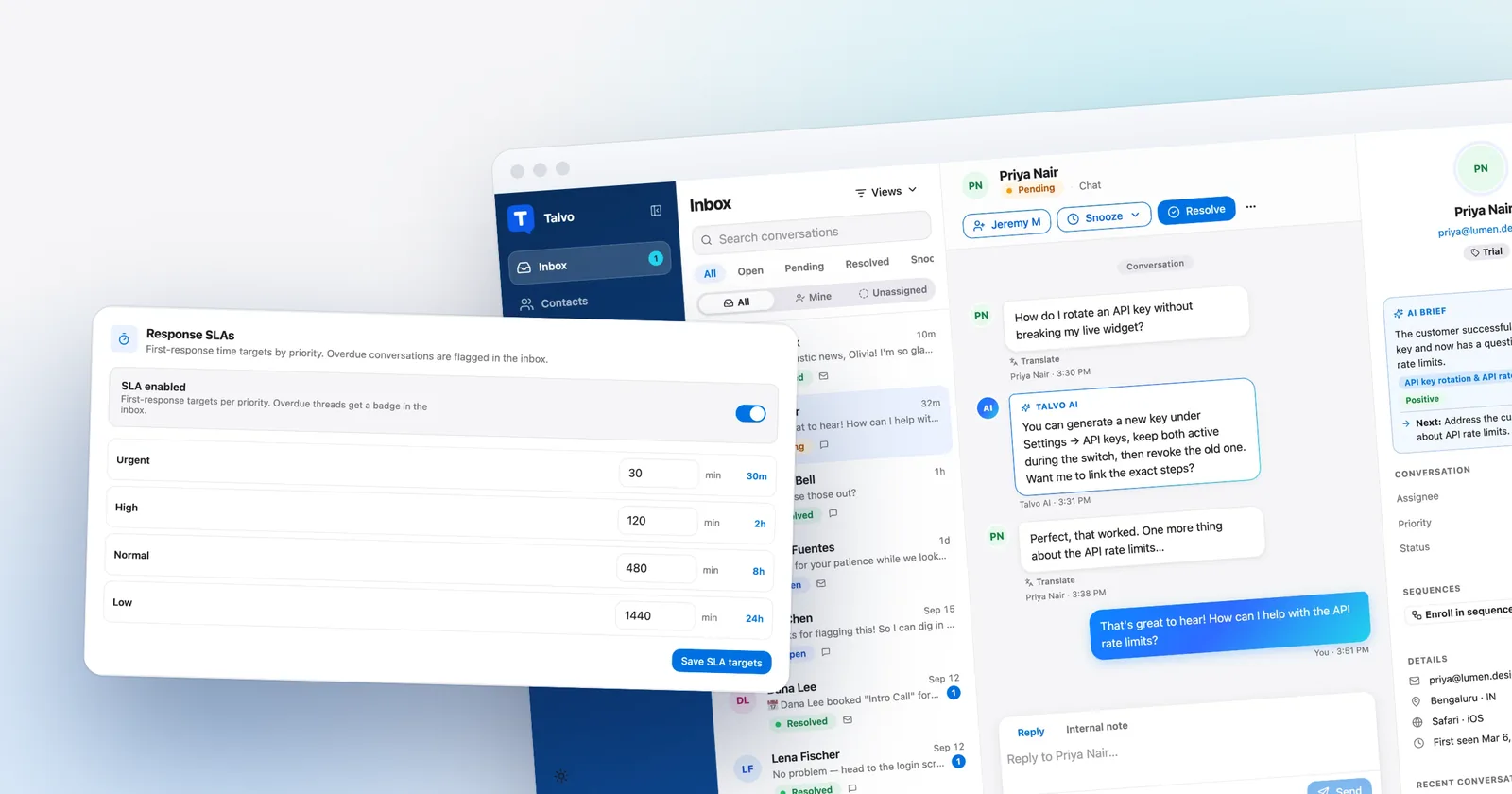
Process and structure. Zoho has Blueprints, multi-department setups, multi-brand help centers on Enterprise, community forums from Standard, and custom reports and dashboards. Talvo has routing rules, SLA policies and workflows on its Growth plan ($149 a month), but no departments, multi-brand help centers or customer portal.
The help center. Zoho maps a custom domain from Express. Talvo's hosted help center has no custom domain and shows "Powered by Talvo", which can't be removed.
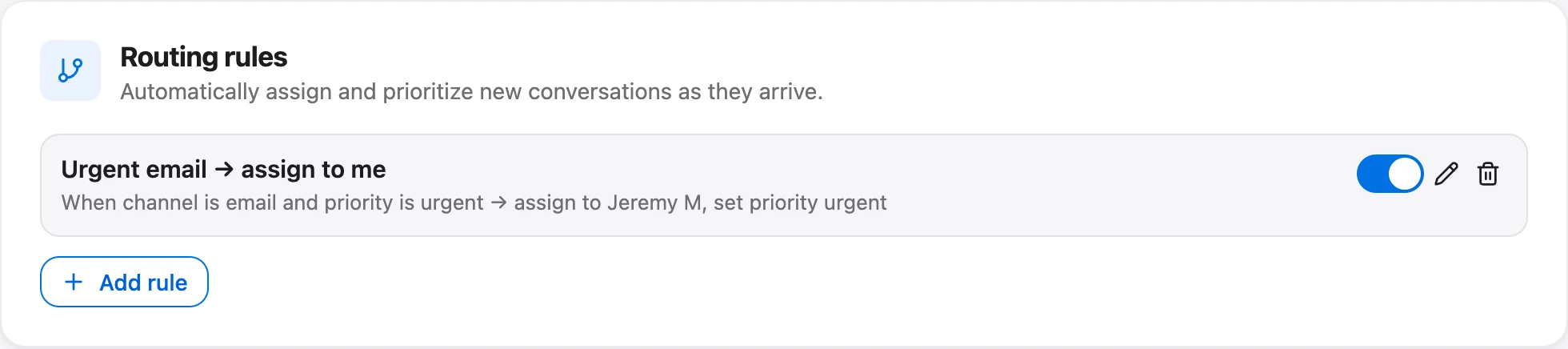
Zoho's round-robin assignment is on Professional and up. Talvo's is on its Growth plan and up, and it strictly rotates by who was assigned least recently: it skips teammates who are away, but it doesn't check who's online, caps nothing and doesn't reassign if someone goes away later.
Where Talvo is the better fit
Talvo's case is narrower, and it is mostly about chat and AI arriving together. The AI price is one number you can read before you buy. Chat is on every plan, including Free, which has 2 teammates and 25 AI resolutions a month during the beta. Teammates up to the plan limit don't change the bill, so a hire doesn't raise it. Features that Zoho puts behind a plan, such as a public help center, are there from Free: the hosted help center and a public feedback board and changelog are on every plan.
Where its numbers are best is the light-AI table above: small teams, modest AI volume, chat plus email, no need for Zoho's suite. Where they aren't is a ten-seat team using thousands of AI answers a month with Zoho's low seat price and a cheap token bill.
- Seat prices among the lowest of the full help desks, plus a free plan for three users
- Same vendor and suite as Zoho CRM
- WhatsApp, Telegram, WeChat, LINE, Messenger, Instagram, social channels and telephony
- Blueprints, multi-department and multi-brand help centers, custom help center domain
- Full website chat (SalesIQ) is Enterprise only
- AI is metered by token or your own key, so there is no per-conversation price
- Zoho's FAQ and comparison table disagree on user limits, so confirm yours
- One workspace price with chat, AI, inbox and help center included
- $0.49 per AI resolution, and hand-offs are never billed
- Website chat on every plan, including Free
- Imports public help centers by address and contacts by CSV
- Chat and email only: no phone, WhatsApp, SMS or social
- No Zoho or CRM integration, SOC 2, SSO or HIPAA
- Beta product with no reviews yet; past tickets don't migrate
- Crisp Essentials~$120–$170/mo$95 per workspace + AI at Crisp's estimate of $0.05–$0.10 per conversation, less $25 of included credits · Estimate: top-up rate and annual prices aren't published
- Talvo Scale$299/mo$299 per workspace, 2,000 AI resolutions included
- Help Scout Standard$900/mo5 users × $30 + 1,000 AI resolutions × $0.75
- Intercom (Fin) Essential$1,185/mo5 seats × $39 + 1,000 Fin outcomes × $0.99 · Workflow automation needs Advanced ($85–$99 per seat)
- Zendesk Suite Team$2,295/mo5 agents × $69 + 975 AI resolutions × $2.00 (25 included) · $1.50 each with a committed 100+ purchase
Estimates from each vendor's published list prices, checked October 21, 2026. Assumes the cheapest plan that includes live chat and an AI agent, and that every AI-resolved conversation is billable. Excludes taxes, promotions, add-ons (such as agent copilots) and per-use channels like SMS or WhatsApp. Talvo's annual price includes extra resolutions at the same $0.49, billed once a year.
Switching from Zoho Desk to Talvo
Here's the order that costs least. The help center and contacts move; tickets and automations don't.
- Run Talvo beside ZohoPaste the widget script on a slice of traffic or a staging page. Don't cancel Zoho yet.
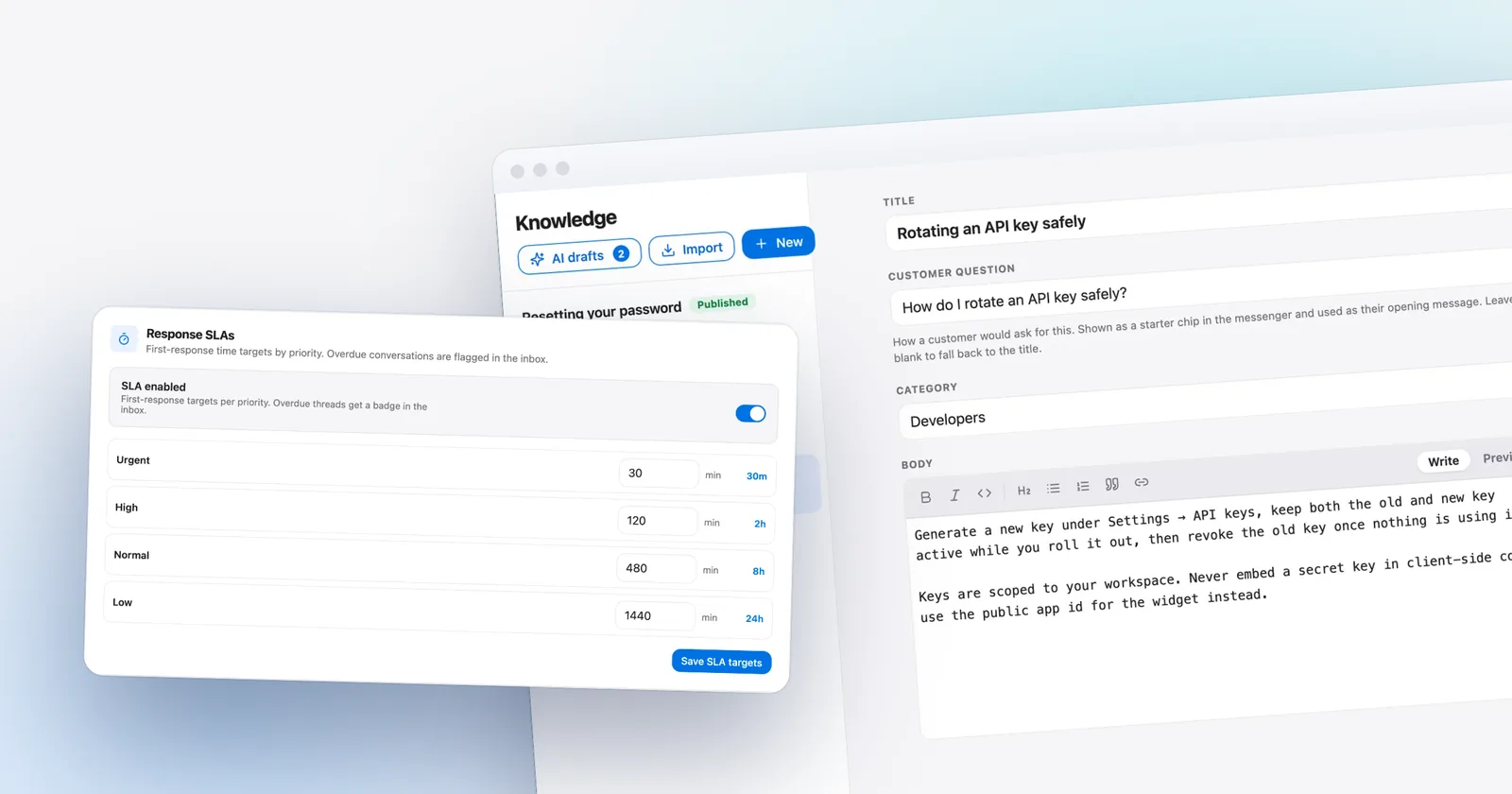
- Import your help centerOn the Knowledge page, paste your public help center address (how it works). Zoho Desk isn't one of the importer's listed sources and the generic crawl reads server HTML only, so check what the scan finds. If it can't read your site, paste articles in by hand.
- Publish what's accurateImports arrive as drafts, and the AI only answers from published articles.
- Import contactsUpload a CSV with name, email, company and phone. Matching is by email, so re-running is safe.
- Forward your support emailPoint your support address at the forwarding address in Settings, Inbox so replies thread into one conversation.
- Rebuild automations by handMacros become canned responses, and assignment rules become routing rules or workflows (both on Talvo's Growth plan and up).
Talvo doesn't import past tickets or email history, so export what you need to keep. Replies go out from Talvo's sending address with your workspace name as the display name; there's no custom sending domain, and they won't show in your Gmail Sent folder.
- Do customers contact you by WhatsApp, Telegram or phone? If yes, stay on Zoho
- Is Zoho CRM central to how your team works?
- Which Zoho plan are you on, and is your chat Business Messaging or SalesIQ?
- How many AI answers a month do you expect, and what does your provider bill for them today?
- Does your help center need a custom domain?
Talvo vs Zoho Desk: the verdict
Stay with Zoho Desk if the Zoho suite, its channels or its seat price are the reasons you chose it. Most small teams with an email-heavy inbox and a few agents will do fine on its free plan or Express, and paying Talvo's workspace price for that would be a mistake.
Look at Talvo if website chat and AI answers are what you're missing, you don't want to move to Zoho's Enterprise plan to get them, and a beta product that does chat and email only is enough. For the wider field, see Zoho Desk alternatives for small teams, per-seat vs flat pricing for the cost model, and the messenger for what Talvo's widget does.
Which should you choose?
- you want website chat and an AI agent without paying for Zoho's Enterprise plan
- your AI volume is modest and the answers you want fit inside the plan's included resolutions
- you want one workspace price that doesn't rise with each hire, up to the plan limit
- chat and email are your only channels and you can accept a beta product
- you use Zoho CRM or other Zoho apps and want tickets beside the customer record
- customers reach you by WhatsApp, Telegram, WeChat, LINE, social channels or phone
- price per agent matters most, or you have many seats and heavy AI use
- you need Blueprints, multi-brand help centers or a custom help center domain
Frequently asked questions
Which Zoho Desk plan has live chat?
Two kinds exist. Business Messaging, a chat widget described for logged-in customers, starts at Standard ($14 per user annually, $20 monthly) with one channel. Live chat powered by Zoho SalesIQ is listed only on Enterprise, at $40 per user annually or $50 monthly.
What is a good Zoho Desk live chat alternative?
If you want website chat and AI answers without Zoho's Enterprise plan, Talvo and Crisp bundle chat with an inbox at flat workspace prices. Talvo's website chat is on every plan including Free, and its AI is $0.49 per resolution beyond the included amount. It has no phone, WhatsApp or Zoho integration.
Is Talvo cheaper than Zoho Desk?
Sometimes. With light AI use, 3 or 5 agents cost $39 annually or $49 monthly on Talvo's Starter plan, below Zoho Standard's $42 to $100. With heavy AI use, Zoho's seat-only totals are lower, but they exclude Zoho's AI cost, which is billed by token or through your own provider's key.
How is Talvo's AI priced compared with Zoho's?
Talvo bills a conversation the AI answered end to end from your published articles at $0.49 beyond the included 100, 500 or 2,000 a month. Zoho's agent platform bills by token, with 30 million free a month on its standard tier and $1.00 per million after, so Zoho cannot be quoted as a price per conversation.
Does Zoho Desk have a free plan and does Talvo?
Both do. Zoho Desk's free plan covers 3 users with email ticketing and no live chat. Talvo's Free plan covers 2 teammates with the chat widget, two-way email, a shared inbox, a hosted help center and 25 AI resolutions a month during the beta.
What does Talvo not have that Zoho Desk does?
Talvo has no telephony, WhatsApp, Telegram, WeChat, LINE, SMS or social channels, no Zoho or CRM integration, no custom help center domain, no SOC 2, SSO or HIPAA, and no departments or multi-brand help centers. It is also a beta product with no reviews.
Can I move my Zoho Desk help center to Talvo?
You can try. Talvo imports a public help center from its address as drafts, but it reads server-delivered HTML only and Zoho Desk is not one of its listed sources, so check what its scan finds first. If it fails, paste articles in. Contacts import by CSV; past tickets do not move.
Sources
Other products' prices and features change. We checked these pages on October 21, 2026; if something is out of date, tell us and we'll fix it.
- Zoho Desk pricing page (US prices, checked Oct 21, 2026)
- Zoho Desk plan comparison (checked Oct 21, 2026)
- Zoho SalesIQ pricing (checked Oct 21, 2026)
- Zoho Agents pricing (checked Oct 21, 2026)
- Talvo pricing (checked Oct 21, 2026)
- Talvo help: What counts as an AI resolution
- Talvo help: Switching from another help desk